Faithful Restoration vs. Creative AI Upscaling
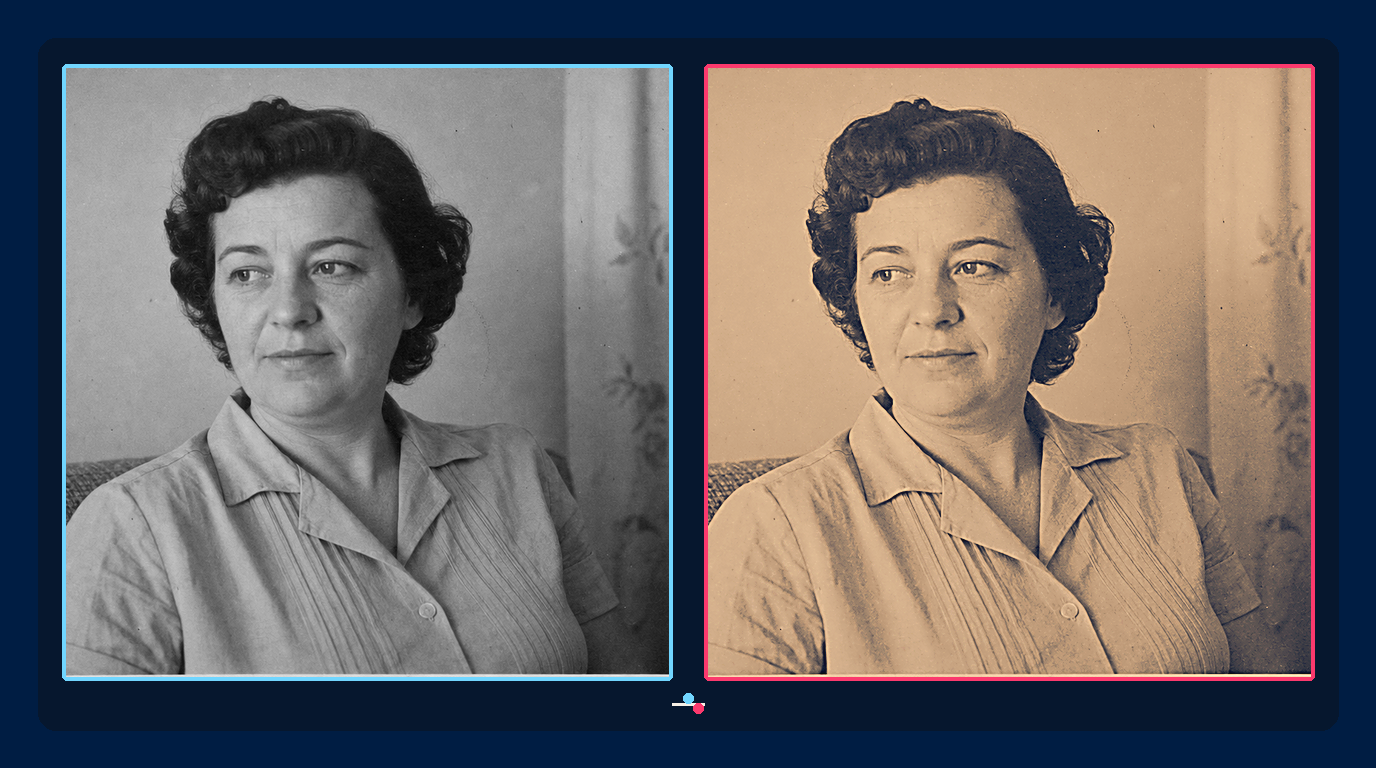
Photo restoration and creative upscaling can start with the same low-resolution image and still pursue different outcomes. A faithful workflow tries to preserve what the source supports. A creative workflow allows plausible new texture when visual impact matters more than documentary certainty.
Neither approach is universally better. The mistake is using a generative result for a family archive, museum record, evidence file, or product reference without acknowledging that some details may have been inferred.
Why a sharp result is not always faithful
Single-image super-resolution is an underdetermined problem. Many high-resolution images can produce the same small input after downsampling. A model can therefore generate a result that looks realistic while choosing eyelashes, fabric weave, hair strands, lettering, or facial detail that the source cannot verify.
Research on the perception-distortion tradeoff explains why perceptual realism and pixel-level fidelity are competing objectives. More recent super-resolution work continues to evaluate this balance rather than treating perceived sharpness as proof of accuracy.
This is especially visible in faces. A generative model may produce a convincing portrait that downscales well to the original, yet alter eye shape, expression, age cues, or hairline. The PULSE paper describes face super-resolution as finding realistic high-resolution images that downscale to the low-resolution input. That makes the output plausible, not a recovered record of the person.
Define the restoration objective first
Write down how the image will be used before selecting a model or strength setting.
Faithful restoration
Use a conservative workflow for family archives, journalism, research, cultural heritage, insurance records, and evidence. The priorities are identity, geometry, marks, provenance, and reversibility. Remove defects only when their location can be distinguished from subject detail.
A faithful result may remain soft. It may retain grain, fading, or an uncertain region because those limitations belong to the available evidence.
Creative upscaling
Use a creative workflow for concept art, decorative prints, fictional imagery, and visual development where new detail is welcome. The priorities can shift toward texture, local contrast, and a coherent high-resolution appearance.
The output should still be labeled in the production record as a generated interpretation. If it depicts a real person or historical event, avoid presenting invented detail as documentary fact.
A faithful restoration workflow
- Scan the best available original. Capture sufficient resolution and bit depth, keep the photograph flat, and avoid clipping highlights or shadows.
- Preserve a master file. Store an untouched source and work on copies. Record scanner settings, date, owner, and any known history.
- Correct global defects first. Straighten, crop, balance broad tonal shifts, and remove color cast before local repair.
- Repair observable damage. Address dust, isolated scratches, tears, and stains at a view where surrounding structure is visible. Do not erase real wrinkles, freckles, jewelry, handwriting, or film grain by assumption.
- Use restrained denoising and sharpening. Apply the minimum needed to improve viewing. Check eyes, teeth, fingers, hair, patterned fabric, signs, and architecture at full size.
- Upscale once. Compare the result with a conventional interpolation baseline and with the source at matched display size.
- Export a derivative. Keep the master, restoration layers, model settings, and final file together.
How to detect identity drift
Reviewing only the finished image makes invented detail hard to notice. Use synchronized views of the exact same crop at the same scale. Toggle between source and result, then inspect stable landmarks:
- distance and angle between eyes;
- shape of eyelids, nostrils, lips, ears, and jaw;
- hairline and parting;
- moles, scars, wrinkles, and asymmetry;
- buttons, jewelry, insignia, text, and background objects.
Ask someone who knows the subject to review portraits. For an archive, compare against other dated photographs. If two generated variants produce different facial features from the same source, those details are not reliable.
When creative detail is useful
Creative upscaling is useful when a low-resolution artwork needs to fill a print, when a generated scene needs coherent material texture, or when an art director wants a polished interpretation rather than a reconstruction. It can also create options for a damaged background after the historically important subject has been isolated.
Keep creative work on a separate branch. Save a conservative restoration first, duplicate it, and then allow stronger texture generation. A clear filename such as portrait-restored-faithful and portrait-creative-interpretation prevents the files from being confused later.
Colorization needs its own label
Colorization is an interpretation even when the geometry remains unchanged. A grayscale photograph rarely contains enough evidence to identify the exact color of clothing, walls, vehicles, or skin. Models use learned associations to select plausible colors, and those associations can be historically or culturally wrong.
Keep a restored monochrome version as the reference. If known colors are available from family notes, uniforms, product catalogs, paint records, or another photograph, record those sources. Mark all remaining color as inferred. This lets viewers enjoy the colorized derivative without confusing it with the best-supported restoration.
Choosing tools and settings
Test Deep-Image.ai Image Upscale at a modest scale before adding other enhancement steps. If the photograph is faded or poorly balanced, compare a separate Auto Enhance pass, but keep the operations reversible and evaluate them independently.
For every candidate, check three things:
- source consistency: shapes and identity remain aligned;
- artifact control: no waxy skin, repeated texture, halos, false lettering, or invented edges;
- fitness for purpose: the amount of interpretation matches the intended use.
A simple decision rule
If the image must answer “what was there?”, choose the conservative branch and preserve uncertainty. If it must answer “what could this look like as a polished new visual?”, a creative branch is appropriate. When both are useful, publish them as separate outputs with explicit labels.
Faithful restoration is not a promise that AI can recover lost truth. It is a disciplined effort to avoid adding unsupported information. Creative upscaling is not a failed restoration. It is a different production objective, and it works best when that objective is stated honestly.
