Resolution
303MP
Largest result: 17408 × 17408 px; up to 1024 MP on subscriptions of 1,000+ credits a month
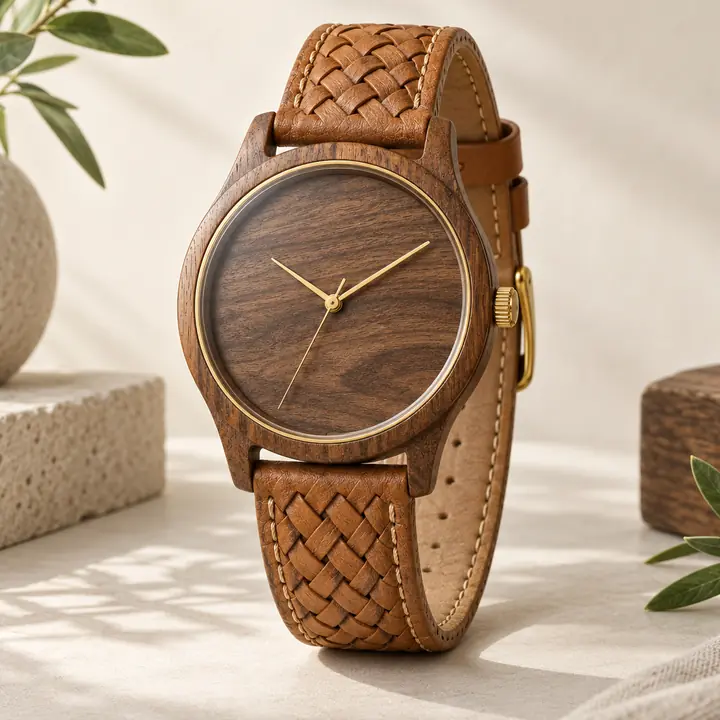
Make small images big and sharp. Upscale up to 16× or 300 MP and get print-ready resolution in seconds.
Pick what you print and how big your image is – see the pixels the print needs and the scale that gets you there.
What will you print?
How big is your image?
Print quality
You need
3508 × 2481 px
8.7 MP at 300 DPI
Upscale 3×
Your image needs 2.2× – 3× covers it.
Resolution
303MP
Largest result: 17408 × 17408 px; up to 1024 MP on subscriptions of 1,000+ credits a month
Scale
2–16×
2×, 4×, 8× or 16×, or a target size such as 4K, 8K or a print size
Formats
JPGPNG · WEBP
In: JPG, PNG, WEBP, HEIC and more. Out: JPG, PNG or WEBP
Input
16.8MP
Largest photo on free plans (4096 × 4096 px); more on paid plans
Batch
50images
Upscale up to 50 images at once in AI Enhancer PRO
One pass
1processing
Upscale, enhance and remove the background in one step
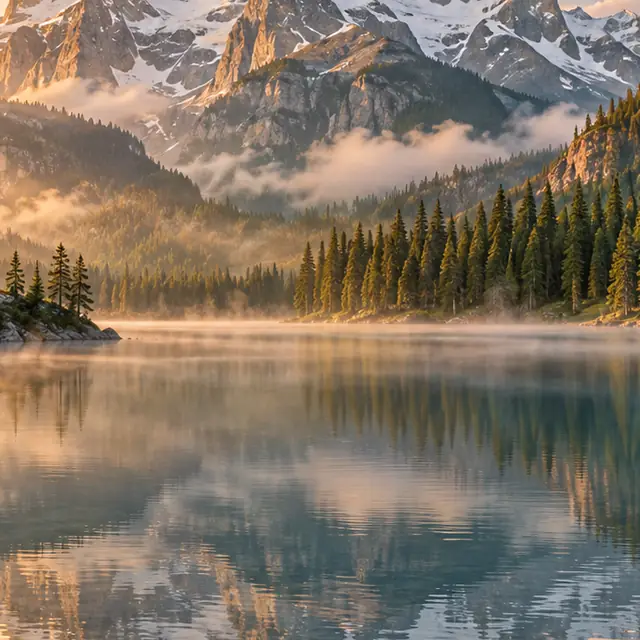
Turn web-size images into posters, canvases and print-on-demand products at 300 DPI.

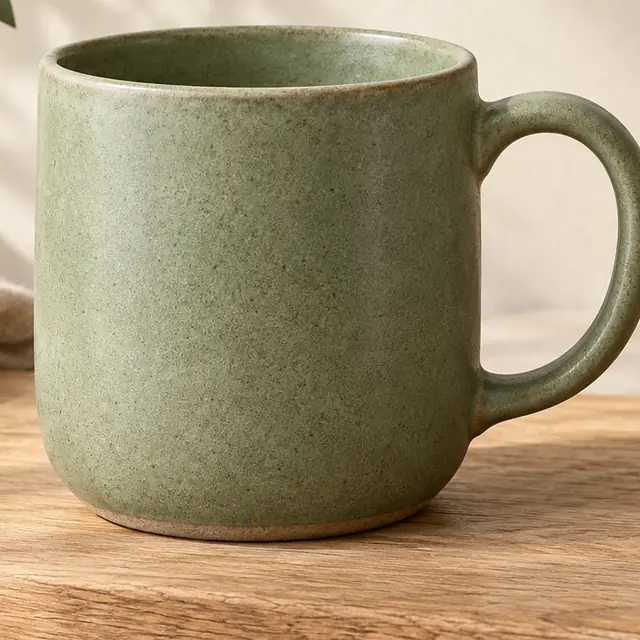
Meet the image size marketplaces ask for and let buyers zoom in on details.


Images from Midjourney, Flux or other generators, upscaled for print and posters.
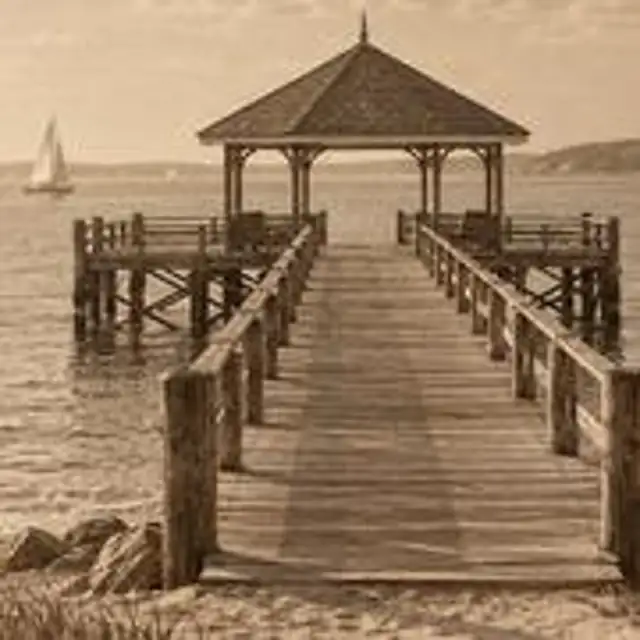
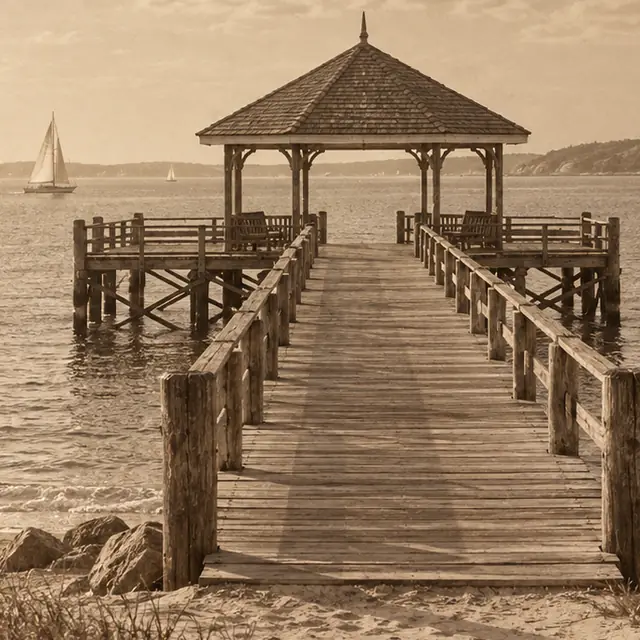
Enlarge scans and old digital photos so they print and display well.


Get crisp edges on logos, icons and drawings when no larger file is left.

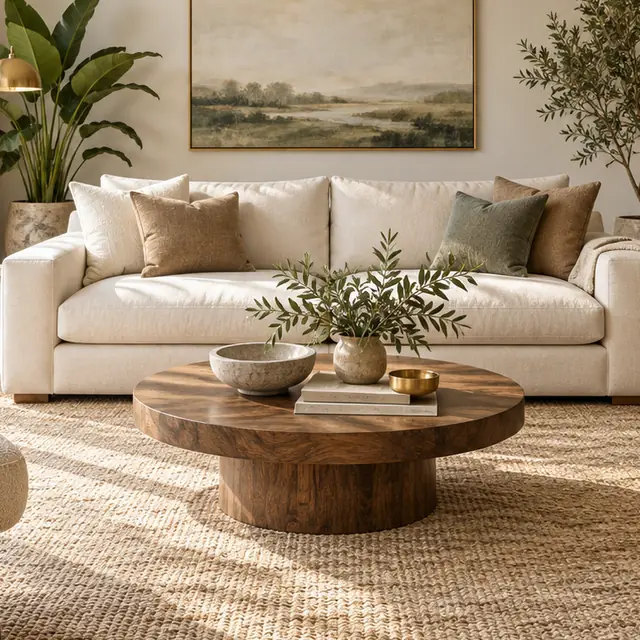
Sharper listing and interior photos for property portals and print brochures.
BATCH
Upload a whole set to AI Enhancer PRO and set the size in pixels or as a scale.
Open AI Enhancer PRO →API
Upscale up to 50 images at once in AI Enhancer PRO, or at any volume through the API. Set the scale or the target size with one parameter.
curl -sf https://deep-image.ai/rest_api/process_result \
  -H "x-api-key: $DEEP_IMAGE_API_KEY" \
  -F "image=@photo.jpg" \
-F 'parameters={"width": "400%", "height": "400%"}'Without an account
Upload and upscale instantly
Free account
Sign up, no credit card
PRO
Subscription or pay-as-you-go credits
Everyone can download a free Preview (JPG, 500 px on the long edge). The full-resolution file needs an account.
Yes. Without an account you can upscale up to 3 images a day at 2× or 4×, see the full-resolution result with a watermark and download a free Preview (500 px on the long edge). A free account unlocks full-resolution downloads (with a watermark) and higher scales. Paid plans remove the watermark and go up to 300 MP – see plans.
Up to 16× or 300 megapixels (17408 × 17408 px) on paid plans. Free accounts can upscale up to 16 MP.
No. The AI adds detail instead of stretching pixels, so edges and textures stay sharp.
Enter the print size and DPI in the calculator. It shows the resolution you need and the right scale. For 300 DPI prints, use 4× or more on typical phone or web images.
Yes. Choose 4K or 8K in “Target size”, or pick a scale.
An upscaler increases resolution. An enhancer fixes light, color, noise and blur without changing size. You can do both in one run in AI Enhancer PRO.
Yes. Images from Midjourney, Flux or other generators upscale well for print and posters.
Yes, up to 50 images at once in AI Enhancer PRO, or at any volume through the API.
Yes. See the Image Upscaling API documentation.
Photos processed without an account are deleted, with all their files, after 24 hours.
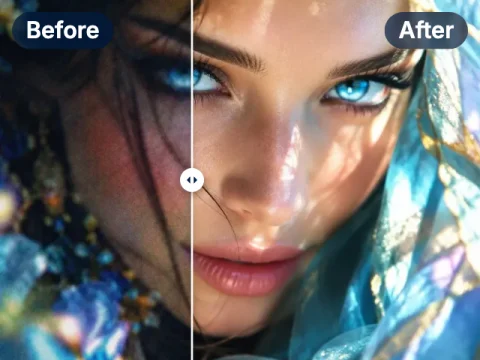
Fix blur, noise, lighting and colors in one click.
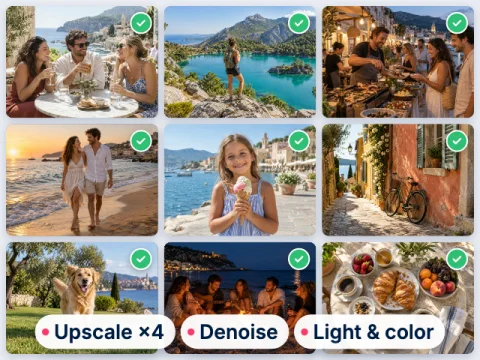
Upscale and enhance up to 50 images at once.
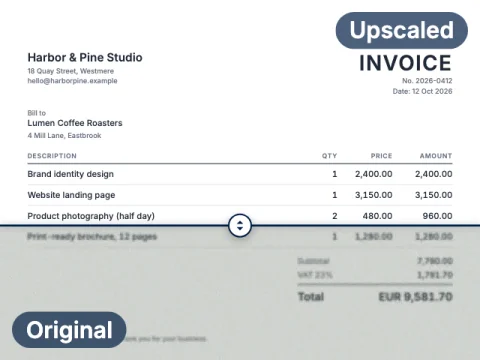
Sharpen scans and photos of documents and text.
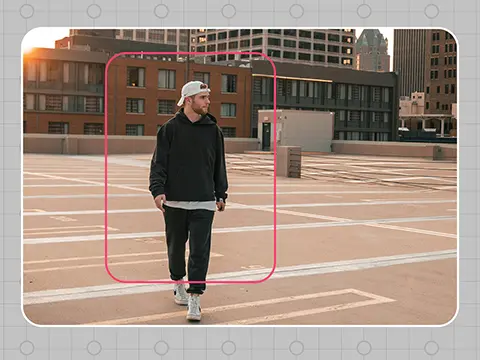
Extend an image beyond its edges, e.g. for print bleed.
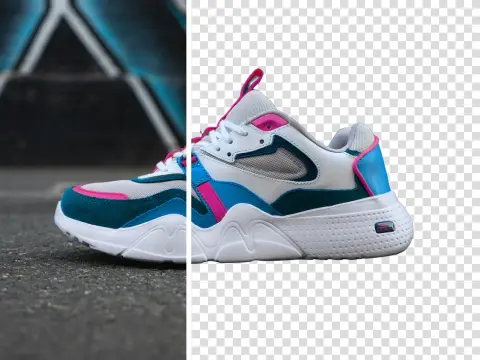
Cut out the subject on a transparent background.
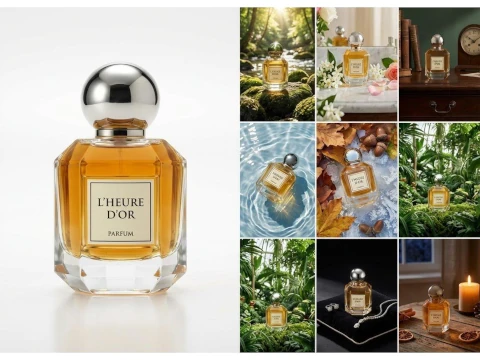
Studio-quality product packshots.
3 free images a day, no sign-up. Full resolution with a free account, or go PRO from $7.50 with no watermark.