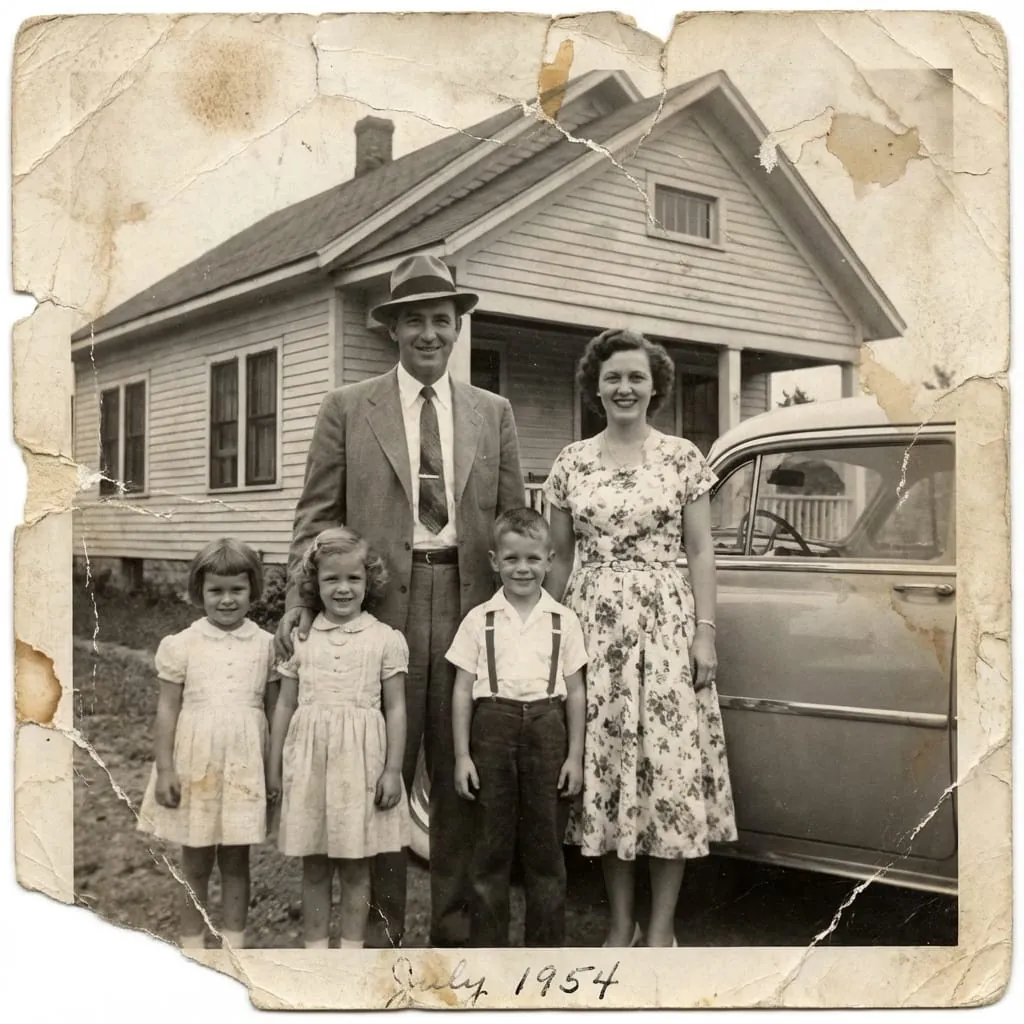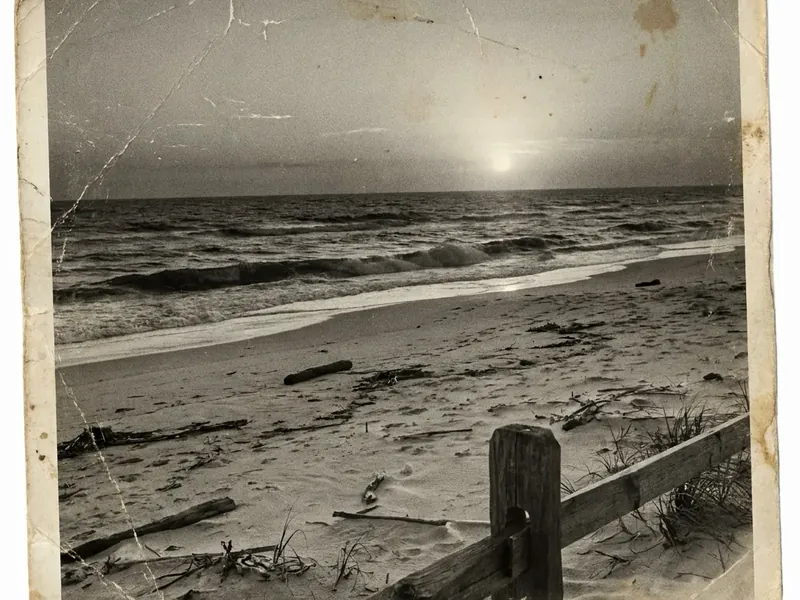
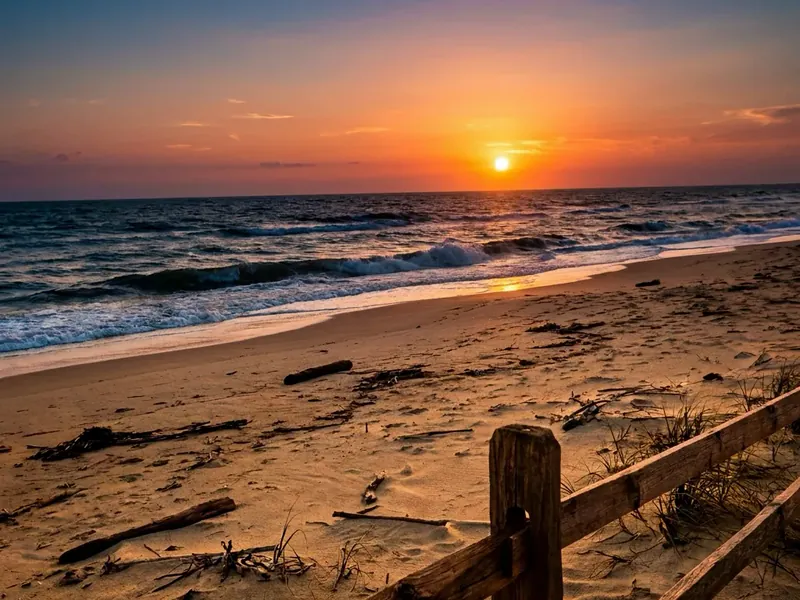
Scratches and creases
Removes scratches, dust, fold lines and cracks while keeping the look of the original print.
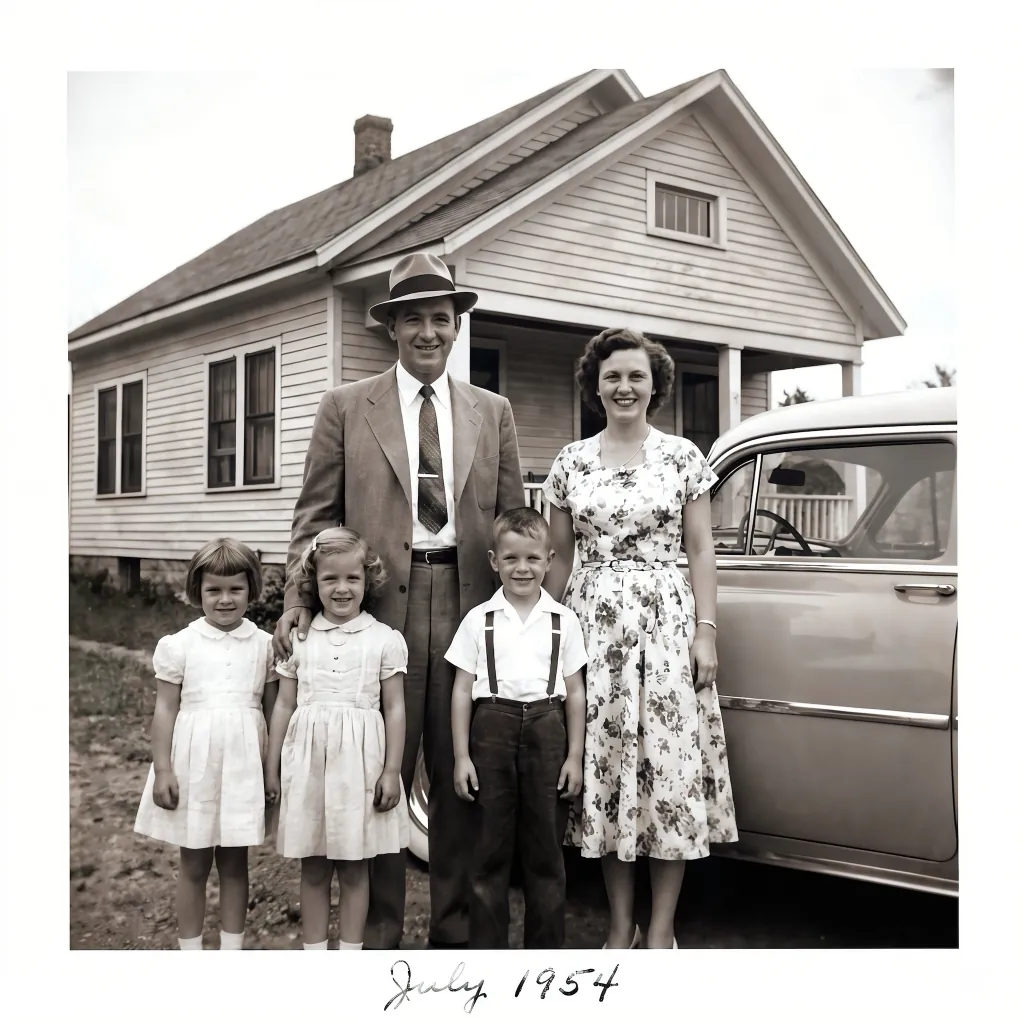
Bring faded, scratched and torn photos back to life in seconds. Upload a scan or a phone photo of the print, choose a preset and compare the results.
3 free restorations a day · No sign-up needed
Different presets give different results. Some gently repair the photo and keep its original look, others rebuild more detail or add stronger color.
Old prints age in familiar ways: they fade, crack, fold and tear. AI photo restoration repairs the most common kinds of damage in one step, without manual retouching.
Removes scratches, dust, fold lines and cracks while keeping the look of the original print.
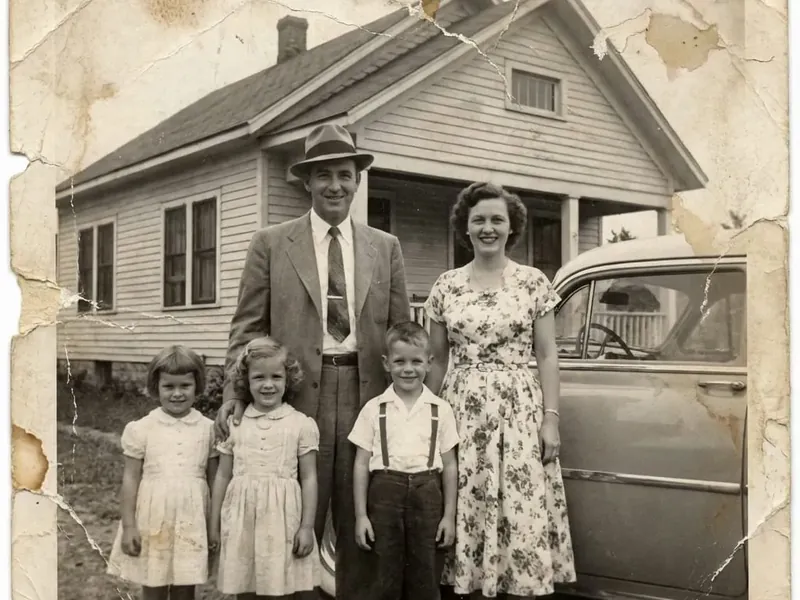
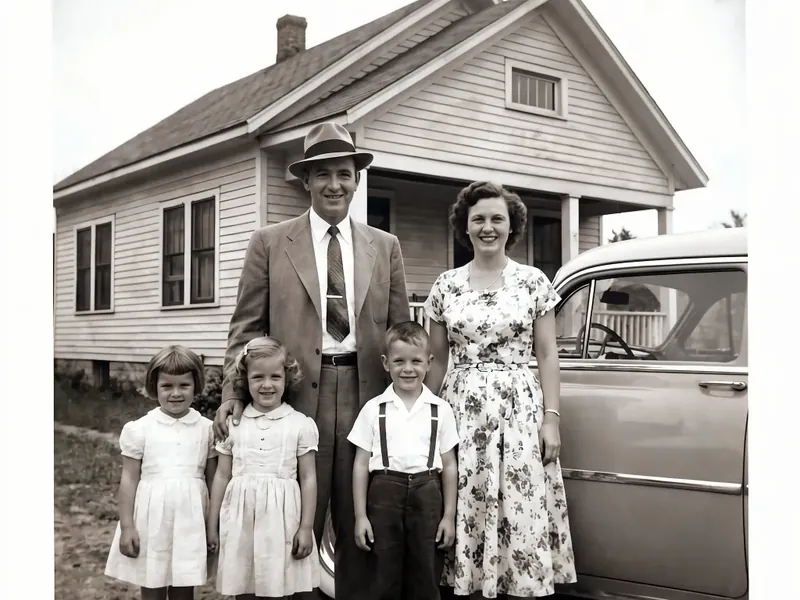
Rebuilds torn corners, holes and missing areas so the photo looks whole again.
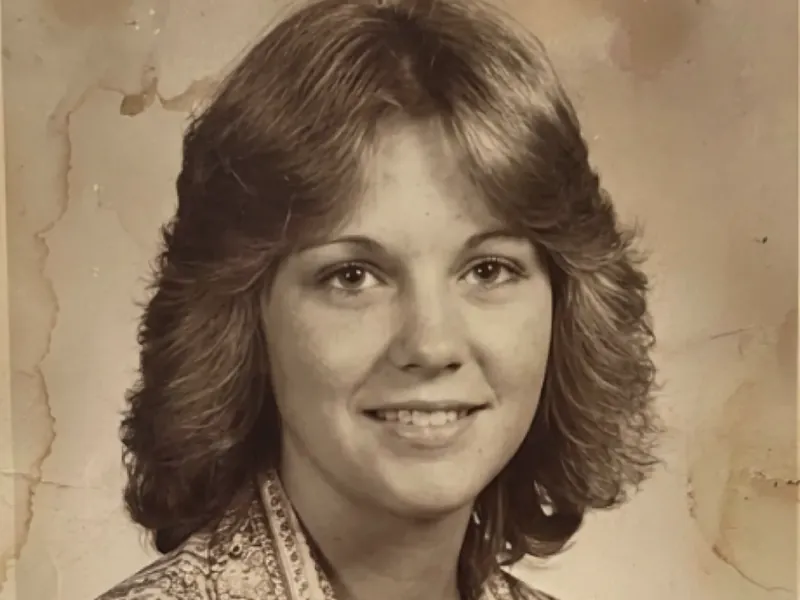
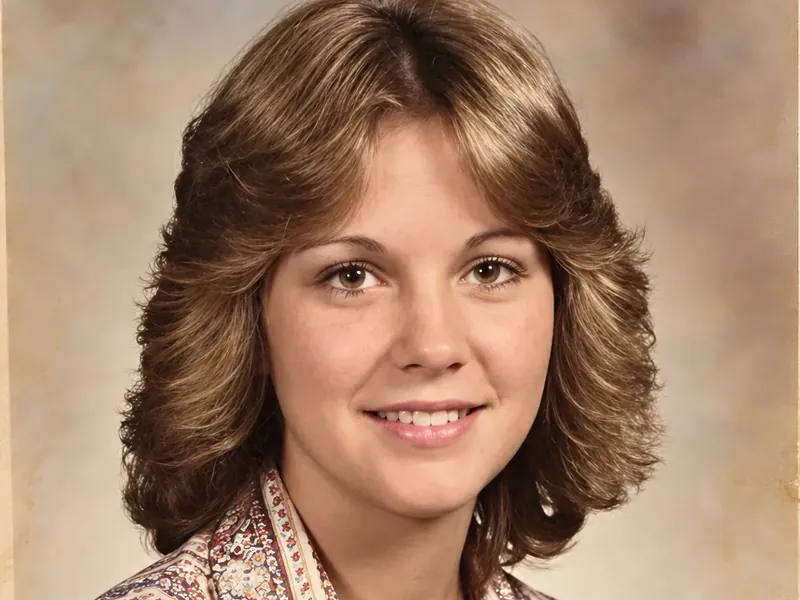
Brings back contrast and natural tones in photos that have faded, yellowed or turned red over time.
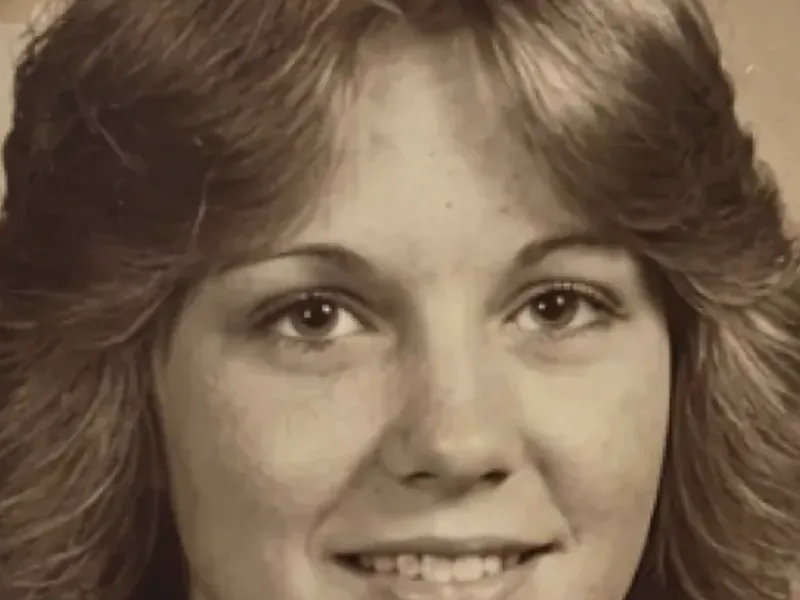
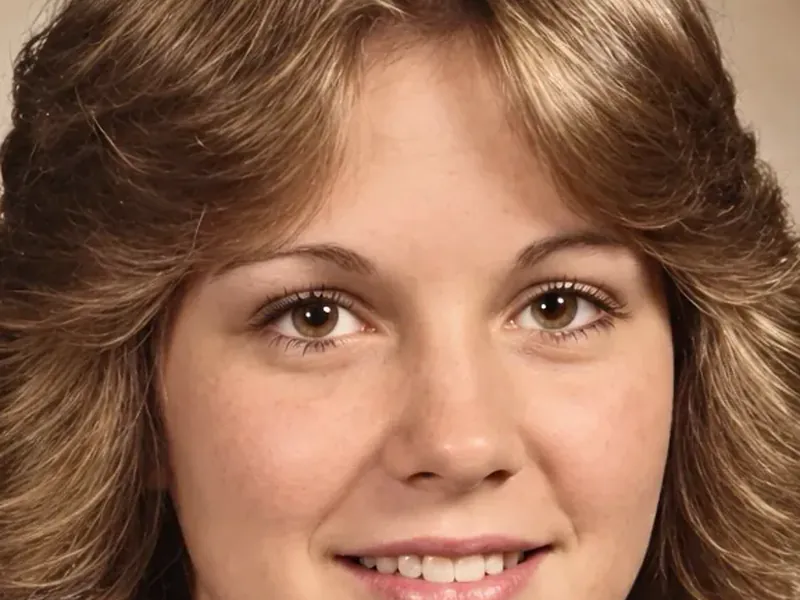
Sharpens soft and tiny photos, making faces and small details easier to see.
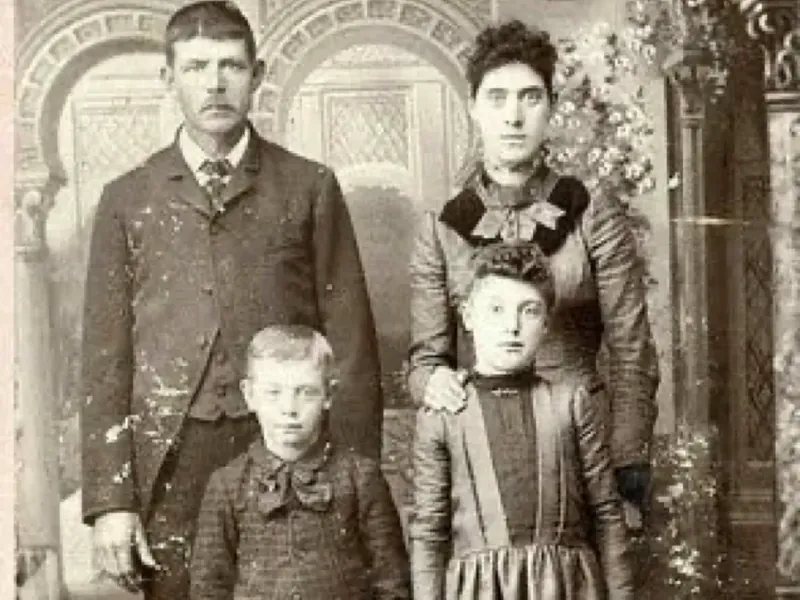
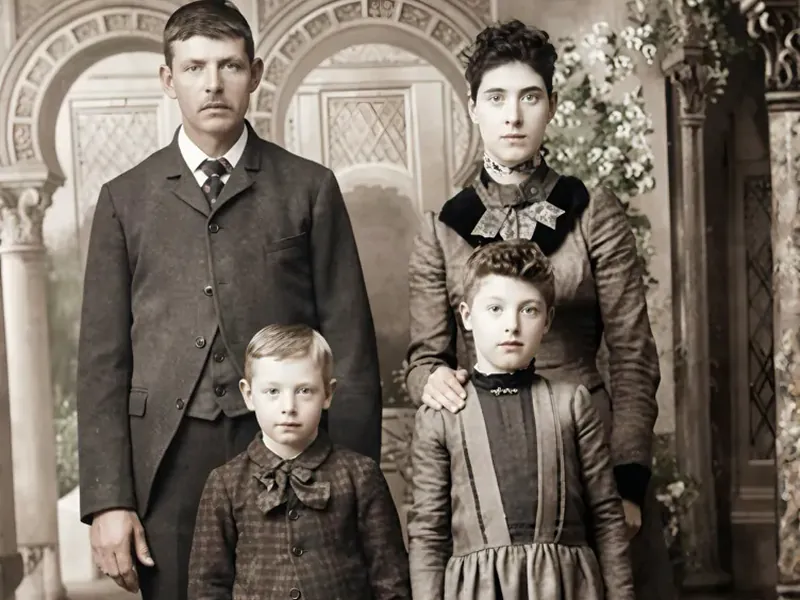
Cleans film grain, spots, water stains and scanner noise.
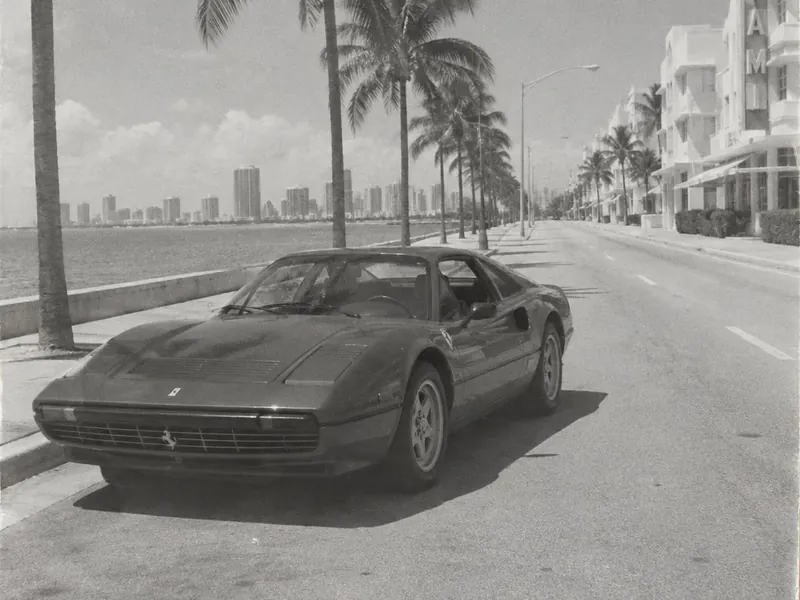
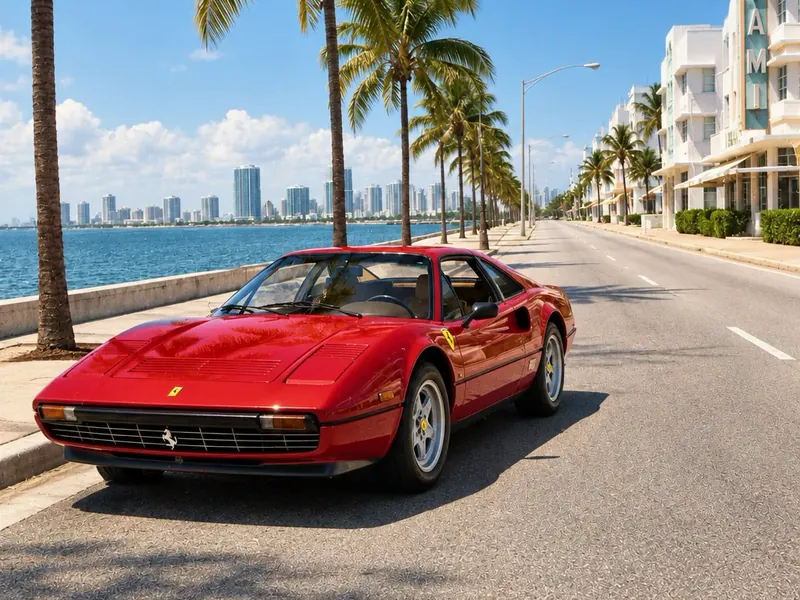
Restores monochrome photos. Depending on the preset, the result stays close to black and white, gets a subtle touch of color or comes to life with fuller, natural colors.
Scan the print or take a photo of it with your phone.
Start with the free Natural Photo Correction preset or pick another one. Restoration takes just a few seconds.
Drag the slider to compare before and after, try another preset if you like, and download your restored photo.
The AI looks at the whole photo – faces, clothes, background and the type of damage – and recreates how the picture most likely looked before it was damaged. Instead of copying nearby pixels like a clone tool, it rebuilds missing details based on the rest of the image. For a detailed walkthrough, see our step-by-step guide to restoring an old photo.
Every preset restores photos in its own way. Some stay very close to the original and only repair the damage. Others rebuild more detail, which helps with badly damaged photos. Color works the same way: gentle presets keep black-and-white photos close to the original or add only a subtle touch of color, while others add fuller color.
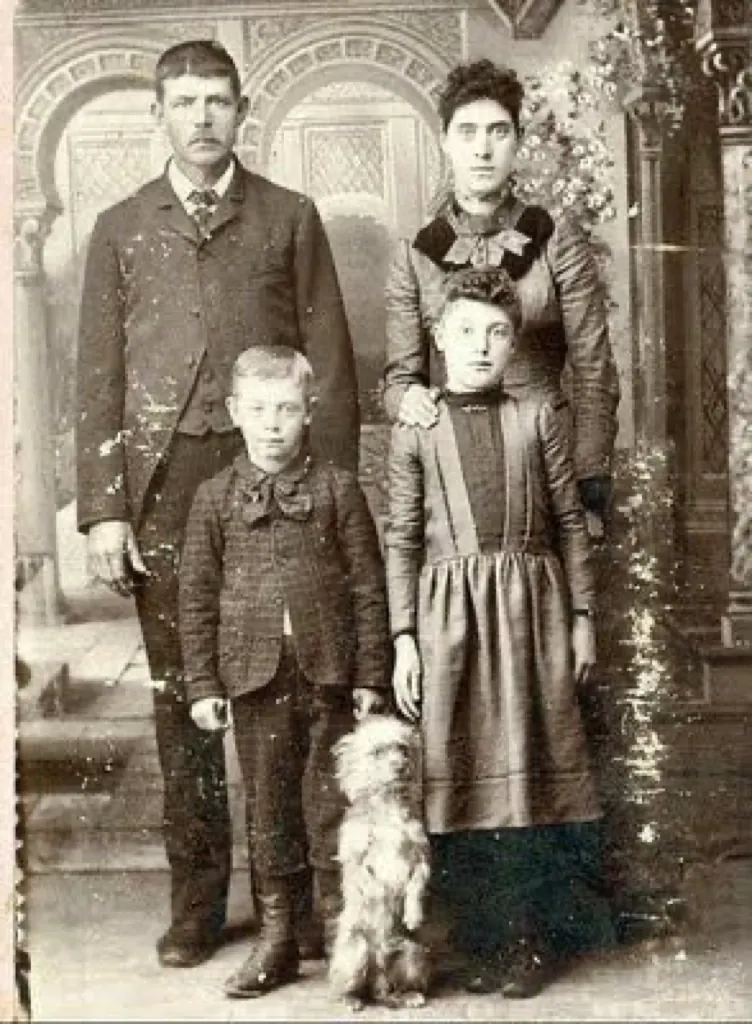
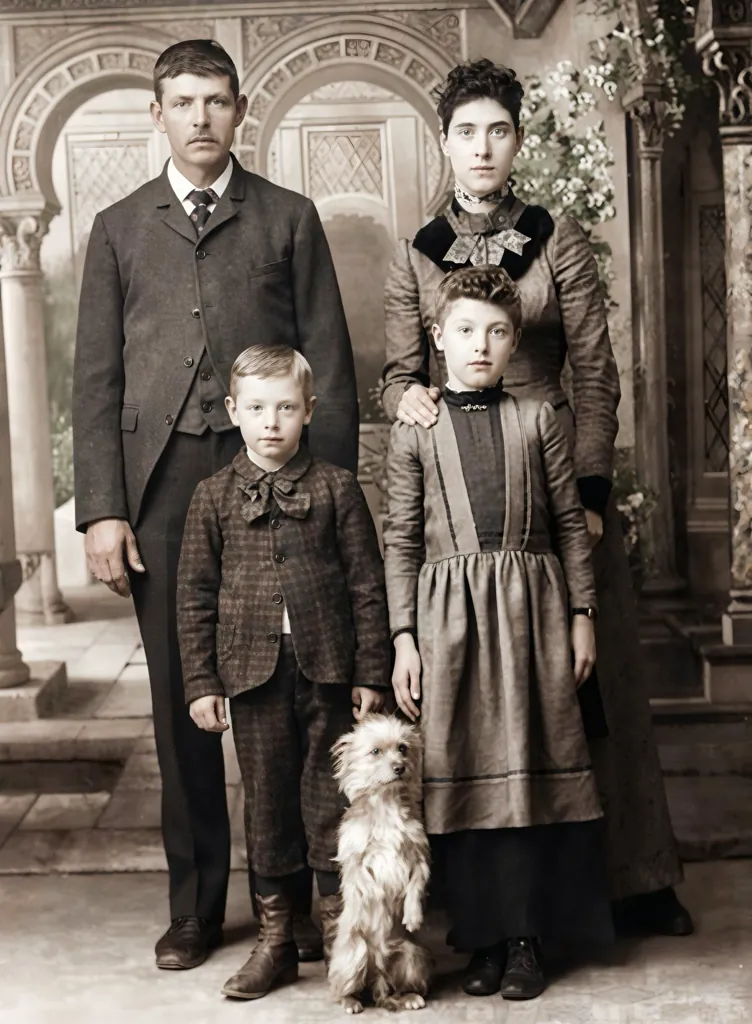 BeforeAfter · Natural Photo Correction
Choose Natural Photo Correction or Auto Enhance Tone Correction. They are the least invasive presets: they fix exposure, contrast, color and detail while preserving the original scene.
Recommended presets
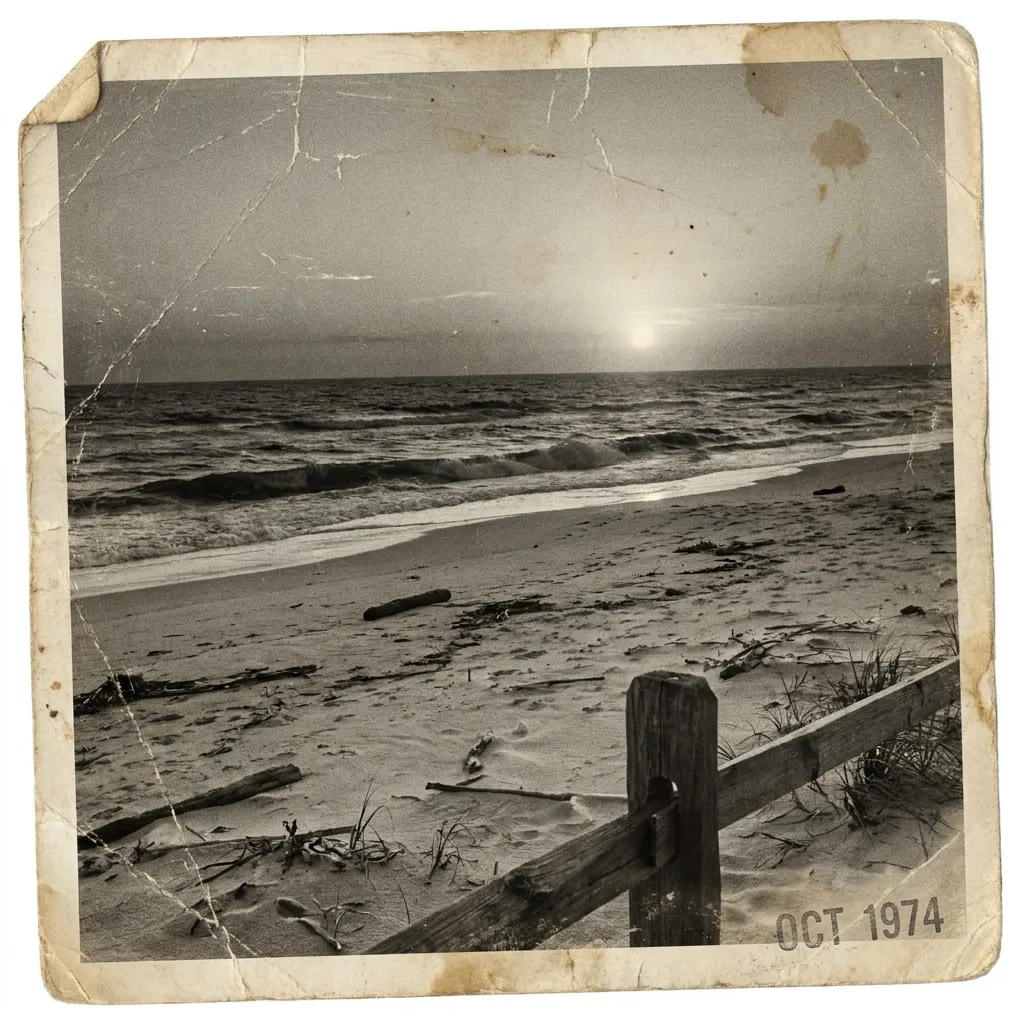
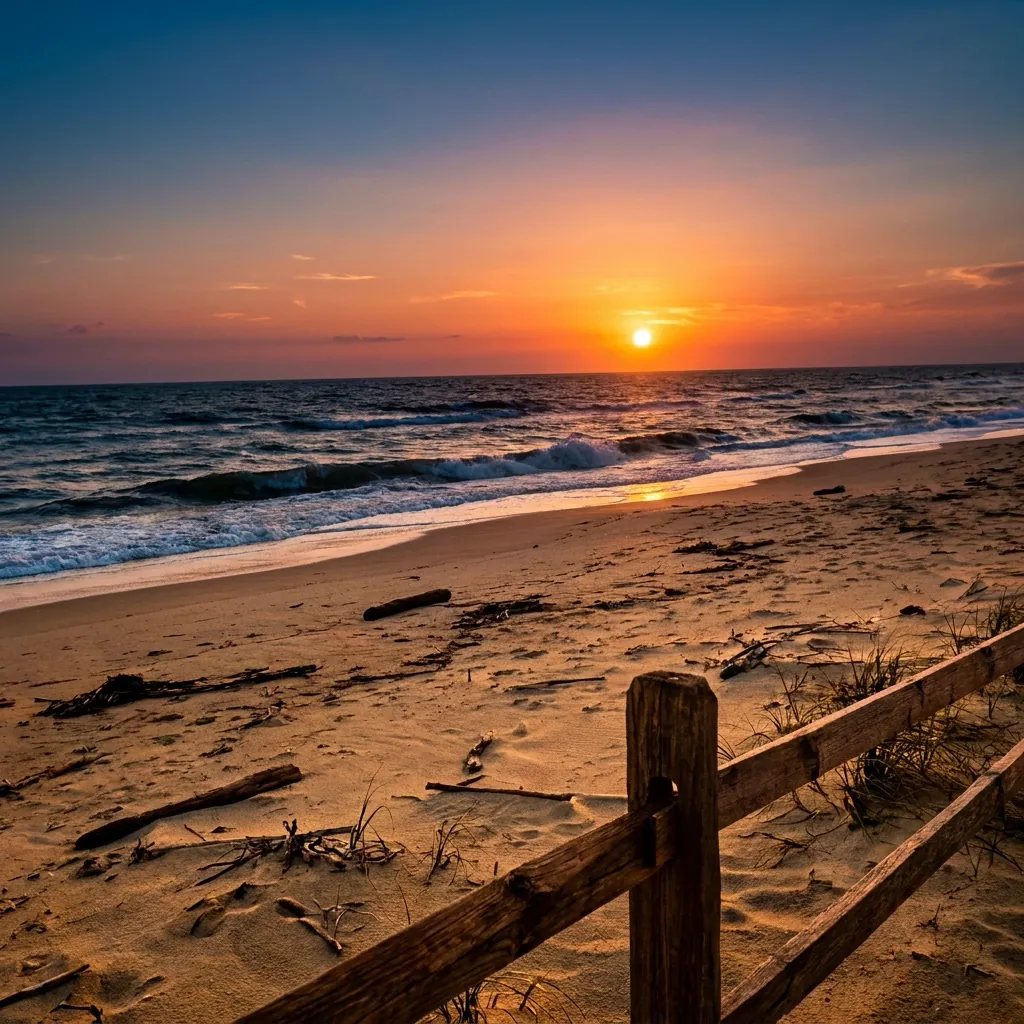 BeforeAfter · Cinematic feel
Choose a preset that rebuilds more detail, such as Auto Enhance Pro.
Recommended presets
You can restore the same photo with several presets and keep the version you like best – you don't need to upload it again.
Because AI rebuilds what is missing, small details – especially on badly damaged faces – may look slightly different from the original. Colors added to black-and-white photos are the AI's interpretation, not historical records. Always compare the result with the original.
A better input gives a better restoration:
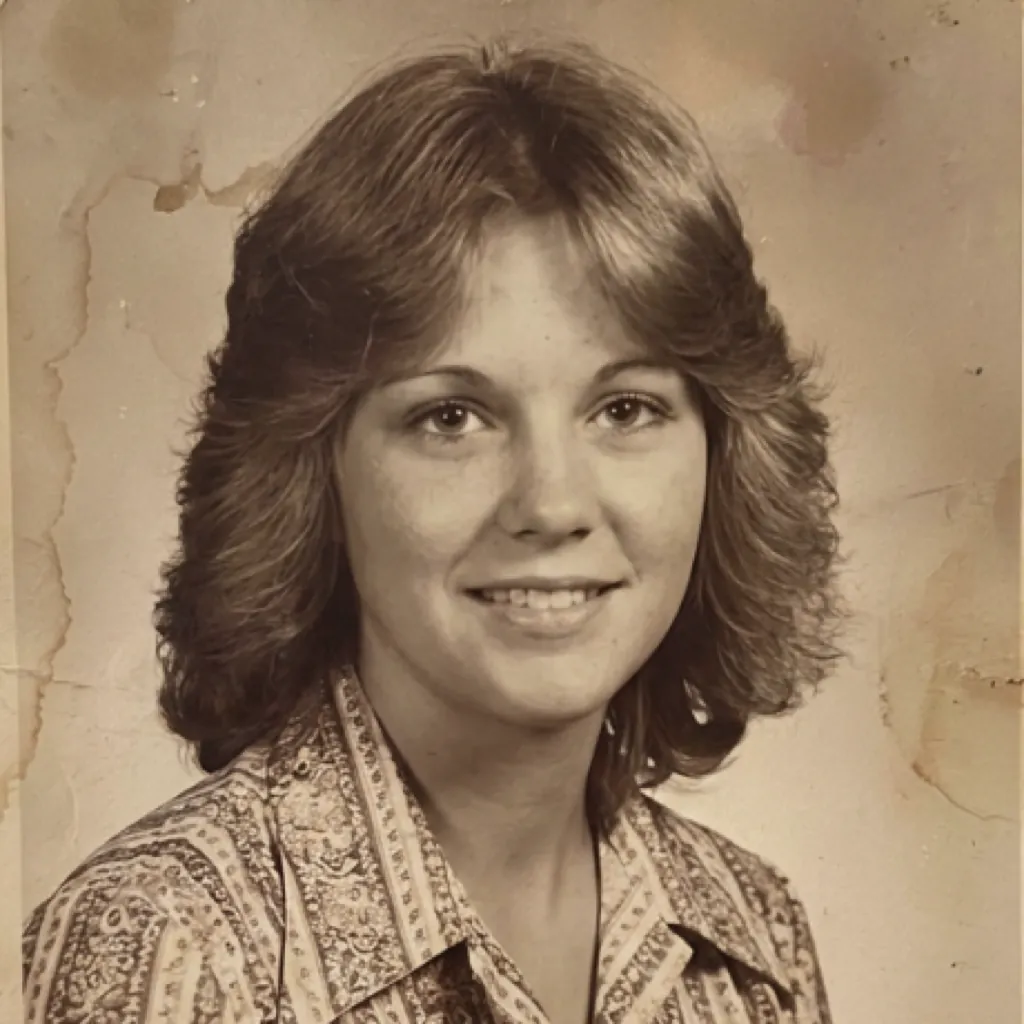
Use a scanner at 600 DPI if you have one. Small prints benefit from higher resolution.
Photographing with a phone? Use soft daylight, avoid glare and flash, and hold the phone parallel to the print.
Take the photo out of the frame if you can do it safely – glass causes reflections.
Don't crop damaged edges – leave them in, so the AI can repair them.
Clean the print gently with a soft, dry brush to remove dust before scanning.
Restore the photos of parents and grandparents and share them with the whole family.
Give a face to your family tree with clear portraits of your ancestors.
Restore a photo, enlarge it with the Image Upscaler and print it as a gift.
Prepare restored photos for memorial boards, slideshows and anniversary albums.
Restore whole collections in bulk through the API.
API
Archives, libraries, photo studios and genealogy services can restore large collections automatically. Send photos through the Deep-Image API, choose the preset and get restored images back in your workflow.
curl -sf https://deep-image.ai/rest_api/process_result \
  -H "x-api-key: $DEEP_IMAGE_API_KEY" \
  -F "image=@old-photo.jpg" \
-F 'parameters={"preset": "photo_restoration_natural"}'Without an account
Upload and restore instantly
Free account
Sign up, no credit card
PRO
Subscription or pay-as-you-go credits
Everyone can download a free Preview (JPG, 500 px on the long edge). The full-resolution file needs an account.
Yes. Without an account you can restore up to 3 photos a day with the Natural Photo Correction preset and download a preview (500 px on the long edge). A free account unlocks full-resolution downloads with a watermark. Paid plans unlock all presets and watermark-free downloads – see plans.
Scan the photo or take a picture of the print, upload it, choose a preset and click Restore. Compare the result with the original and download it.
Scratches, creases, tears, missing corners, fading, yellowing, stains, grain and blur. Results depend on the condition of the photo and the preset you choose. For a single damaged area, you can also use Inpainting.
Yes. Gentle presets such as the free Natural Photo Correction keep the original look and add only a subtle touch of color, if any. Other presets, available with an account, can add fuller color. The colors are generated by AI, so they may differ from the original colors.
Each preset restores photos in its own way: some stay close to the original, others rebuild more detail or add color. Try a few presets on the same photo and keep the result you like best.
For light damage and important faces, start with Natural Photo Correction or Auto Enhance Tone Correction – they change the least. For torn or heavily damaged photos, try a preset that rebuilds more detail.
AI rebuilds missing and damaged details, so faces may look slightly different, especially on heavily damaged photos. Compare the result with the original and try a less invasive preset, such as Natural Photo Correction, if needed.
Scan at 600 DPI, or photograph the print in soft daylight without glare, holding the phone parallel to it. Leave damaged edges in the frame.
Yes. Open the page on your phone, take a photo of the print or choose one from your gallery, and restore it in the browser.
Yes. For larger prints, increase the resolution with the AI Image Upscaler first.
Yes, through the Deep-Image API.
Photos uploaded without an account are deleted, with all their files, after 24 hours. For registered accounts, files are kept according to your plan and our privacy policy.
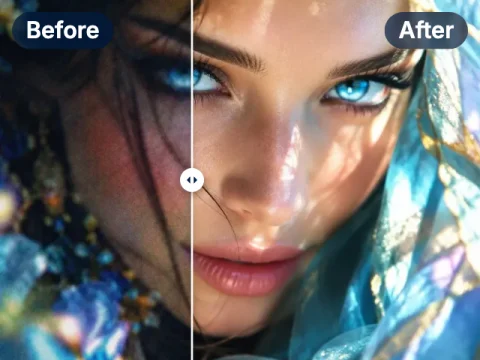
Fix blur, noise, lighting and colors of any photo in one click.
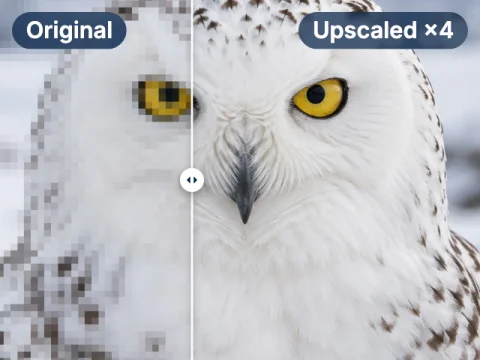
Enlarge restored photos for print, up to 303 megapixels.
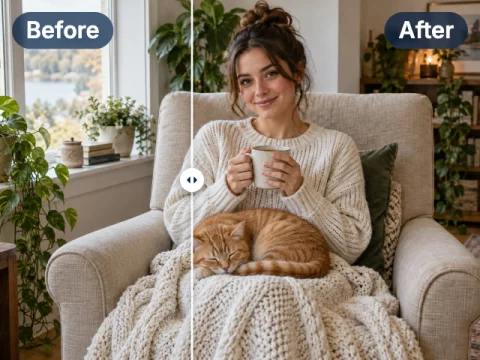
Repaint a single damaged area or remove an unwanted object.
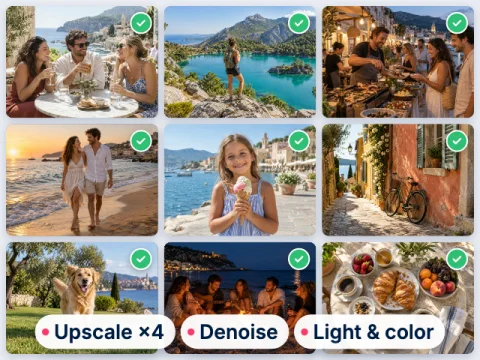
Enhance and upscale up to 50 photos at once.
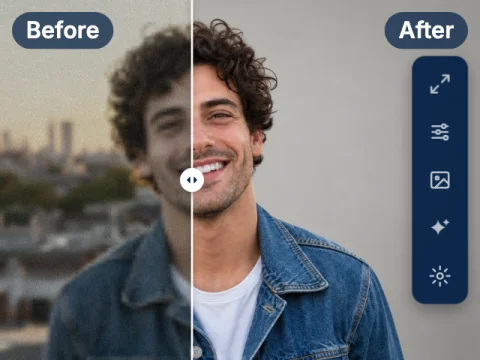
Full manual control over every enhancement.
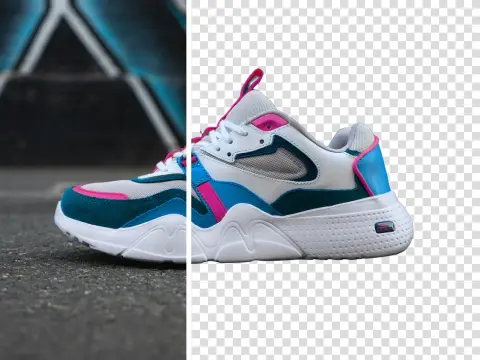
Cut out the subject on a transparent background.
Restore your first photo free
3 free restorations a day, no sign-up. Full resolution with a free account, or go PRO from $7.50 with no watermark.