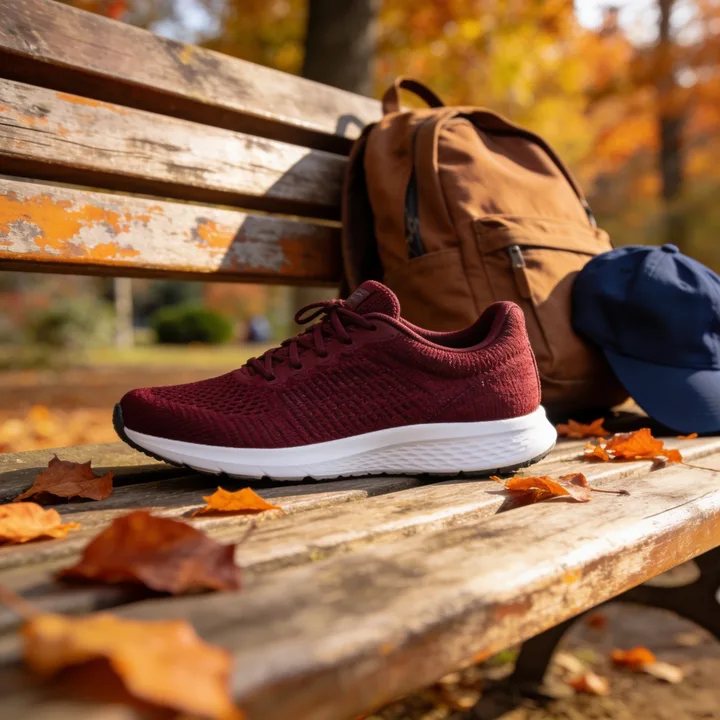
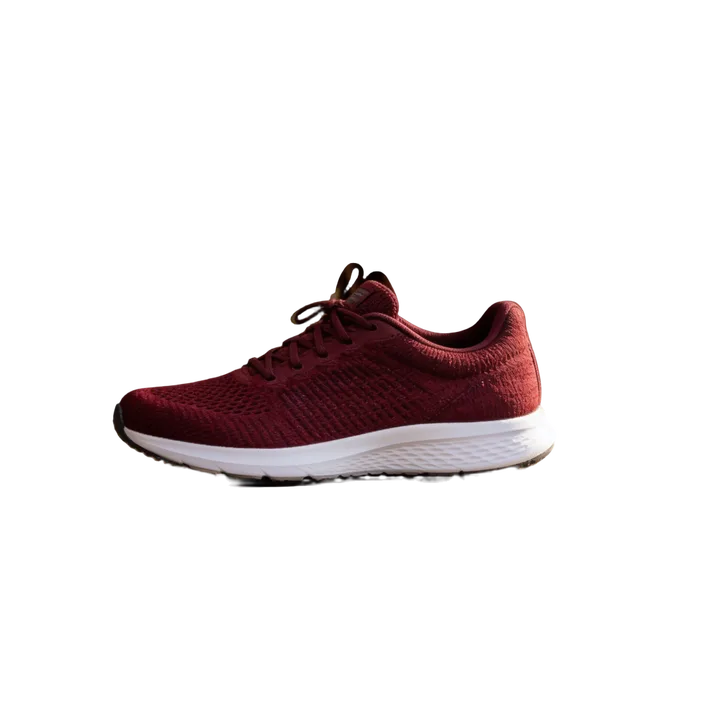
Prompt-Guided
Describe what should stay, e.g. "keep only the sneaker". Best when there are several objects in the photo.

Upload a photo and get a clean cutout in seconds. Choose from 6 AI modes for products, people and complex scenes.
remove.bg closes on 1 December 2026
Different photos need different cutouts. Pick the mode that fits yours, or start with General Purpose.
Describe what should stay, e.g. "keep only the sneaker". Best when there are several objects in the photo.
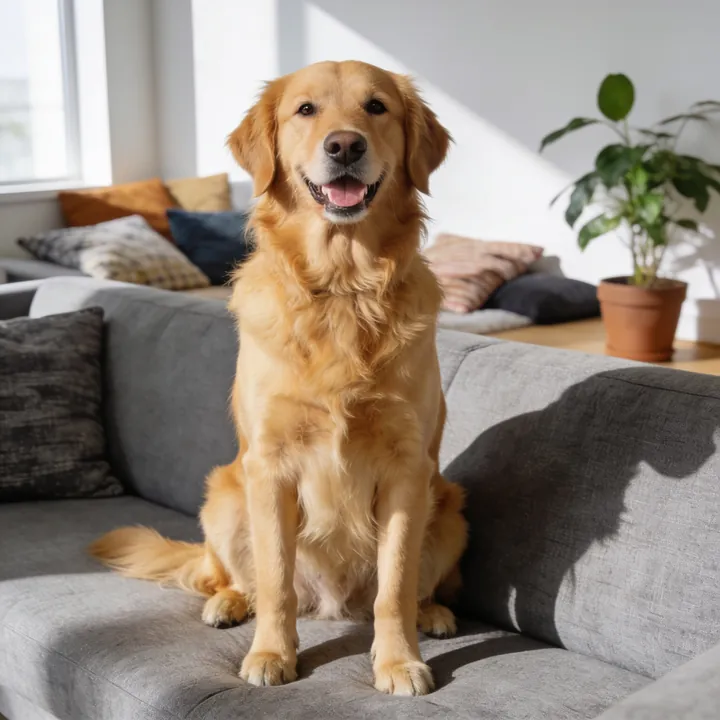
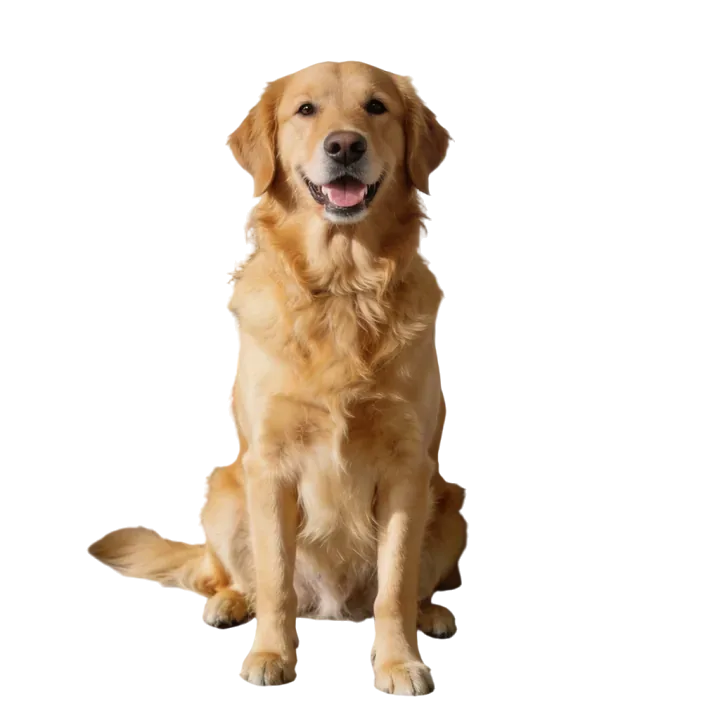
Balanced mode for most images. Start here if you're not sure.
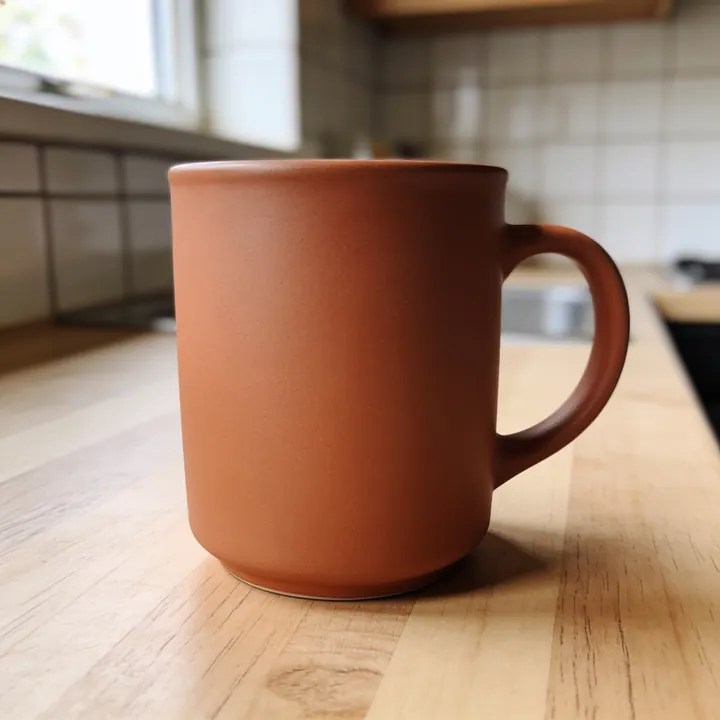
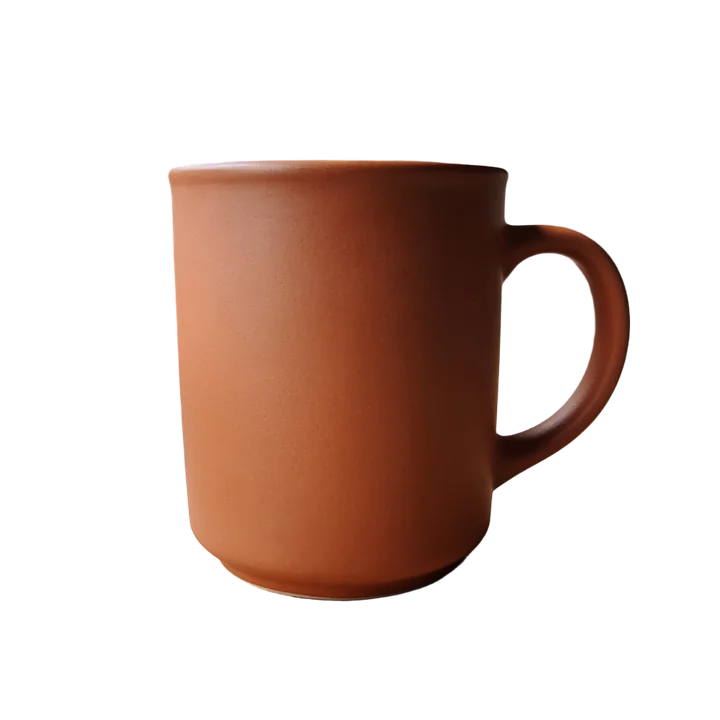
Fast and reliable for simple images with a clear subject.
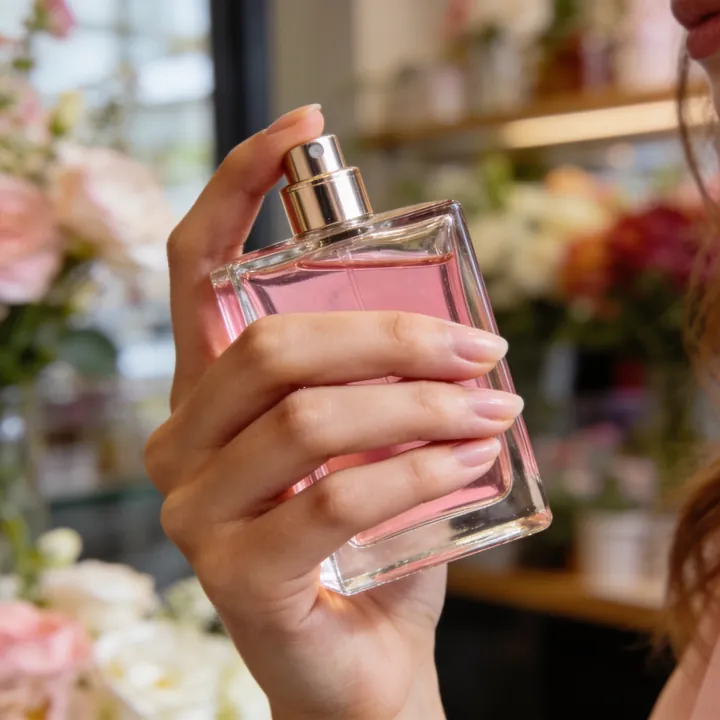
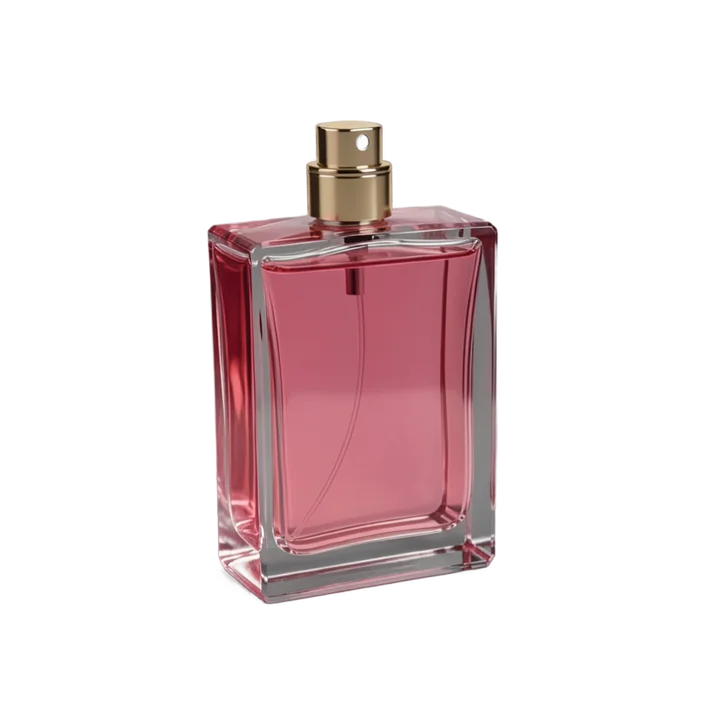
Reconstructs parts hidden behind hands or other objects, then removes the background.
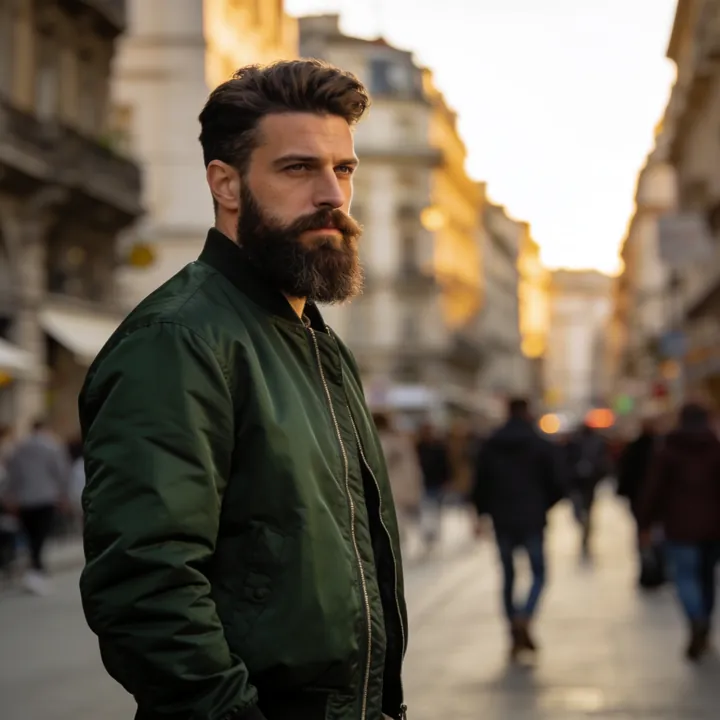

Optimized for people, faces, hair and clothing.
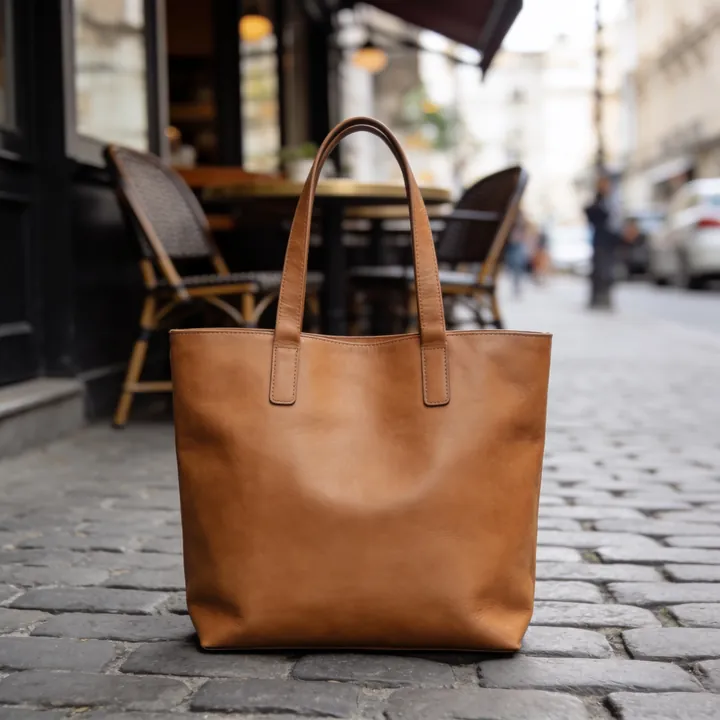
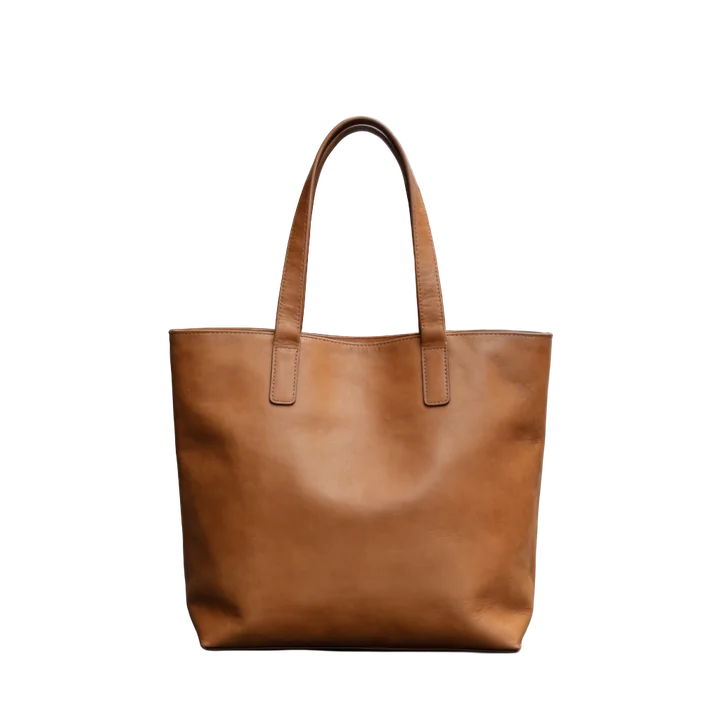
Optimized for products and objects, with clean edges for online stores.
Resolution
303MP
Result resolution; up to 1024 MP on subscriptions of 1,000+ credits a month
Batch
50photos
Batch background removal in AI Enhancer PRO
One pass
1processing
Background removal and upscaling in one step
Output
PNG+ WEBP
Output with a transparent background
Clean product photos sell better. Two modes are built for e-commerce:
Clean, sharp edges on products and objects, ready for your store.
Product / Item mode →A product held in a hand or partly covered is rebuilt first, so the cutout is complete.
Rebuild & Cutout mode →
Amazon, eBay, Etsy or Shopify: set a white background or create studio packshots.
BATCH
Upload a whole shoot to AI Enhancer PRO and pick background removal with the mode that suits it.
Open AI Enhancer PRO →API
Remove backgrounds from up to 50 photos at once in AI Enhancer PRO, or at any volume through the API. Choose the mode with one parameter.
INTEGRATIONS
Send photos from your storage or automation platform and get cutouts back.
curl -sf https://deep-image.ai/rest_api/process_result \
  -H "x-api-key: $DEEP_IMAGE_API_KEY" \
  -F "image=@photo.jpg" \
  -F 'parameters={"background": {"remove": "item"}, "output_format": "png"}'
Want to test Deep-Image or start migrating your workflow or API? Email support@deep-image.ai and we'll add free credits for testing.
Without an account
Upload and remove instantly
Free account
Sign up, no credit card
PRO
Subscription or pay-as-you-go credits
Everyone can download a free Preview (transparent PNG, 500 px on the long edge). The full-resolution file needs an account.
| Feature | RecommendedDeep-Image | remove.bgCloses 1 Dec 2026 | Photoroom |
|---|---|---|---|
| Removal modes | 6 modes | 1 model with a subject type (auto, person, product, car, animal…) | 1 model, optional HD and keep-main-object settings |
| Text-guided removal | Yes, Prompt-Guided | No | Yes, in preview (Plus API) |
| Rebuild hidden parts before the cutout | Yes, Rebuild & Cutout | No | No |
| Maximum result resolution | Up to 303 MP (1024 MP on larger subscriptions) | Up to 50 MP (10 MP as PNG) | 6,000 px on the longest side (5,000 px in the Plus API) |
| Upscaling in the same processing | Yes | No | Yes, in preview (Plus API, small inputs only) |
| API | Yes | Self-service API stops on 1 December 2026 | Yes |
| Bulk processing | Up to 50 photos in the app, any volume via API | Desktop app and API | Batch mode in the web app; API one image per request |
Features only, checked on remove.bg and photoroom.com on 2026-10-12. For prices see our plans.
Yes. Without an account you can remove backgrounds from up to 3 photos a day and download a free Preview (500 px on the long edge). A free account unlocks full-resolution downloads (with a watermark) and all 6 modes. Paid plans remove the watermark – see plans.
Yes, with an account. Free accounts download full resolution with a watermark; paid plans without it.
Start with General Purpose. Use Portrait for people and hair, Product for items you sell online, Prompt-Guided when several objects are in the photo, and Rebuild & Cutout when part of the object is covered.
Remove the background here, then change the background color in AI Enhancer PRO or Studio.
Yes. Open the result in AI Background Generator to generate a new scene or upload your own background.
Use Portrait / Human for hair and fur, and Product / Item for glass and reflective objects.
Yes, up to 50 images at once in AI Enhancer PRO, or at any volume through the API.
Yes. See the documentation and the migration guide from remove.bg.
Email support@deep-image.ai. We'll add free credits so you can test Deep-Image and plan your migration.
Want to test Deep-Image or start migrating your workflow or API? Email support@deep-image.ai and we'll add free credits for testing.
Photos processed without an account are deleted, with all their files, after 24 hours.
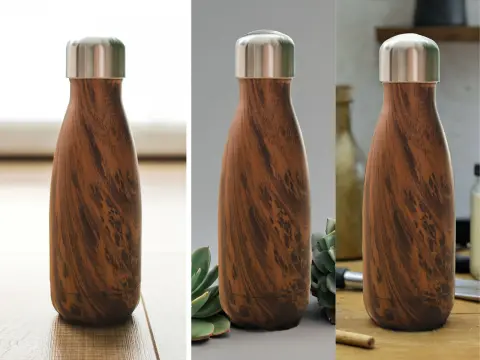
Put your cutout in a new AI-generated scene.
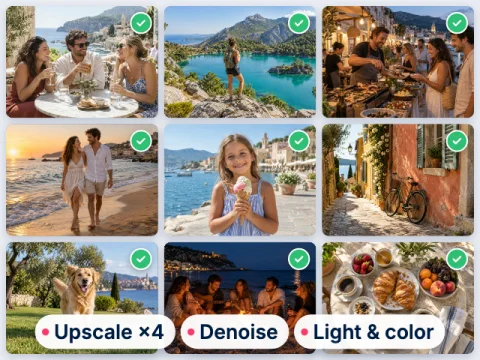
Batch editing: background color, size and quality.
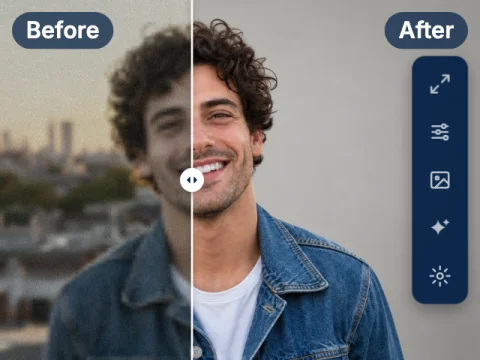
Full manual control over every enhancement.
Studio-quality product packshots.
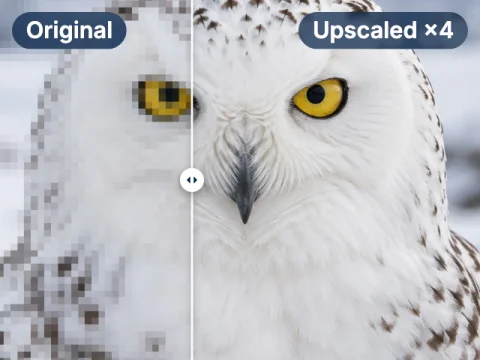
Upscale images up to 303 megapixels.
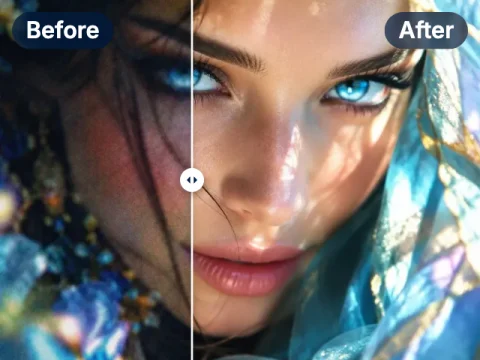
Fix blur, noise, lighting and colors in one click.
3 free photos a day, no sign-up. Full resolution with a free account, or go PRO from $7.50 with no watermark.