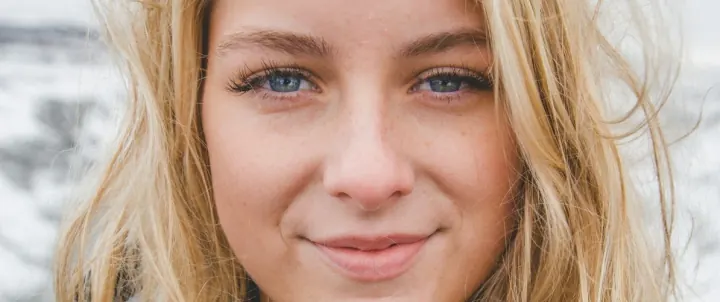
Blurry & soft photos
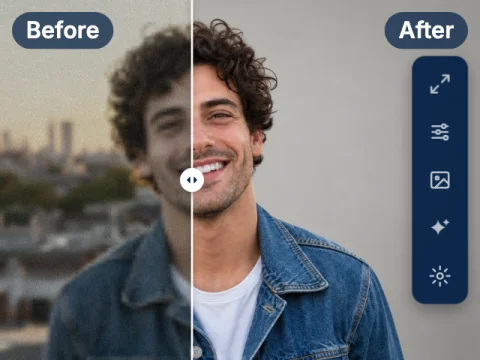
Recovers edges and face details in out-of-focus, shaky or soft shots.

Auto enhance photos online in one click. Our AI photo enhancer fixes blur, noise, lighting, colors and faces automatically — no sliders, no editing skills.
Auto Enhance analyses each photo and applies only the corrections it needs. One click covers everything below.
Recovers edges and face details in out-of-focus, shaky or soft shots.
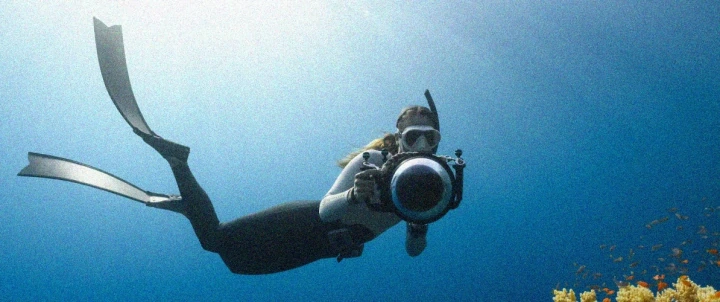
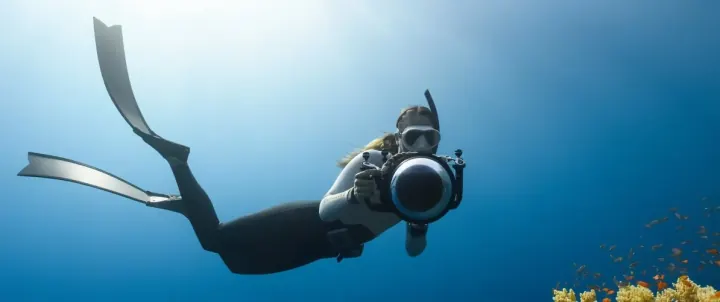
Cleans photos taken on high ISO or in low light without smearing detail.
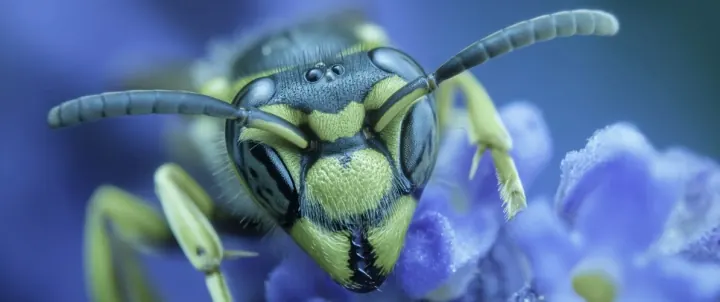
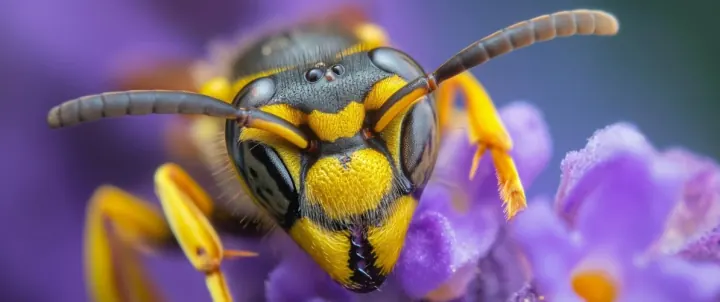
Brightens dark shots and fixes photos that are too warm, too cool or flat.
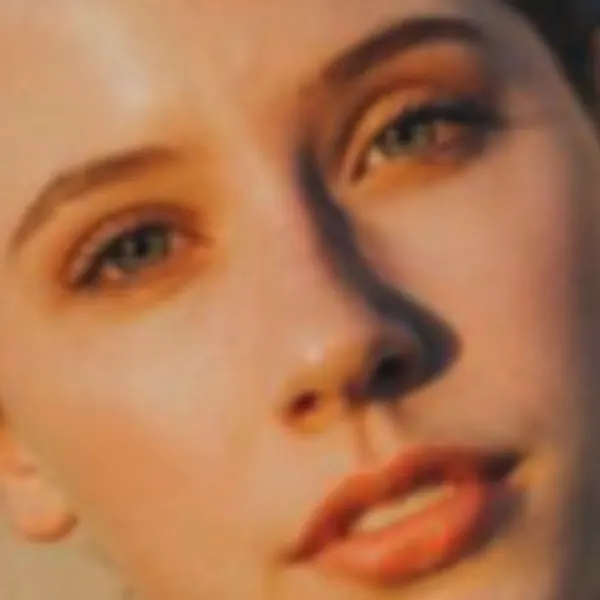
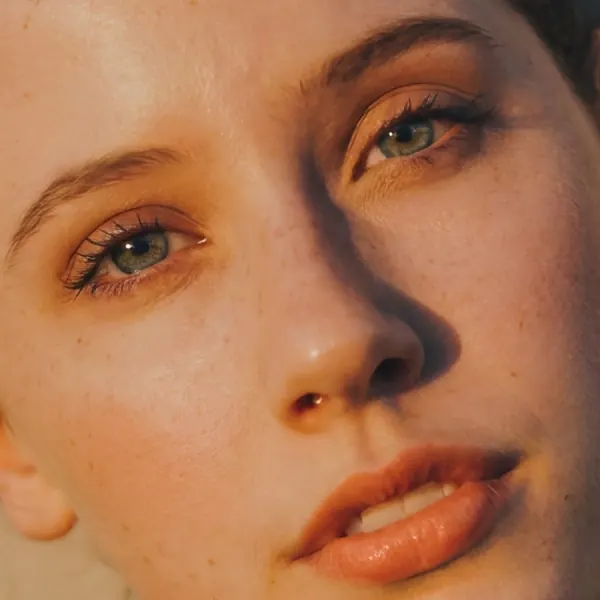
Restores eyes, hair and skin texture in small, noisy or compressed portraits.
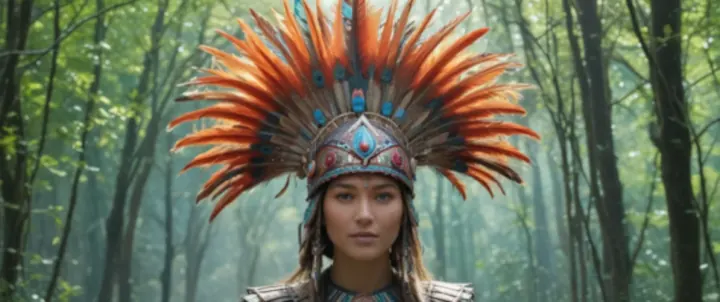
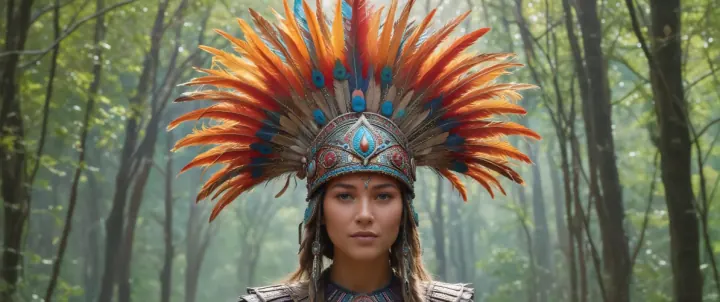
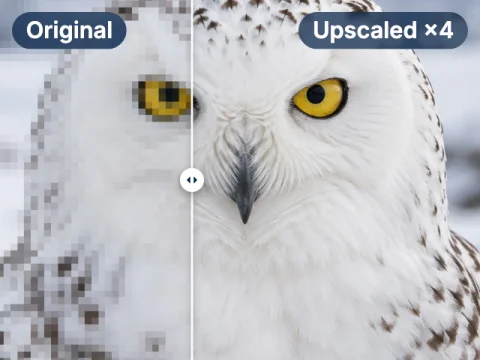
Removes compression blocks. Need a bigger file? Upscale up to 300 MP.
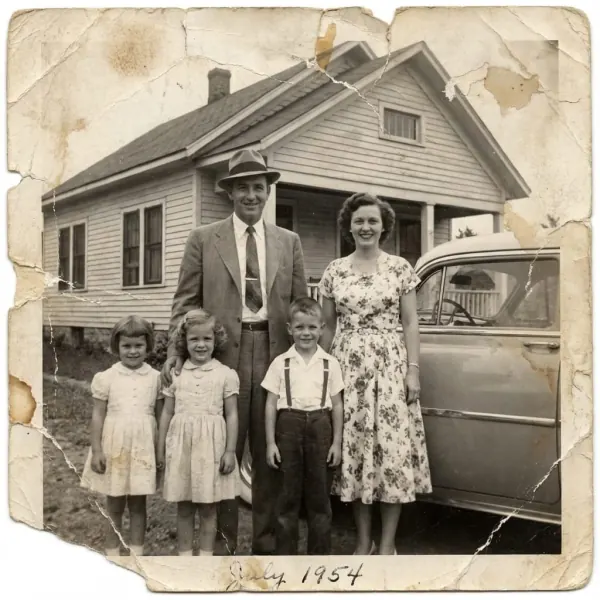

Repairs faded, scratched and torn photos, rebuilds lost detail and brings black-and-white shots back to color. Restore old photos with AI.
Drop a JPG, PNG or WEBP, or paste it from the clipboard.
Auto Enhance detects blur, noise, lighting and color problems and fixes them in seconds.
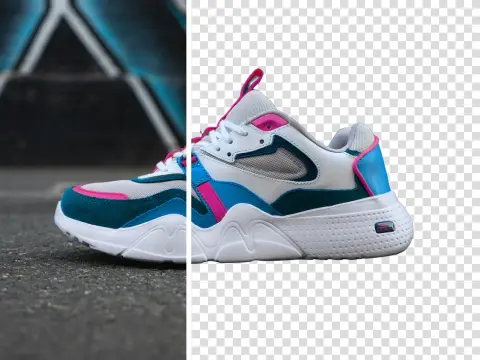
Save the result, upscale it or remove the background in the same workspace.
Without an account
Upload and enhance instantly
Free account
Sign up, no credit card
PRO
Subscription or pay-as-you-go credits
Everyone can download a free Preview (500 px on the long edge). The full-resolution file needs an account.
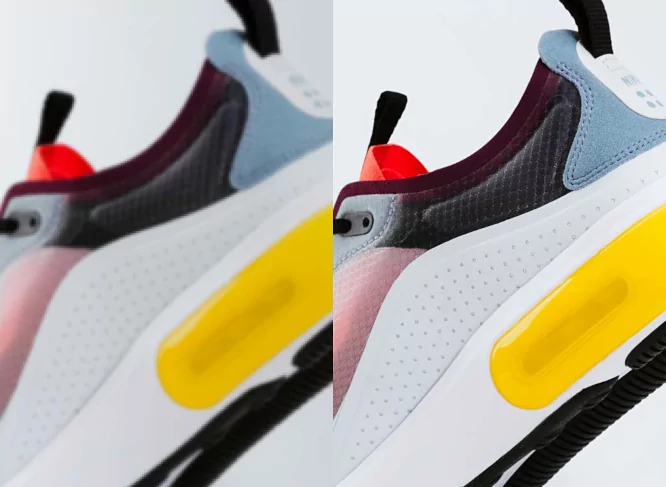
Sharper product photos with true colors. Create marketplace-ready packshots in bulk with Packshot PRO.
AI for e-commerce →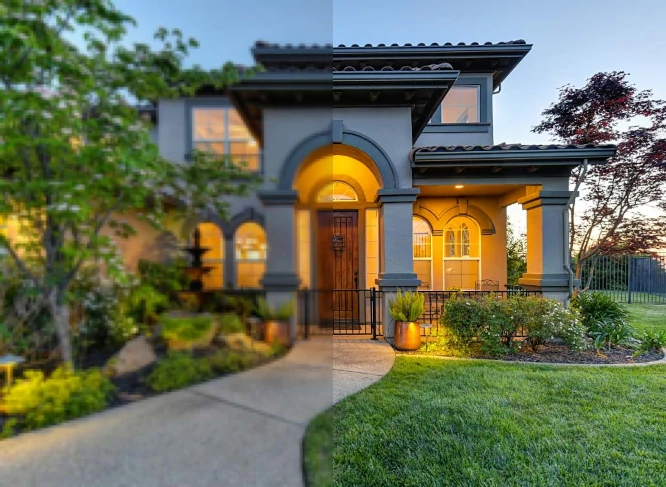
Fix white balance, apply HDR and brighten interiors so every listing looks its best.
AI for real estate →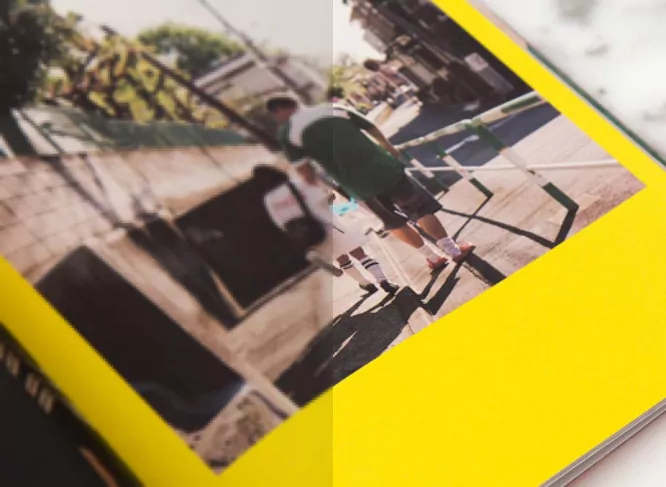
Enhance and upscale customer photos to meet print DPI requirements.
AI for print →“The customers would send us photos with very low print quality. After utilizing your app, we have increased not only the size of the image but also the quality! Thanks to deep ai image enhancements, the results are very professional impress the customers.”
 Print Plaza
“Our company and many others strive on social opinion and Deep-image.ai has helped refine all of our graphics to their best quality on social media and on our corporate side. We use it to ai enhance images and generate needed content. I would recommend Deep-image.ai to any creator!”
 Avi Patel
“The amplification and quality retention was super when upscaling the images x4. We of course know how to use Photoshop but DeepiImage.ai gave us better photo enhancement results and therefore confidence to complete the job to a high standard.”
 Hikomore
“Using Deep-image.ai service helped us use ai to enhance images to make them up to print quality. Finally, we can use artwork and photos that we could not use otherwise.”
 Ingemar Anderson
“By utilizing the Deep-Image.ai API I have been able to increase my production tremendously, possibly 1000x. Now I'm able to autonomize 95% of my entire business process. Using the Deep-Image.ai api for ai upscale and image enhancement has changed my life.”
 Andrew Barnes
“My style of photography is heavily post-produced, I put a lot of work into the photos after taking them. Your software has been the biggest game changer for me since I started my professional photography career, over 18 years ago.”
 Martin Vaughan
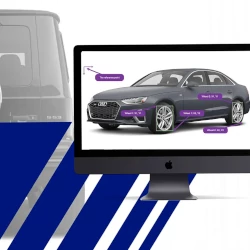
“AutoSyncStudio is a wheel and vehicle pairing studio that provides an API for eCommerce websites. Their goal was to get x2 upscaled wheel images without losing quality to ensure good 3D modeling results. They decided to use Deep-Image.ai because of the best results.”
 Autosync
BATCH
Choose the Auto Enhance PRO preset in AI Enhancer PRO and process a whole shoot in one go.
Open AI Enhancer PRO →API
Call Auto Enhance from your code, or connect it with Make, Zapier, AWS, Google Drive, Dropbox and OneDrive.
Auto Enhance API docs →NEW MOBILE APP
One tap to enhance a photo or restore an old one, right from your phone gallery.
More answers in our help center or contact support.
Yes. Anyone can enhance up to 3 photos a day without an account with the Natural Photo Correction model, and download a free Preview (500 px on the long edge). A free account unlocks full-resolution downloads (with a watermark) and 3 AI models. No credit card required.
A free, low-resolution copy of your result, 500 px on the longer edge, so you can check the effect before signing up. To get the full-resolution file, sign in or create a free account.
PRO, as a subscription or pay-as-you-go credits from $7.50, unlocks all AI models including Auto-Enhance PRO, full-resolution downloads without a watermark, faster processing and no daily limits.
It uses machine learning to improve photo quality automatically: sharpness, noise, lighting, color balance and face details, without manual editing or presets.
An enhancer improves quality at the same size. An upscaler increases the resolution — with Deep-Image up to 300 megapixels. You can run both on the same photo.
Face refinement sharpens eyes, hair and skin texture while keeping the person recognisable. For the lightest touch, use the Standard model or tune it in AI Enhancer Studio.
Use Standard for everyday photos that just need a clean fix. Use PRO for the most demanding photos and for commercial images, when you want the highest quality and the most detail.
Yes. AI Enhancer PRO processes up to 50 images in one batch with the Auto Enhance PRO preset. For larger volumes, use the Deep-Image API.
JPG, PNG and WEBP images, up to 25 megapixels (for example 5000 × 5000 px) on free plans.
General AI assistants usually regenerate an image, which can change details, text or faces. A dedicated enhancer works on your original photo, keeps the composition intact and gives predictable results.
Photos enhanced without an account are deleted, with all their files, after 24 hours. If you sign up, results are kept in your history for the storage period of your plan.
3 free photos a day, no sign-up. Full resolution with a free account, or go PRO from $7.50 with no watermark.