Preset: Main product images
Turn ordinary product snapshots into clean, studio-quality packshots for your online store. Pick a preset, set the size for your marketplace and create consistent product photos for your whole catalog.
10 free credits with a free account · Phone photos and RAW files supported
Phone photo → packshot
No studio, no lights, no photographer.
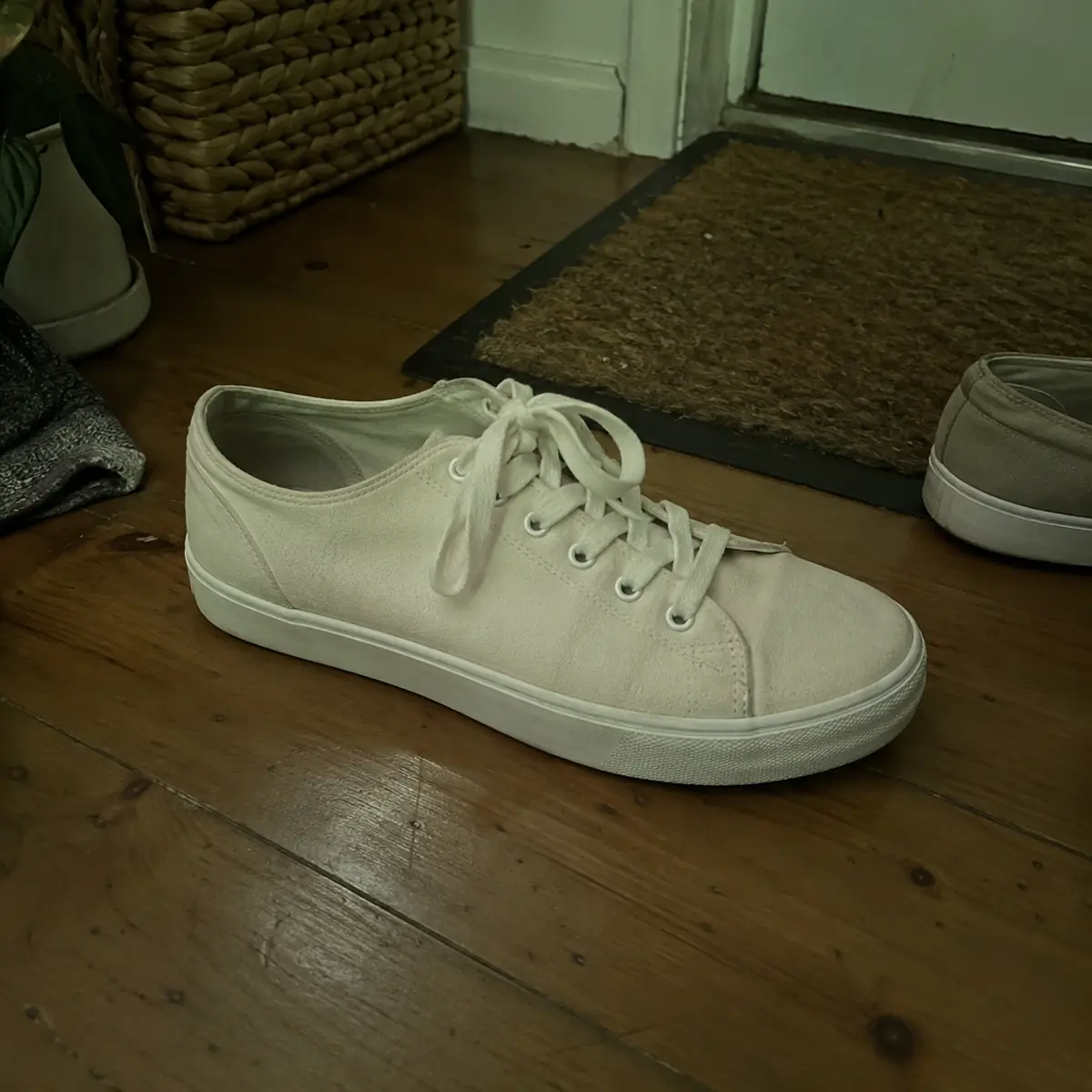
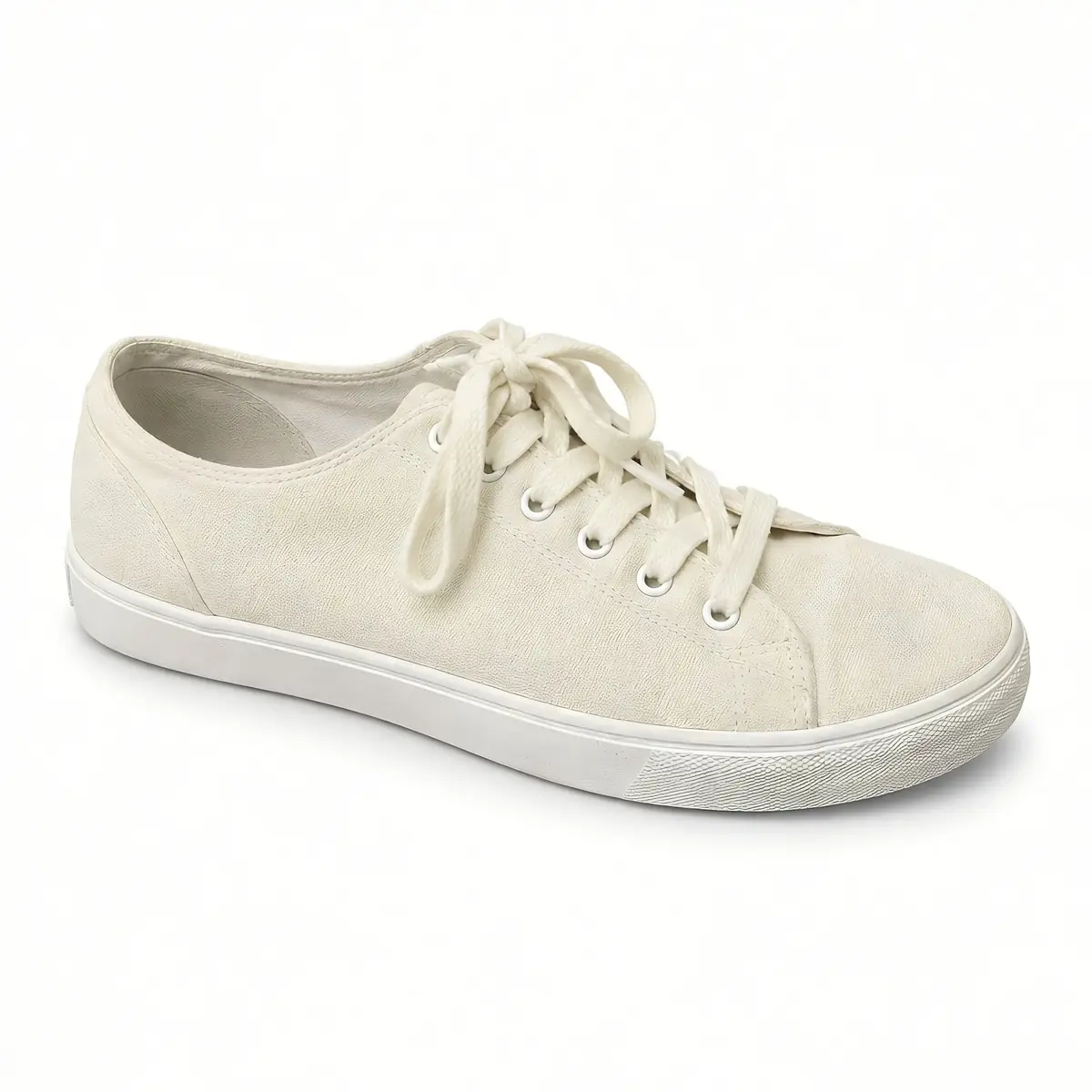
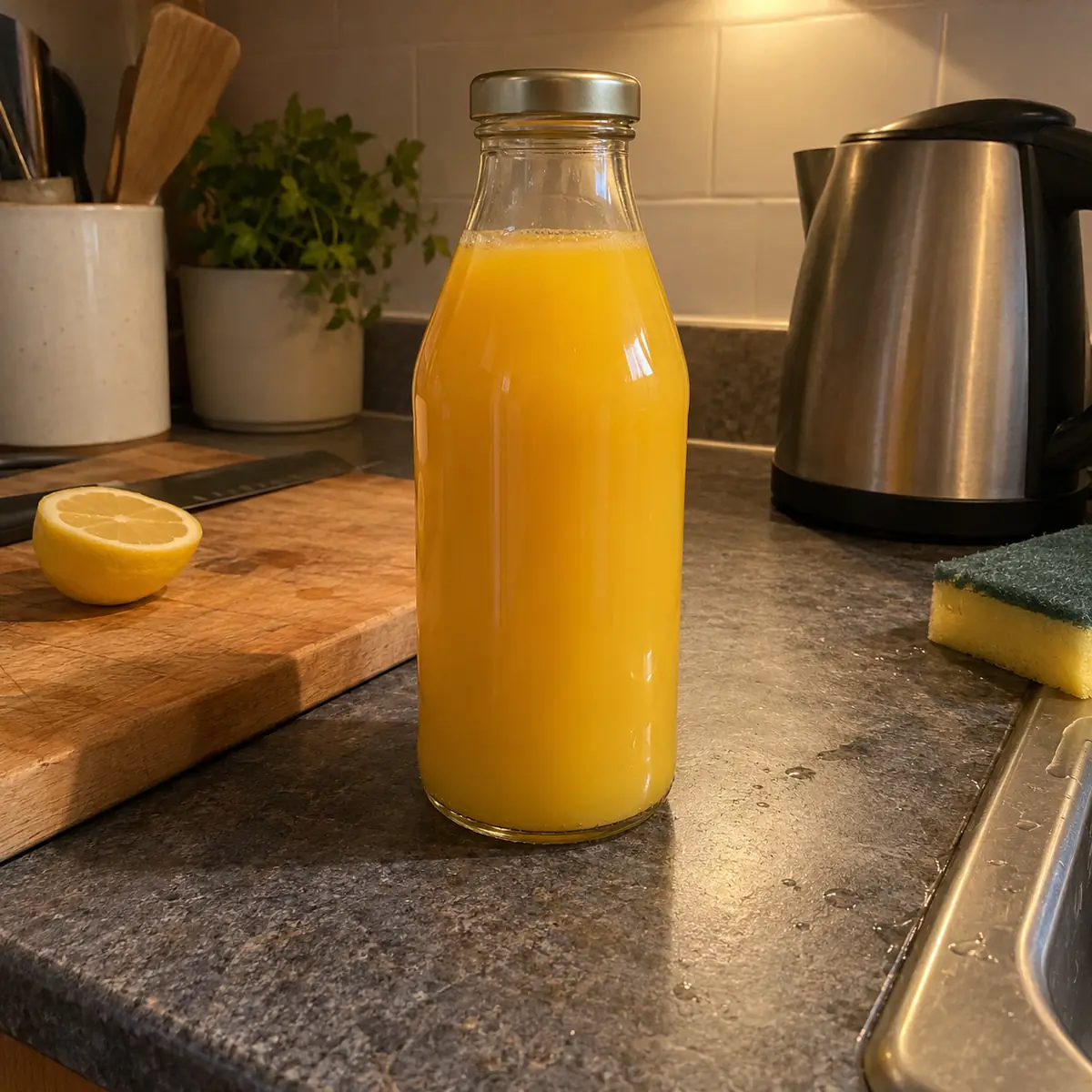
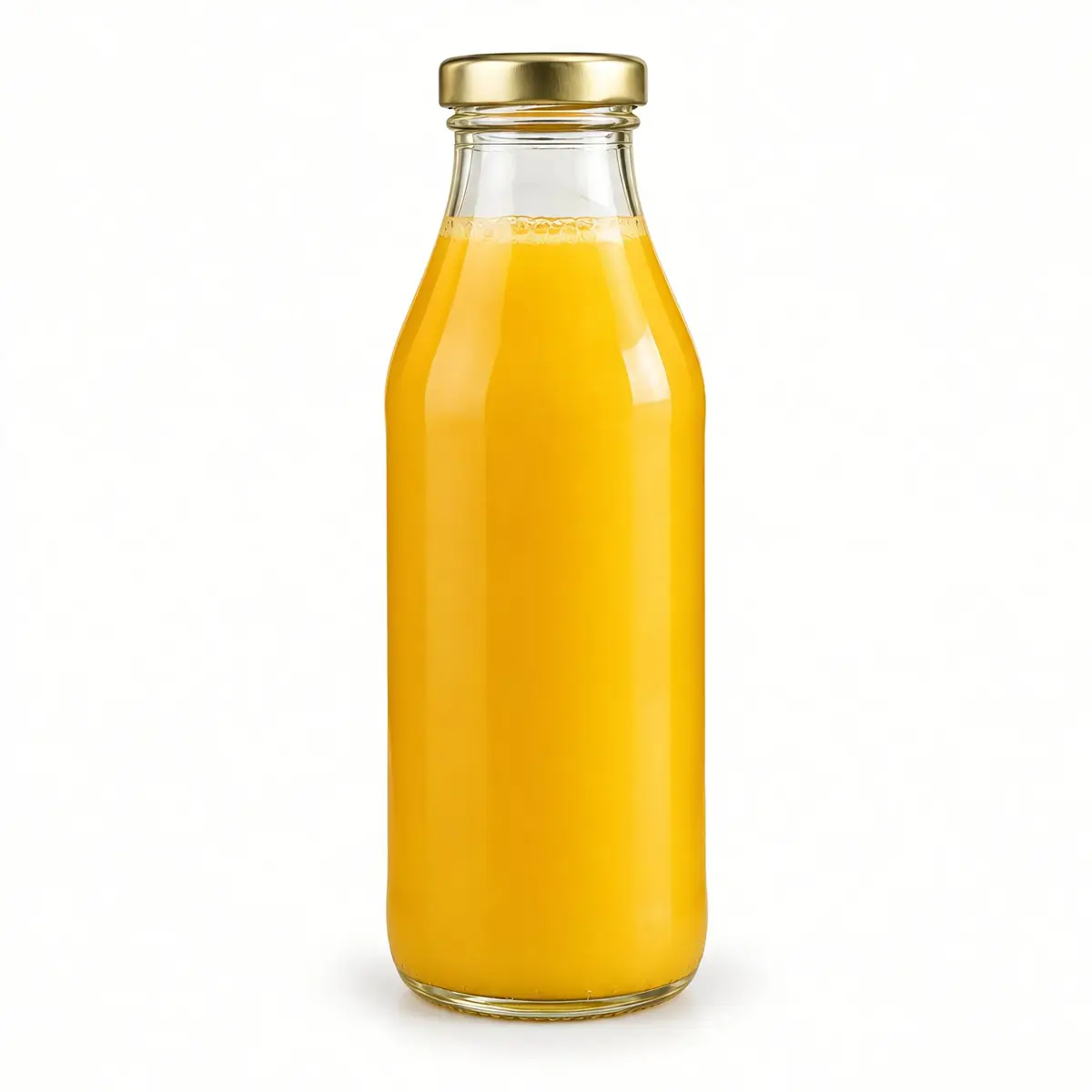
You don't need a studio, lights or a photographer. Take a photo of your product with your phone – or upload RAW files straight from your camera – and let AI do the rest: it removes the distracting background, corrects the lighting and turns your snapshot into a clean, professional product photo ready for your store.
 BeforeAfter
Real results of the Packshot Generator: the photo that went in and the packshot that came out, with the preset used.
Preset: Main product images
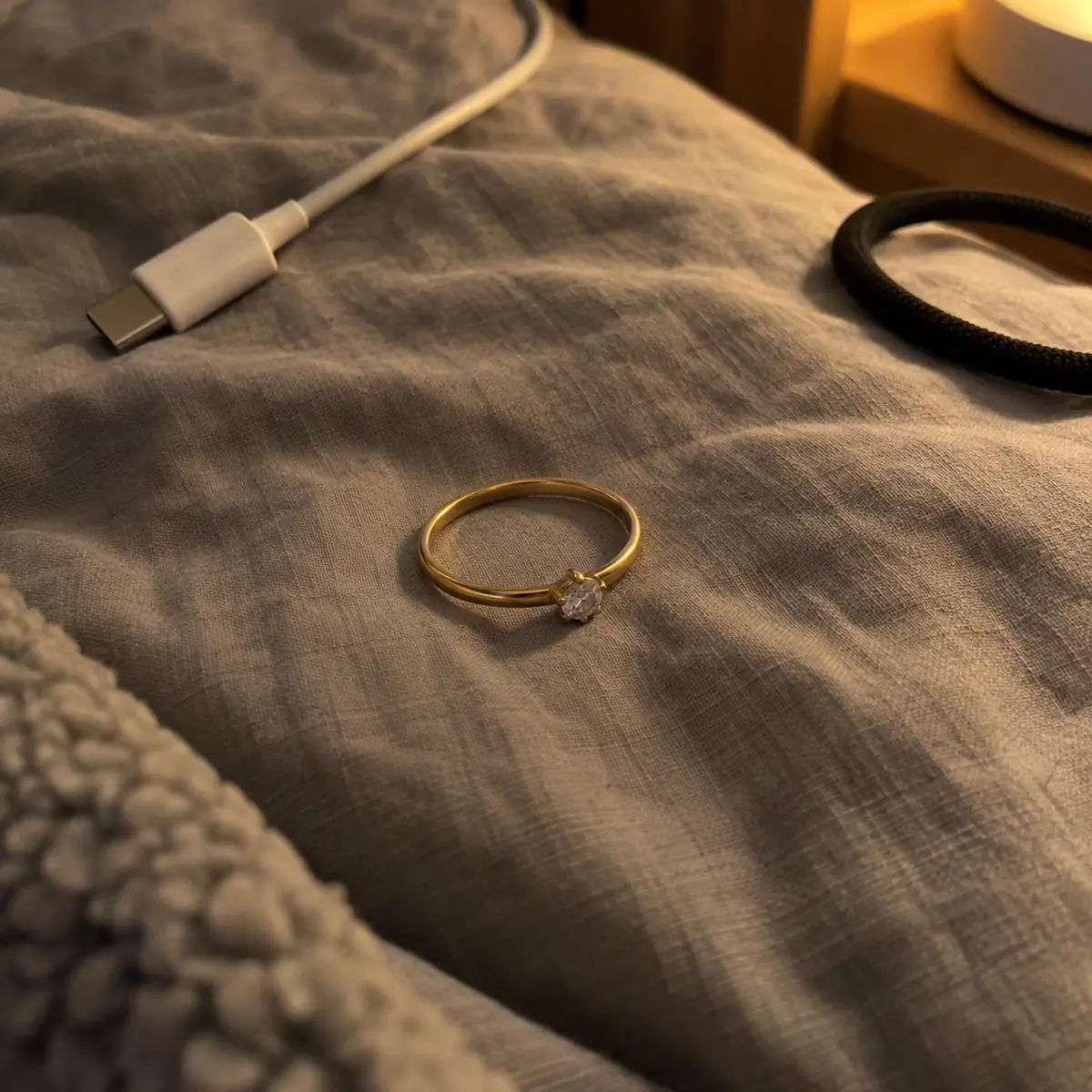
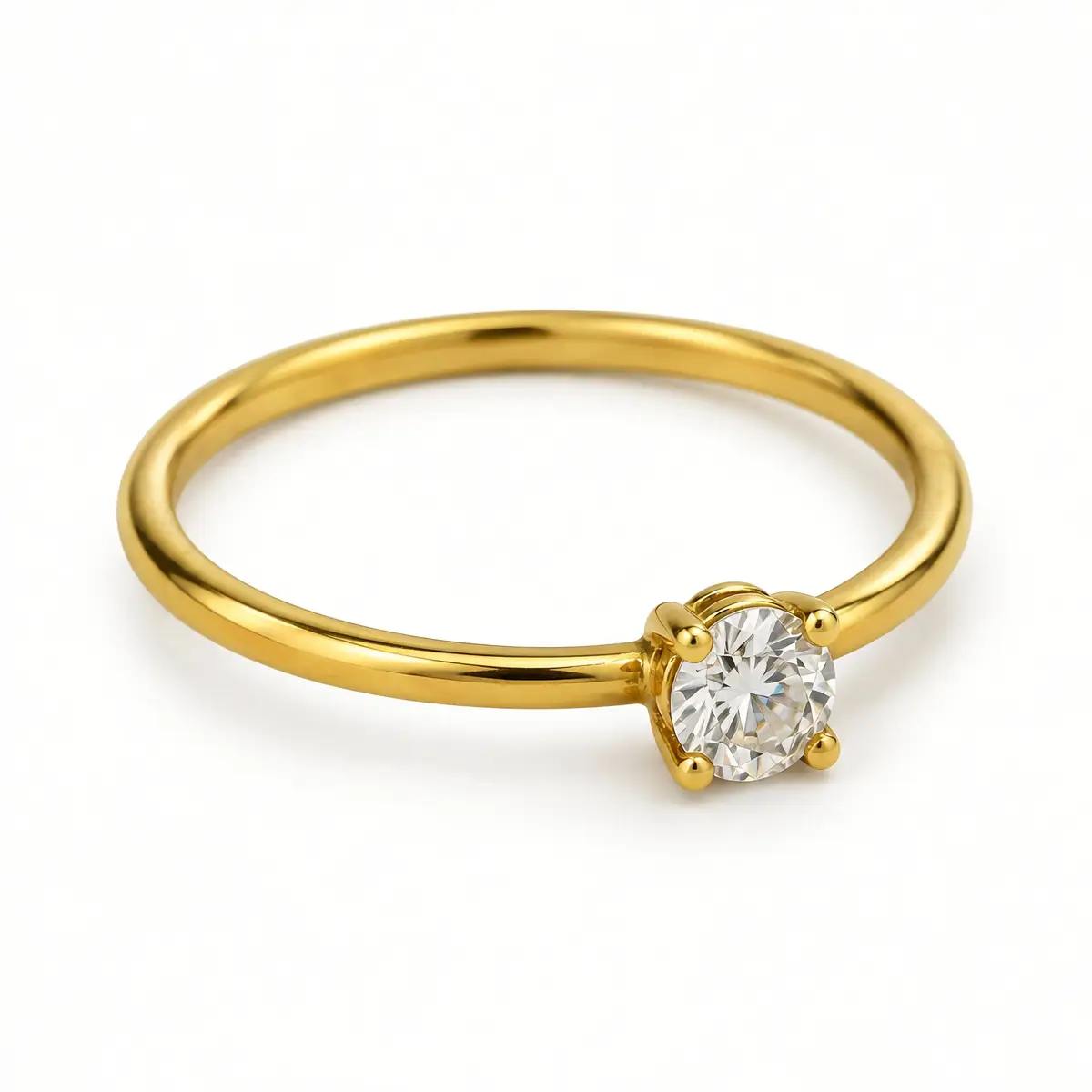
Preset: Jewelry and accessories
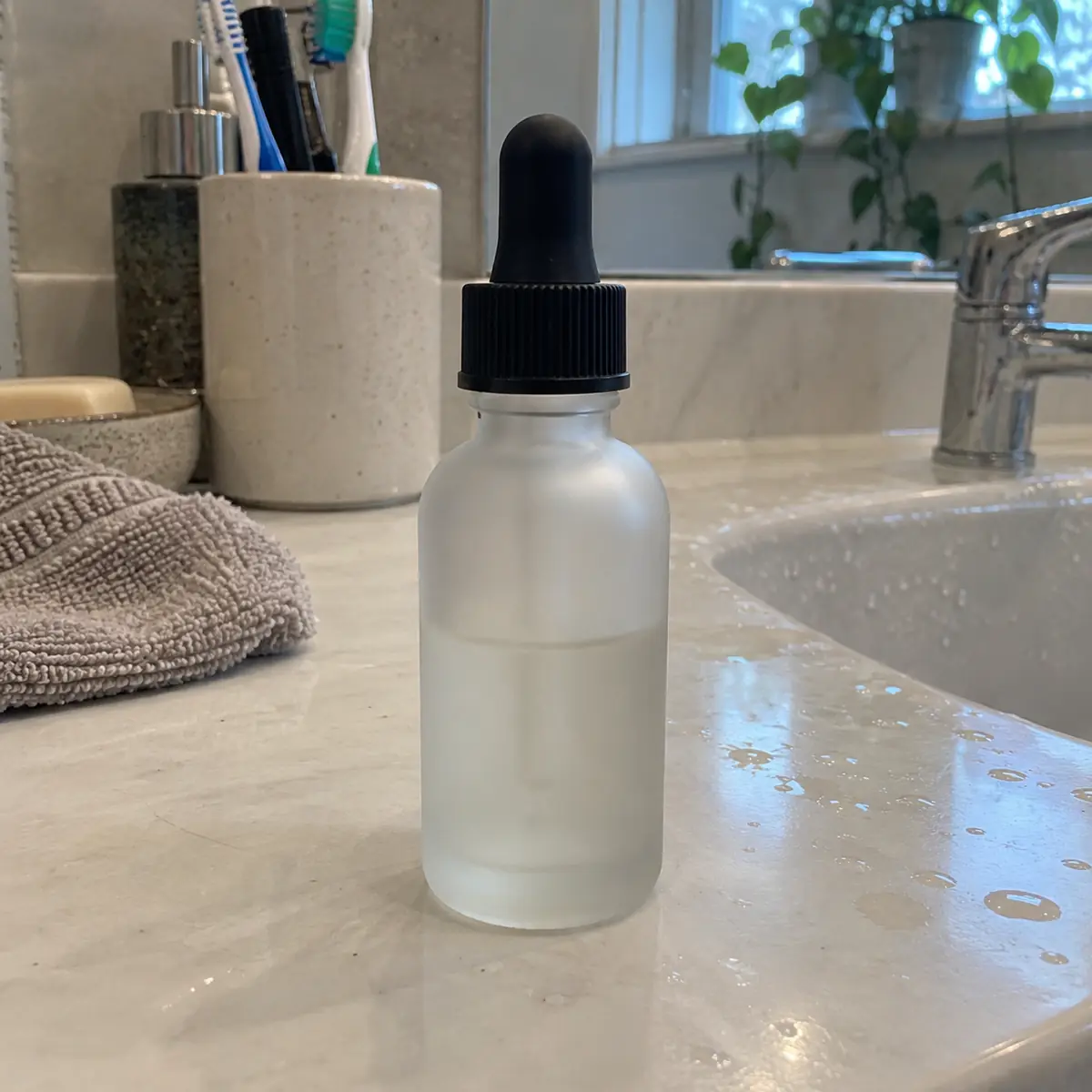
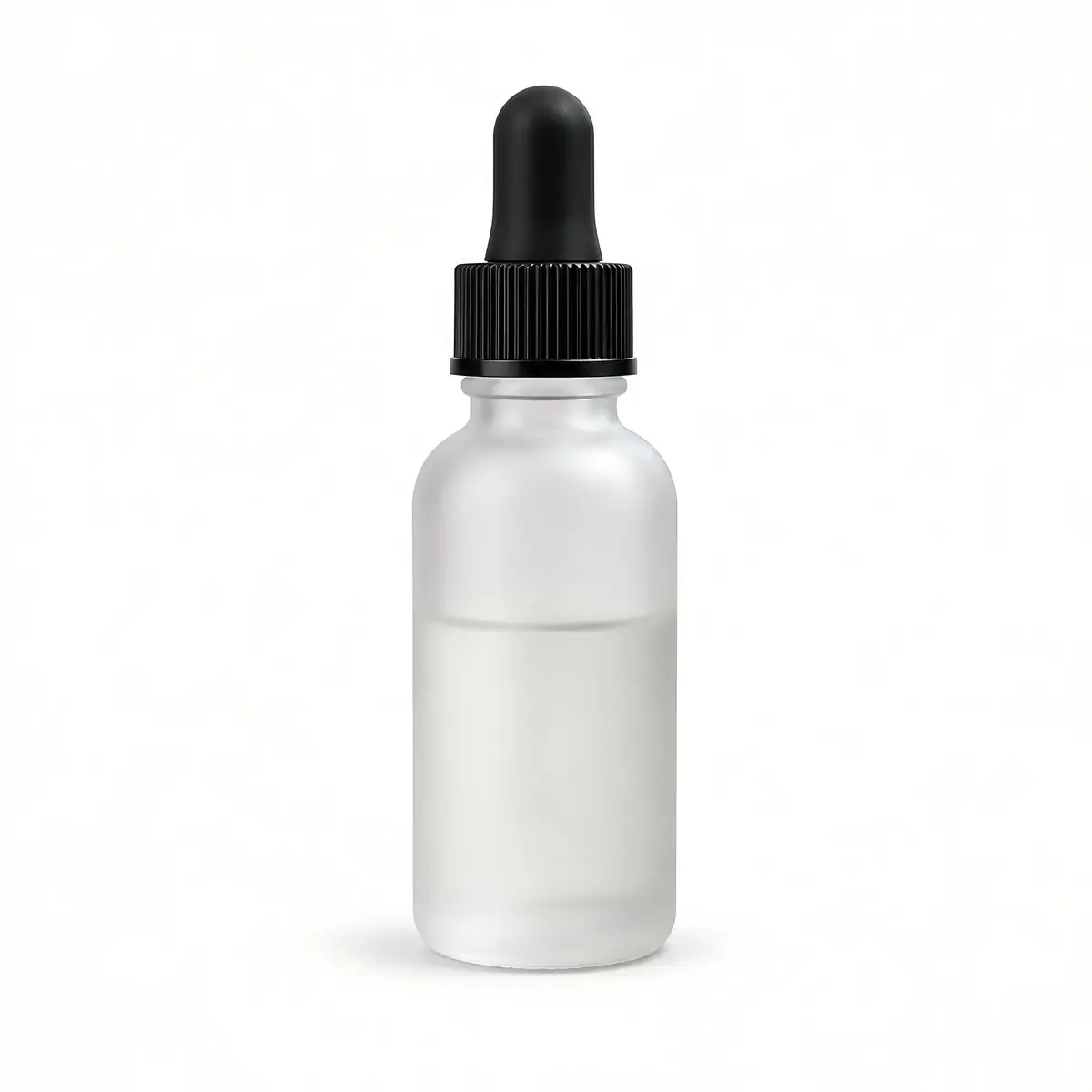
Preset: Beauty and cosmetics
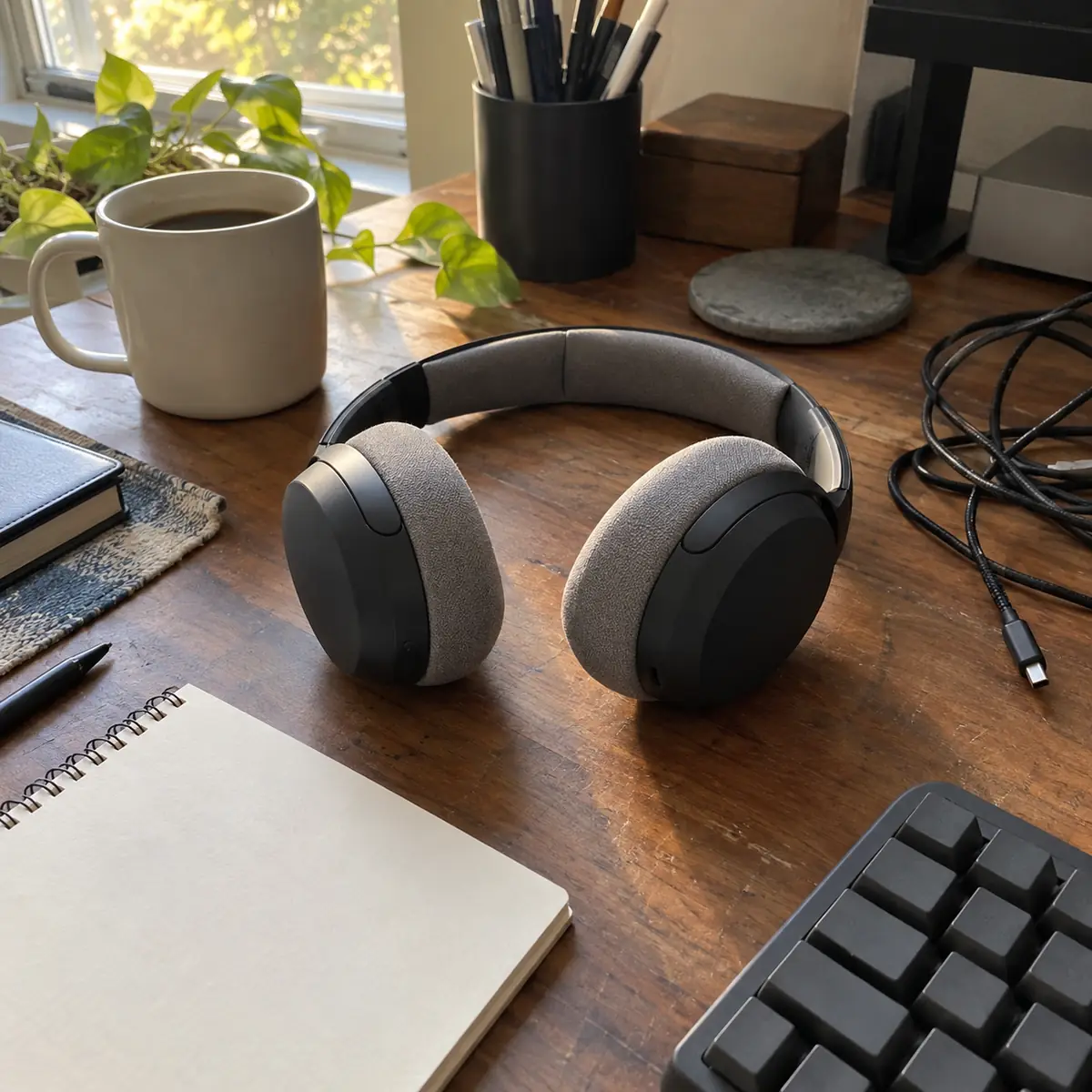
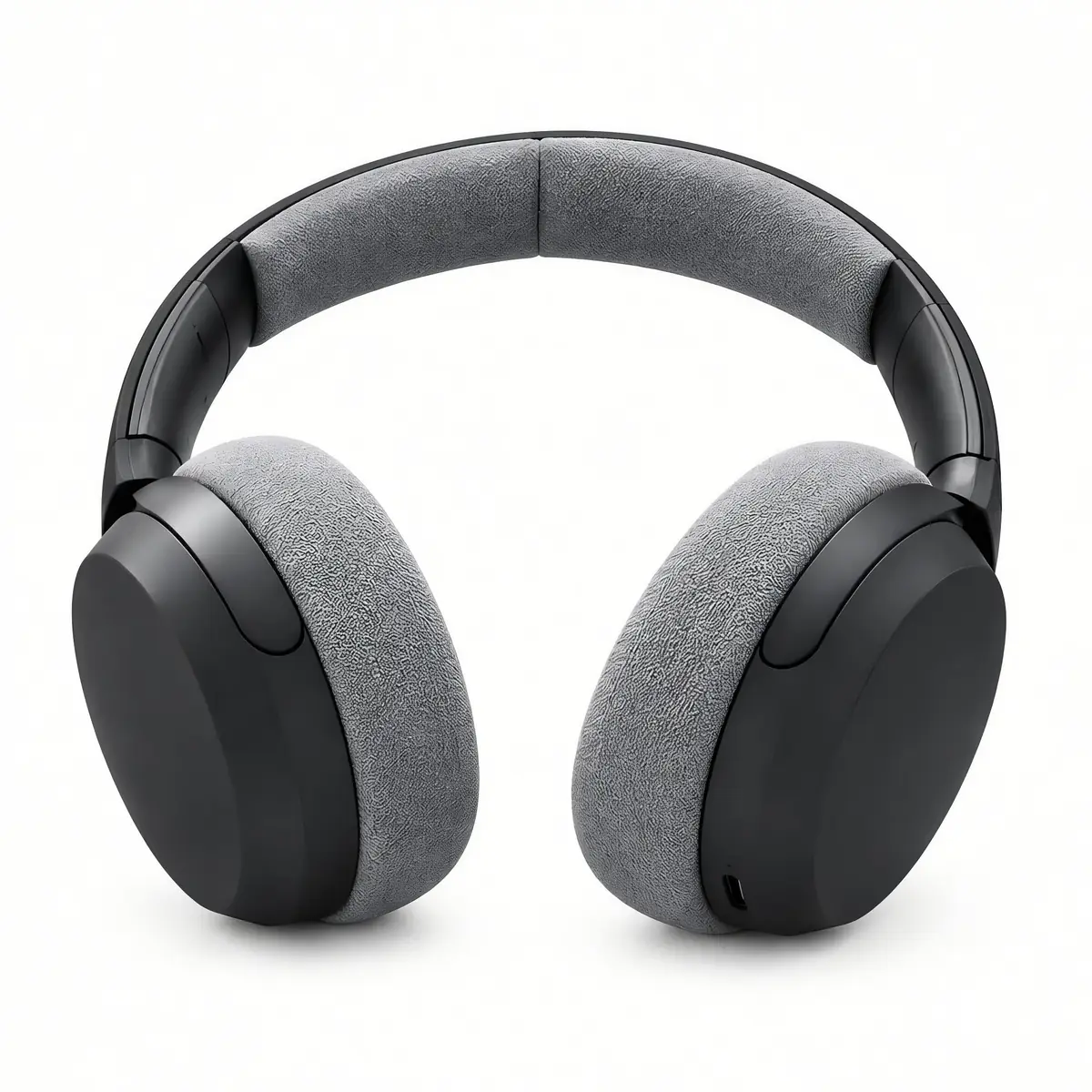
Preset: Electronics and gadgets
Preset: Food and beverage
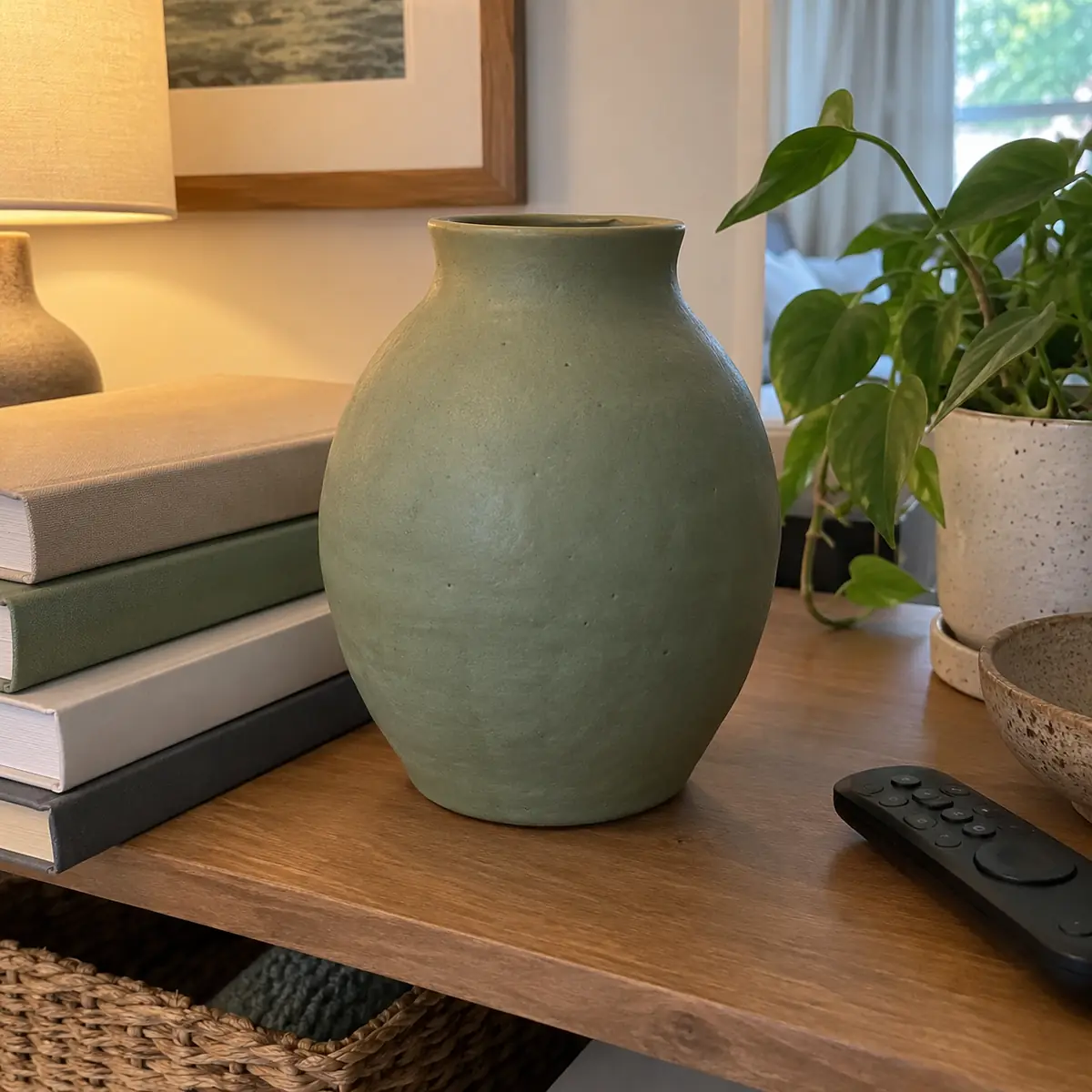
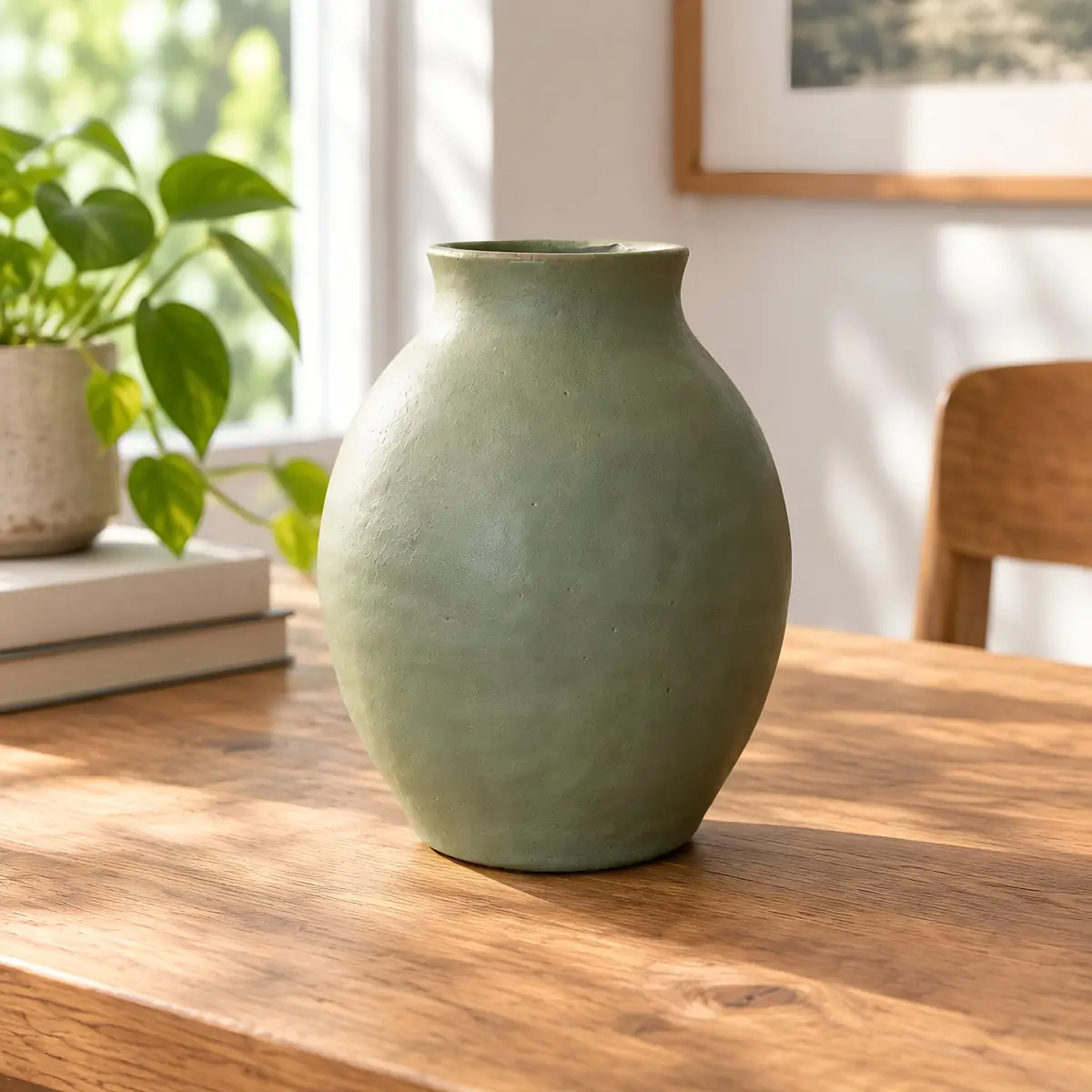
Preset: Home and living
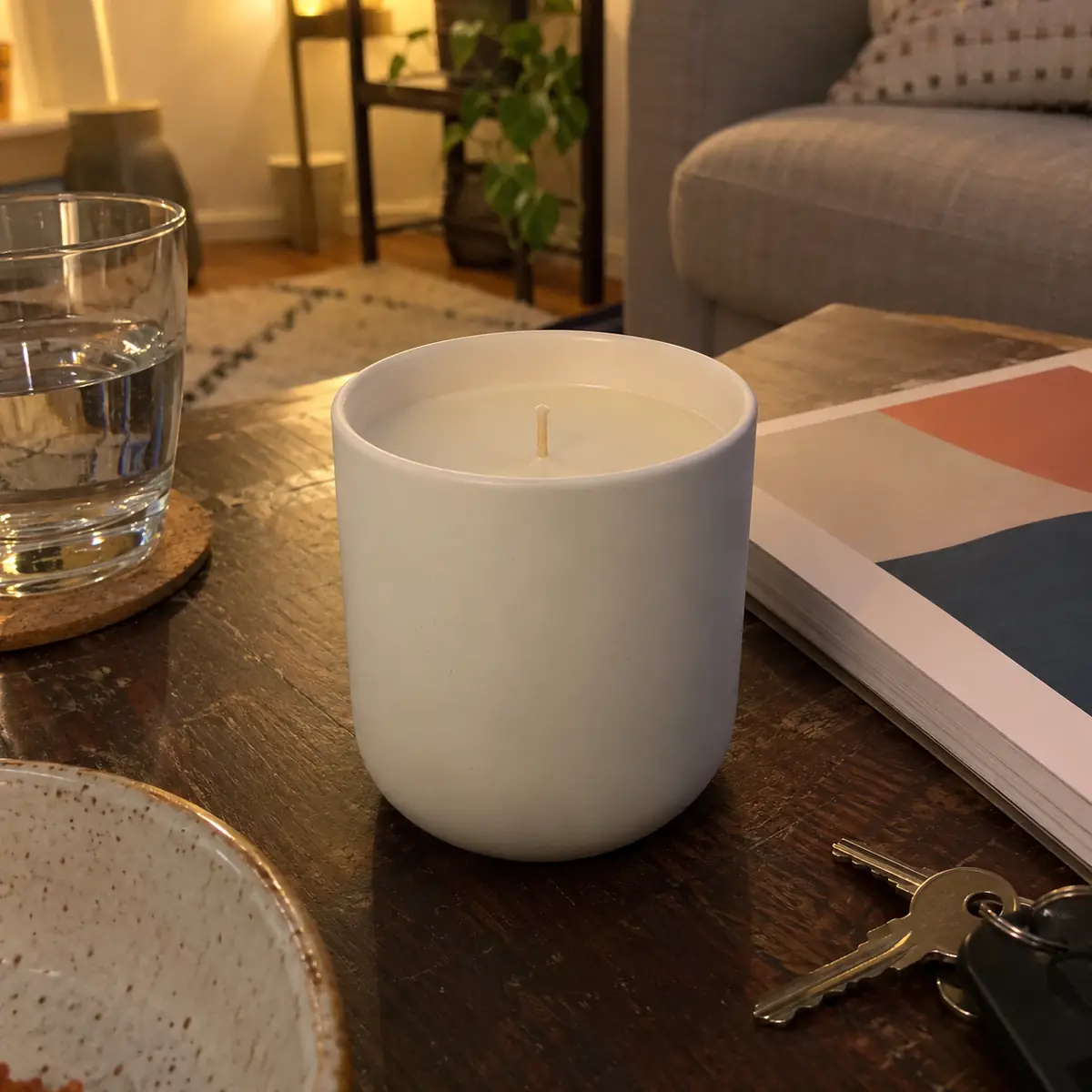
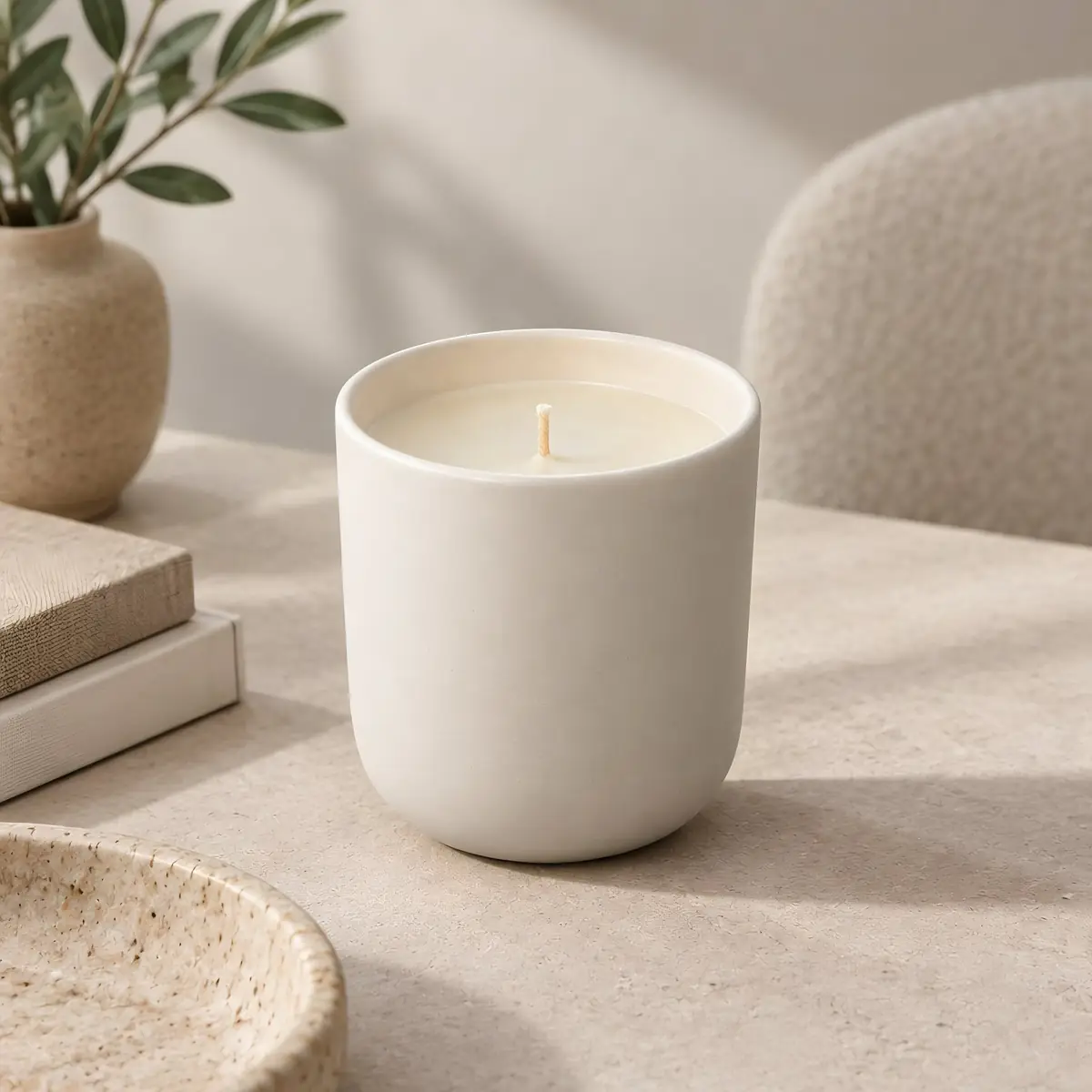
Preset: Lifestyle scenes
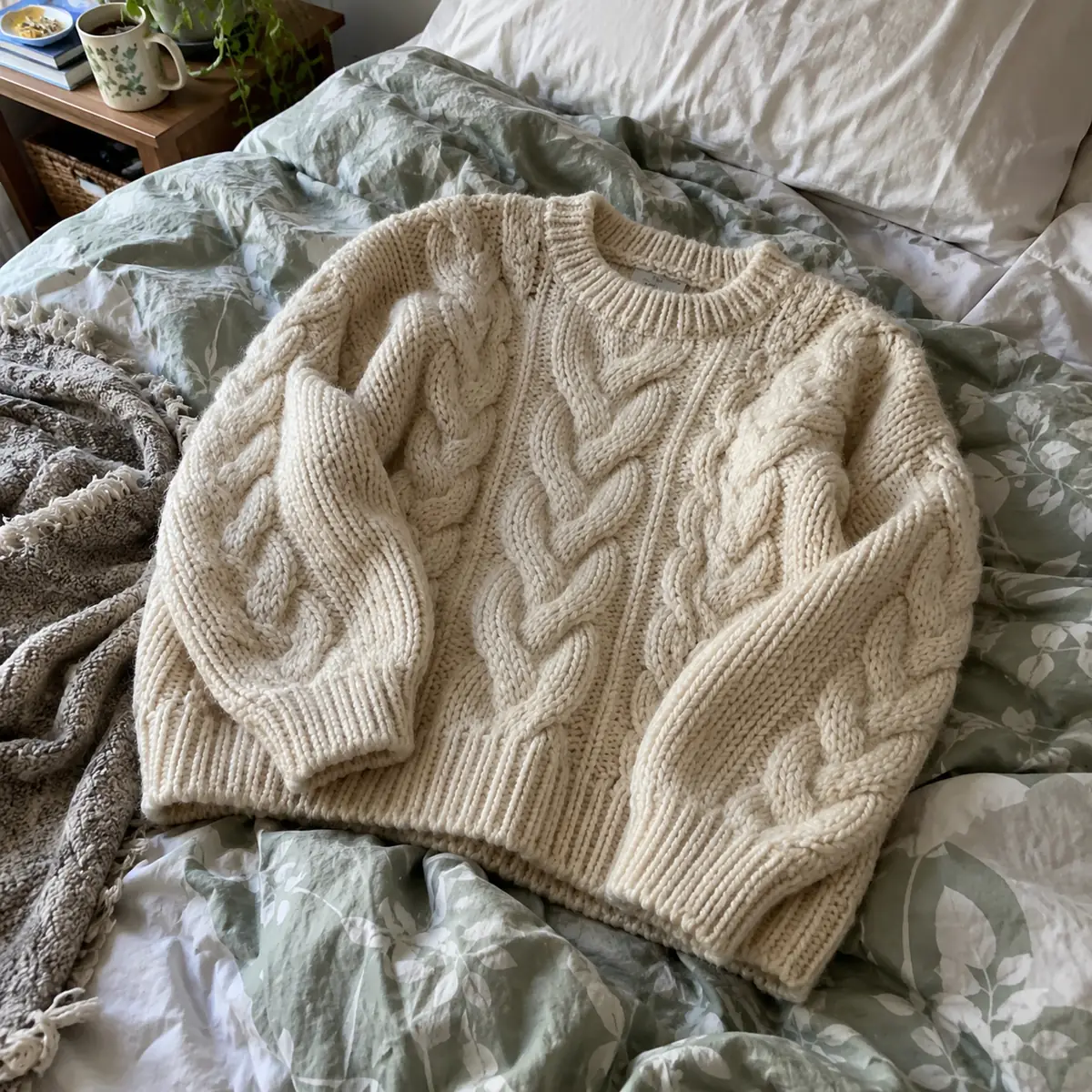
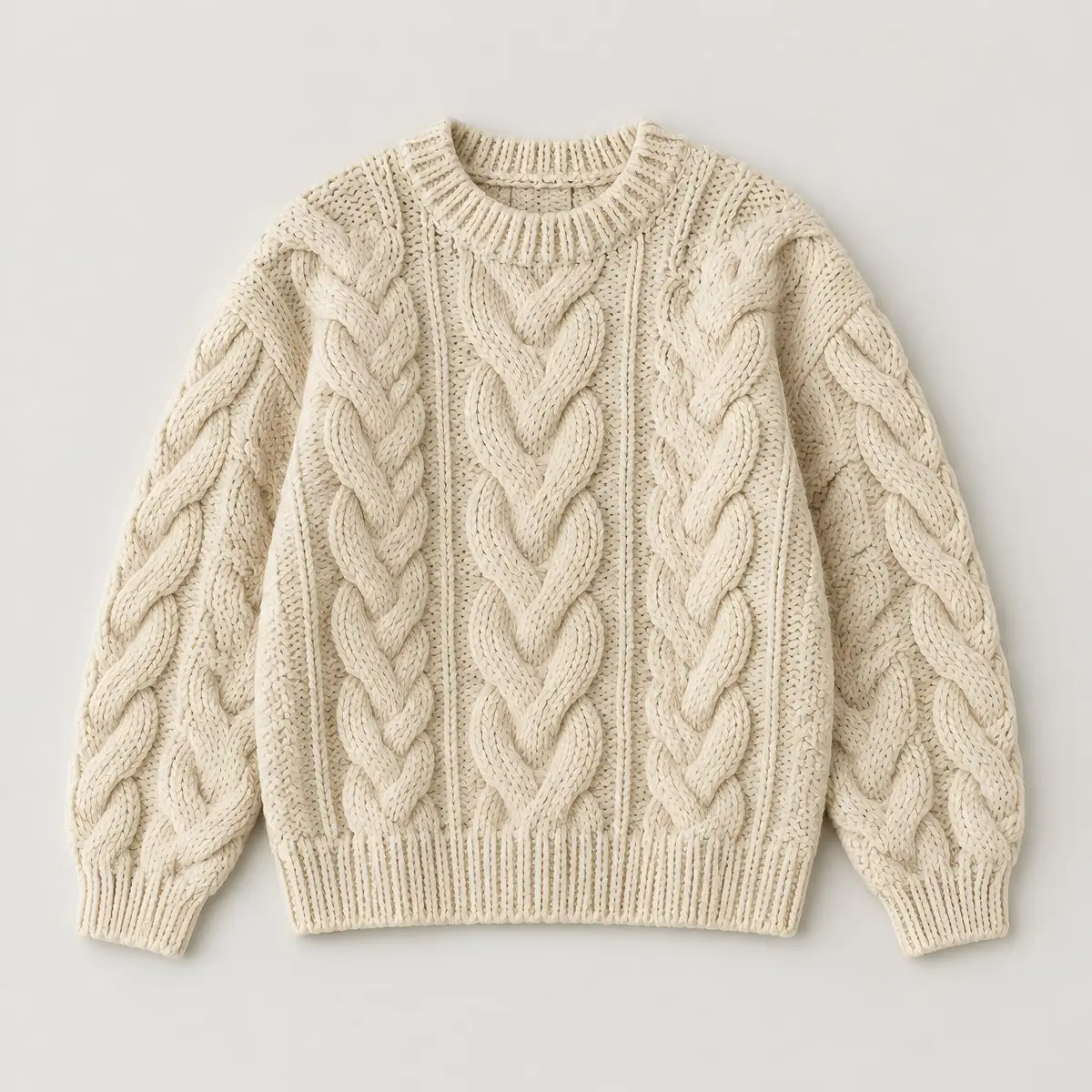
Preset: Fashion and apparel
Up to 50 at once. Phone snapshots and RAW files both work.
Pick one or more ready-made styles for your product category, or upload a reference image and the AI will match its style, lighting and mood.
Choose the exact dimensions and aspect ratio your store or marketplace needs.
Create a free account to generate, download your packshots and save the settings for your whole catalog.
Ready-made presets are tuned for the most popular product types:
Can't find your style? Create your own preset and reuse it with one click.
Every marketplace has its own image rules. Set the exact size and aspect ratio before you generate, so your photos fit Amazon, Shopify, eBay, Vinted, OLX and other platforms without manual cropping. For main images that need a clean white background, use the Main Product Images preset.
Marketplaces change their image rules from time to time: check the current guidelines of your platform before you publish.
Size presets in the tool
Upload up to 50 product photos in one go and choose several presets at the same time. Every photo is created in every selected style – for example, 10 photos with 10 presets give you 100 packshots in one run. It's the quickest way to test different looks or prepare photos for several channels at once.
Batch
50photos
Up to 50 product photos in one upload
Presets
70+presets
Ready-made styles for every product category, plus your own
One run
100packshots
10 photos × 10 presets: every photo in every style
Product pages look more professional when every photo shares the same style. Save your settings as a custom preset, or use one style reference image for all products, and every packshot will have the same light, background and framing – whether you have 10 products or 1,000.
You are hereA complete, professional product photo ready for your store.
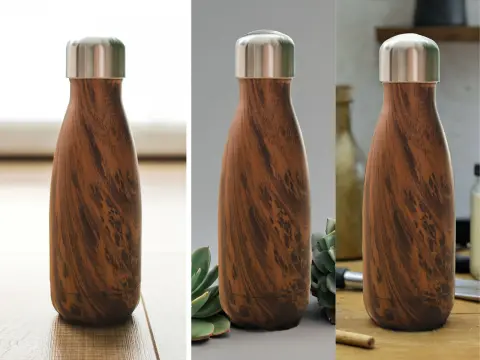
A new background or scene for an existing product photo.
Open the tool →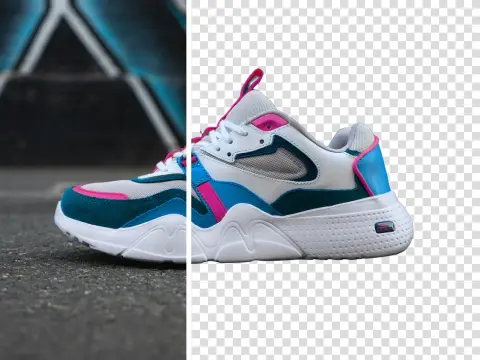
A transparent cut-out of your product to use anywhere.
Open the tool →Professional photos for Shopify, WooCommerce and other stores without a photo studio.
Consistent listings on Amazon, eBay, Etsy, Vinted and OLX.
Fast product visuals for new collections and campaigns.
A uniform look across large product ranges.
Without an account
See what the tool makes
Free account
Sign up, no credit card
PRO
Subscription or pay-as-you-go credits
Generating packshots needs an account. A free account gets 10 credits and its packshots carry a watermark; paid plans give you more credits and watermark-free packshots.
A packshot is a clean, professional photo of a product, usually on a plain background, used on product pages, in marketplaces and in catalogs.
You upload a regular photo of your product. The AI removes the background, corrects the lighting and creates a studio-style product photo based on the preset or reference image you choose.
No. A clear photo from your phone is enough. Good, even light and a sharp product give the best results.
You can try it for free: a free account includes 10 credits, and results have a watermark. Paid plans give you more credits and watermark-free packshots – see plans.
Yes. Packshot creation is available after you sign up or log in. Registration takes a few seconds with Google or email, and a free account includes 10 credits.
Yes. Use the Main Product Images preset for clean product photos and set the exact size your listing needs. Always check the current marketplace guidelines.
Yes. Upload up to 50 photos and choose several presets – each photo is created in every selected preset, so 10 photos with 10 presets give you 100 packshots.
Yes. Save your settings as a custom preset or use one style reference image for the whole catalog.
The Packshot Generator creates a complete product photo ready for your store. The AI Background Generator puts your product in a new background or scene.
Yes. You can use the packshots in your store, listings and ads, in line with our Terms & Conditions.
All common image formats, including RAW files straight from your camera.
Put your product in a new background or lifestyle scene.
Cut your product out on a transparent background.
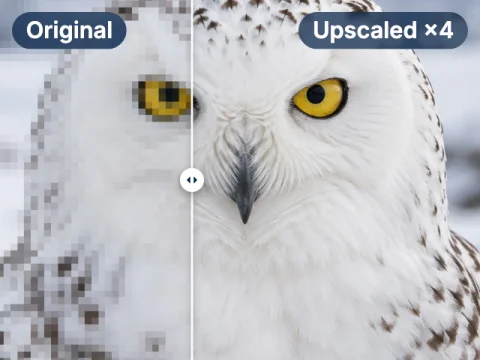
Enlarge product photos for print and zoom.
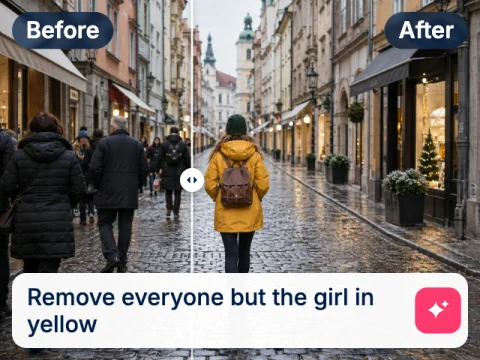
Change anything in a photo by describing it in words.
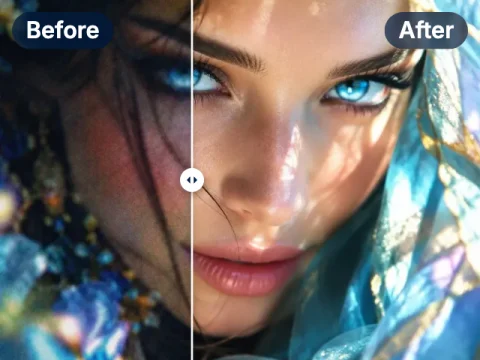
Fix light, colour and sharpness in one click.
Ready for professional packshots?
Sign up free and get 10 credits to try the Packshot Generator. Need more? See plans.