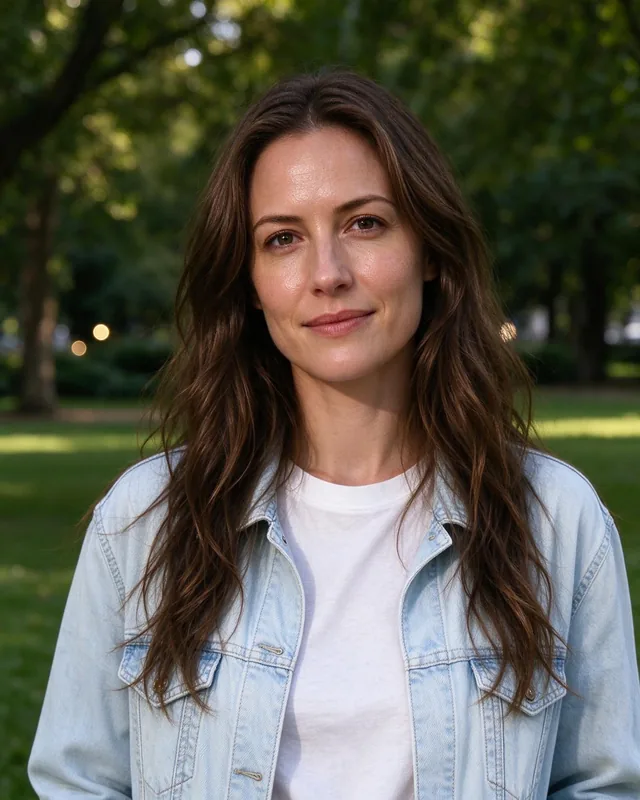
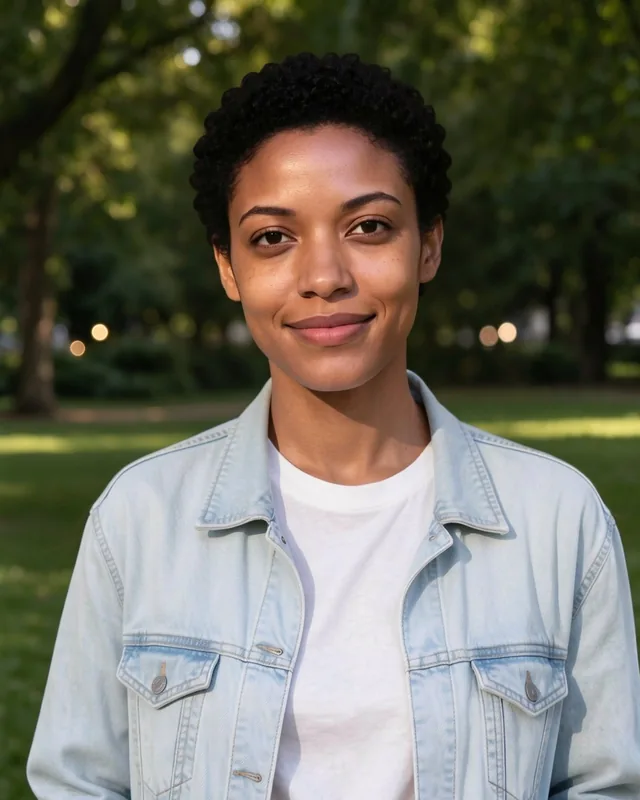
 BeforeAfter
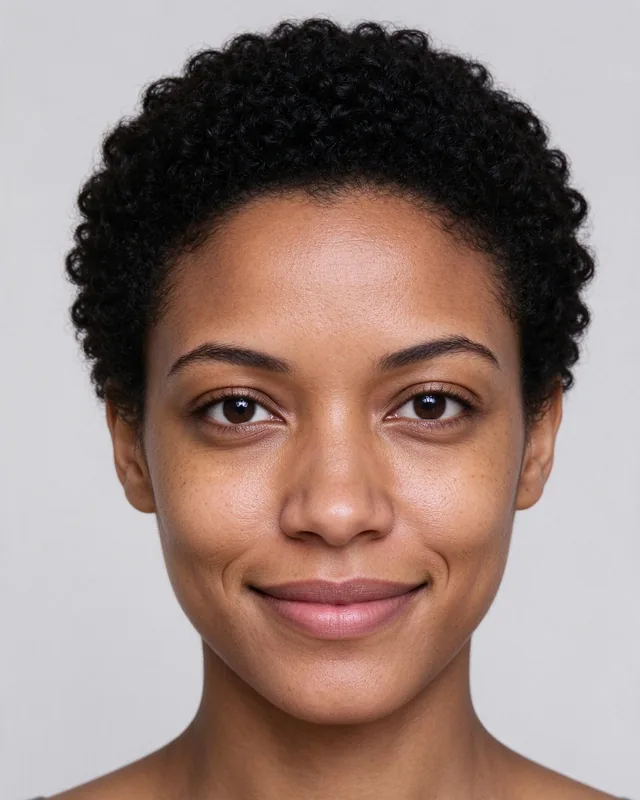
Portrait face swap
A new face in an outdoor portrait: the jacket, the park and the light stay as they were.

Replace a face in your photo with AI. Upload your original photo and a replacement face, then generate a realistic face swap in just a few clicks.
3 free face swaps per day · No sign-up required
Four real face swaps: each one shows the original photo, the face put into it and the result, unretouched.
BeforeAfterA new face in an outdoor portrait: the jacket, the park and the light stay as they were.
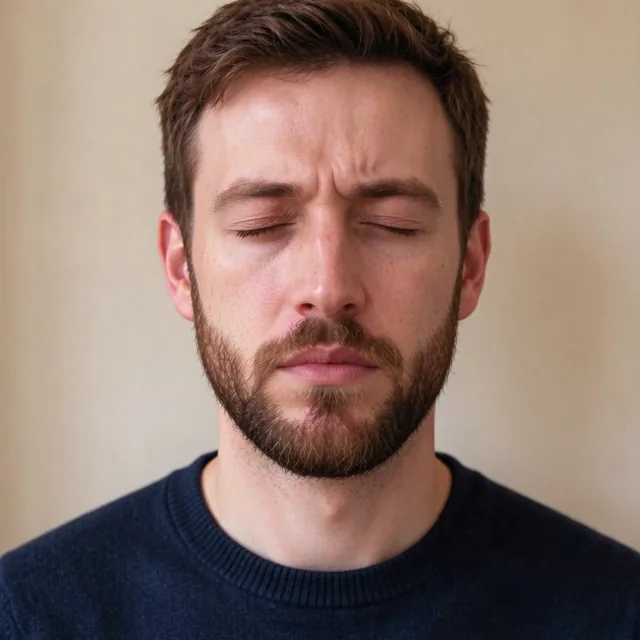
 BeforeAfter

Eyes closed in the shot? A second photo of the same person brings back an open, smiling face.
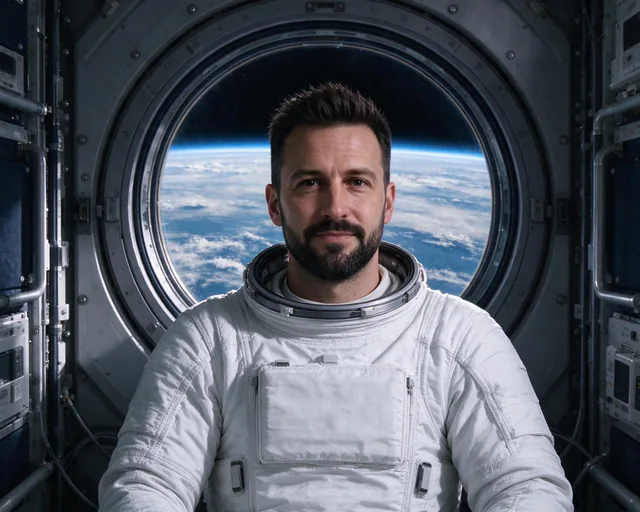
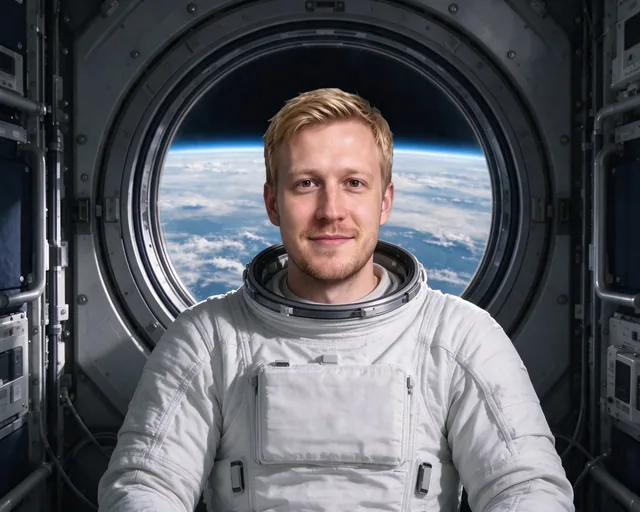 BeforeAfter
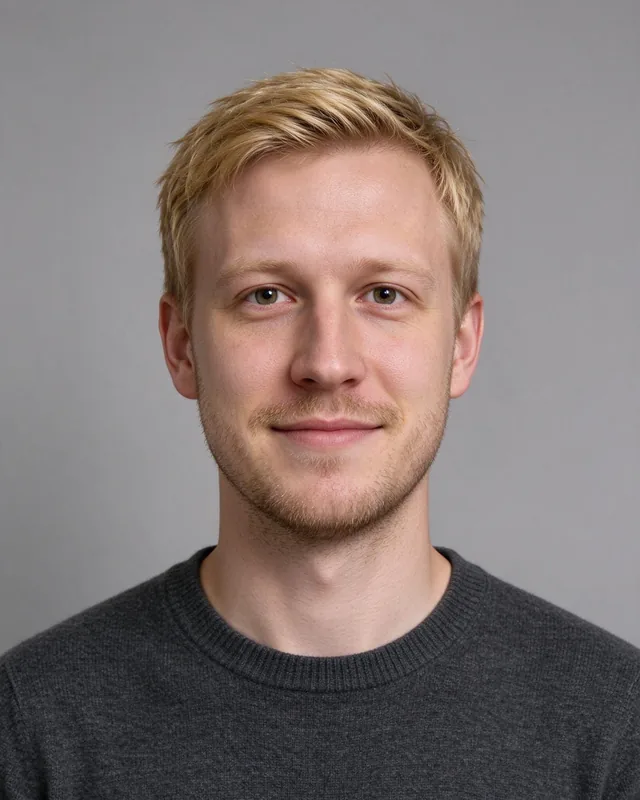
Your face in a different outfit and setting, like an astronaut on a space station.

 BeforeAfter
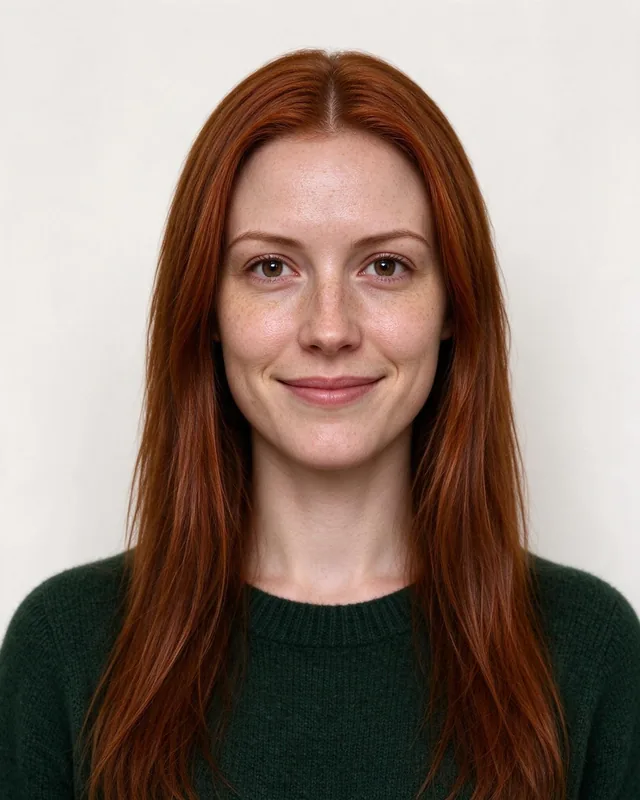
A ready-to-post lifestyle shot with your own face, the café and the light kept.
Real results of the tool as you get them. Every person shown is AI-generated: no real person's face is used.
Swapping faces with Deep-Image is simple. You don't need photo editing experience or complicated settings.
Choose the photo you want to edit. Make sure the face is clearly visible.
Upload another photo containing the face you want to use. Clear, well-lit portraits usually work best.
Click Generate and let AI replace the face. Compare the result with the original and download your image.
AI Face Swap opens up creative possibilities without complicated photo editing. From fixing expressions to making fun portraits, you can create a new look using just two photos.
Use another photo of the same person to improve a portrait where the expression wasn't quite right.
Put your own face – or a friend's, with their permission – into a different scene and share the result.
See yourself in a different outfit, hairstyle or setting before a photo shoot or event.
Make creative portraits and visual content for personal projects.
For the most natural-looking face swaps, the quality of your input photos matters.
Use clear face photos. A sharp, well-lit face gives AI more useful details.
Avoid covered faces. Sunglasses, hands, masks and heavy shadows can make swapping harder.
Choose a similar angle. Photos with comparable face angles often produce more natural results.
Use high-quality images. Better source photos help preserve facial details.
Check your result. AI-generated images can occasionally change small details, so review the output before sharing.
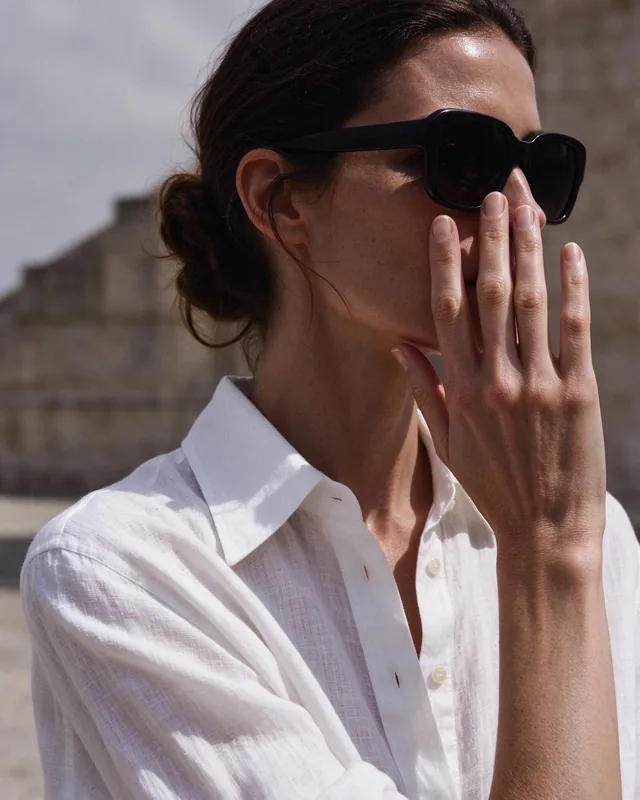
Use AI Face Swap only with photos you have the right to use and faces of people who agreed to it. Sexually explicit content, non-consensual intimate imagery, content involving minors and deceptive impersonation are not allowed, and every result goes through automated content moderation. Free previews are marked "AI GENERATED". If you see misuse, contact our support.
Without an account
Swap faces instantly, no sign-up
Free account
Sign up, no credit card
PRO
Subscription or pay-as-you-go credits
Everyone can download a free Preview (500 px on the long edge). The full-resolution file needs an account.
REST API
Integrate AI face swapping into your own application with the Deep-Image API. Replace faces in photos programmatically and automate image-processing workflows. API use is subject to the same Terms & Conditions and content rules.
{
  "url": "original_image",
  "background": {
    "generate": {
      "adapter_type": "face",
      "avatar_generation_type": "creative_img2img",
      "ip_image2": "replacement_face_url"
    }
  }
}Yes. You can try up to 3 face swaps per day without creating an account. Guest users can preview their results with a watermark and download a smaller preview. Create an account to access additional features and download options.
Upload the original photo, add another image containing the replacement face, and click Generate. Deep-Image will process both photos and create a face-swapped image.
No. You can try 3 face swaps per day as a guest. An account is required for additional processing and certain download options.
Use clear, well-lit photos with visible faces. Similar face angles and good image quality usually produce better results.
Yes. For example, you can use another photo of the same person with a better facial expression to create an improved portrait.
The tool is optimized for replacing a face in a photo. If your original image contains multiple faces, results may vary. For best results, use photos with one clearly visible face.
Only if you have the necessary rights and permissions. You must respect privacy, image rights and the rules of the service. Deceptive impersonation, non-consensual intimate imagery and sexually explicit content are prohibited.
No. Sexually explicit content and non-consensual intimate imagery are prohibited. Generated results are subject to automated content moderation.
Yes. Previews and free downloads are marked with an "AI GENERATED" watermark. If you share an image downloaded without a watermark, label it as AI-generated.
Photos uploaded without an account are deleted, with all their files, after 24 hours. For registered accounts, files are kept according to your plan and our privacy policy.
Full-resolution downloads depend on your account and plan. Guest users can preview their result and download a smaller version. See our plans for additional options.
Yes. Deep-Image offers a Face Swap API for developers who want to integrate face replacement into their applications.

Turn a few selfies into AI avatars in dozens of styles.
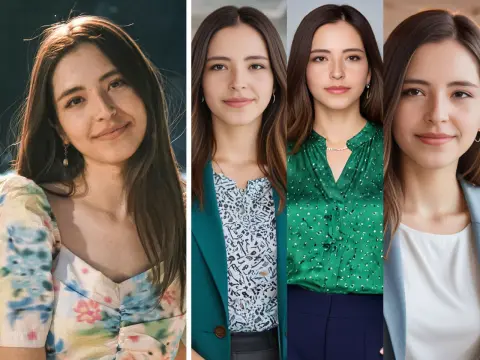
Create professional headshots for LinkedIn and your CV from a selfie.
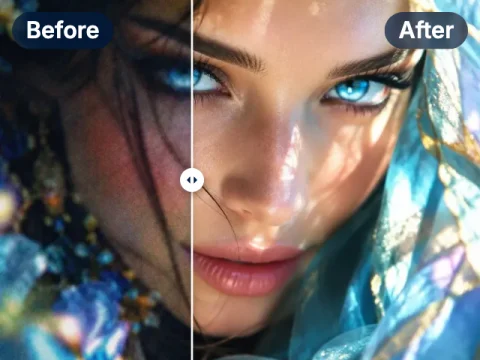
Fix light, colour and sharpness of a photo in one click.
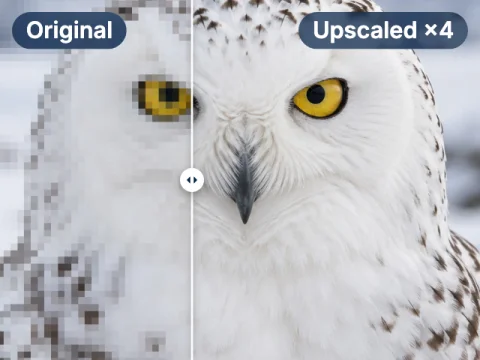
Enlarge photos up to 16× and keep the details sharp.
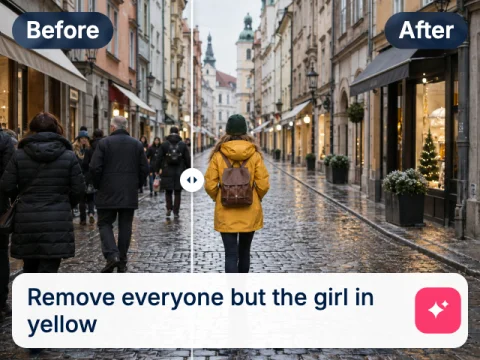
Change backgrounds, colours and styles of a photo by describing the edit.
Swap a face in your photo
3 free face swaps a day, no sign-up. More with a free account or PRO from $7.50.