Iterative AI Image Workflows: From Prompt to Final Asset
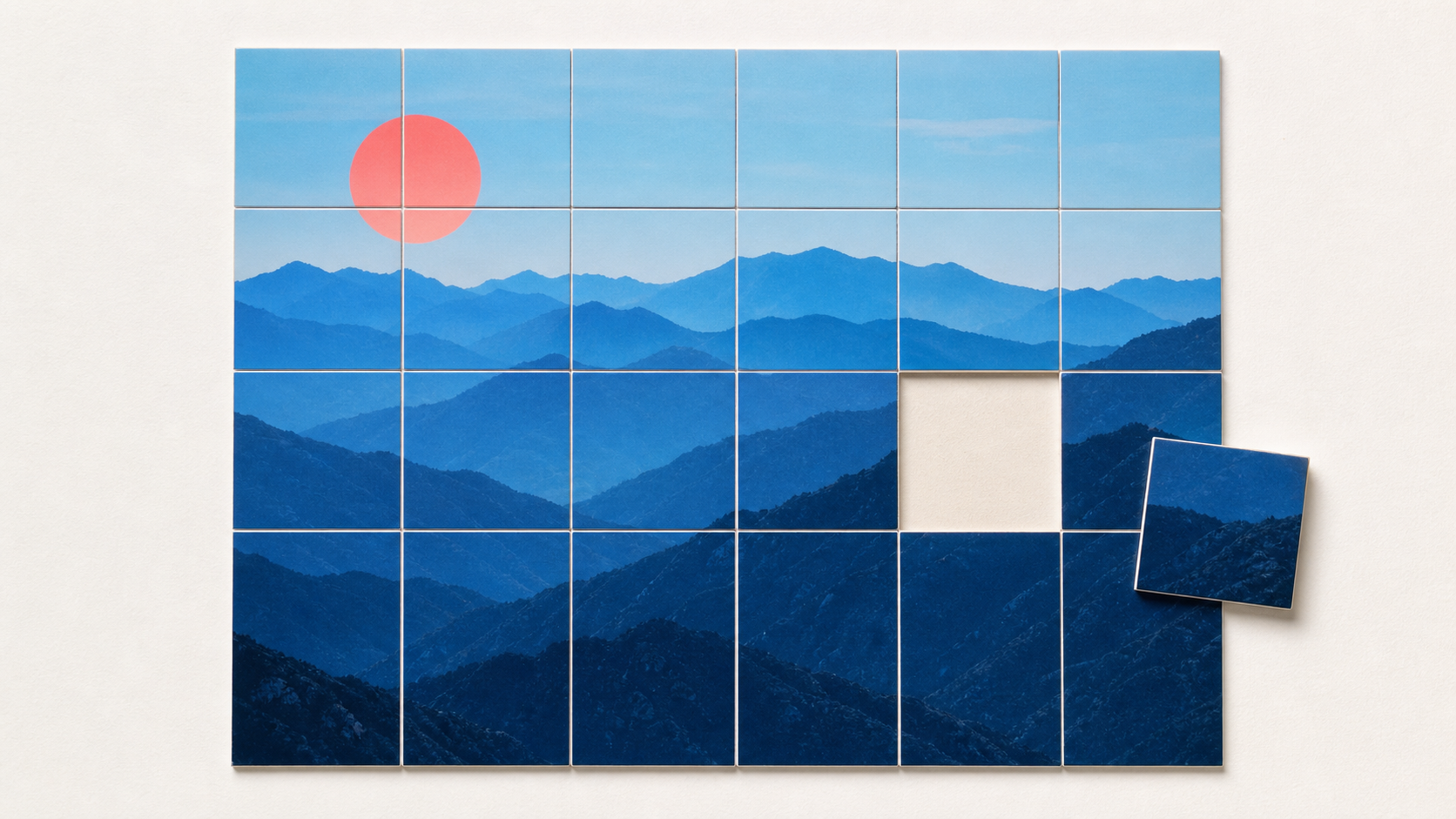
A one-shot prompt can be useful for exploration, but it is a weak production method. When an image is already close, regenerating the whole frame to fix one sleeve, reflection, background object, or crop can destroy everything that was approved.
An iterative AI image workflow treats generation as a sequence of controlled decisions. The team establishes a source, locks the parts that must not change, edits one target at a time, compares versions, and validates the final file at its delivery size. The objective is not to generate more variants. It is to reduce uncontrolled change.
When a one-shot prompt is enough
A single prompt is appropriate when the brief is open, no real product or person must be preserved, and the output is only a concept. Early mood exploration, fictional scenes, and rough compositions benefit from speed and variety.
The method becomes risky when the image has invariants such as product geometry, a person's likeness, a specific camera angle, brand colors, legal copy, packaging components, or an approved composition. A model may satisfy the new request while silently changing one of those details.
Define the source of truth
Before editing, identify the file that owns each fact. For a product campaign, that might be an approved packshot for product geometry, a color reference for the variant, and a separate composition sketch for layout. For a portrait, it may be a selected photograph and a short list of identity features that cannot drift.
Do not use the latest generated result as the only reference. Small deviations can accumulate across several edits. Keep the original source and compare every important version back to it.
Record the invariants in plain language:
- subject identity, pose, and expression;
- product dimensions, controls, labels, and included parts;
- camera position, crop, and perspective;
- approved colors, materials, and lighting direction;
- areas that may change and areas that must remain locked.
Build a strong base before local edits
The first generation should establish composition, subject, viewpoint, and broad light. Do not accept a structurally wrong base because a local edit might repair it later. Region tools are better for bounded changes than for rebuilding the entire scene.
If composition must follow an existing layout, use a reference rather than describing every position in prose. Adobe's current composition-reference workflow, for example, separates structural guidance from the text prompt and provides a strength control. The exact controls differ by tool, but the principle is general: communicate spatial constraints with spatial evidence.
Change one variable at a time
Make each iteration answer one question. Replace the background, correct a hand, adjust a product edge, or change the crop. Avoid combining unrelated requests such as changing wardrobe, lighting, camera angle, and environment in one pass.
A narrow change makes review possible. If a result fails, the cause is easier to identify. If it succeeds, the version becomes a stable checkpoint.
Use a short iteration record:
- version identifier;
- source version;
- selected region or allowed change;
- prompt and tool settings;
- accepted and rejected differences;
- reviewer and decision.
Use regions and masks, but check edit spill
Region editing communicates where a change belongs. Adobe Firefly's Markup workflow combines text, brush marks, and region selections for targeted edits. Deep-Image.ai provides related options through Prompt Based Edit and Inpainting.
A mask is a constraint, not a guarantee. Generated changes can affect pixels near the boundary, lighting, reflections, shadows, or object relationships outside the obvious selection. Inspect the edited region, then toggle the whole frame against the previous version.
For products and portraits, check high-risk landmarks at full size. Look at eyes, teeth, fingers, hair edges, logos, seams, buttons, ports, jewelry, text, repeated patterns, and contact shadows. Reject an edit that improves the target while damaging an invariant.
Backgrounds need geometry and lighting review
Background replacement is more than filling empty pixels. The subject and environment must agree on camera height, horizon, scale, light direction, color temperature, contact point, reflection, and occlusion.
When using the AI Background Generator, keep the source product available beside the result. A blended mode may preserve the product more predictably but can produce a pasted-on edge or weak interaction. A more generative mode can integrate the scene better but may change the item. Choose based on the preservation requirement and review accordingly.
Separate exploration from production
Do not refine every candidate. Generate a small exploration set, choose one direction, and create a production branch from the selected source. Archive rejected directions so they do not return later as accidental references.
Once a version is approved, treat it as immutable. New work creates a child version rather than overwriting the file. This protects the last good state and makes it possible to compare the cost of each change.
Evaluate at the size and context of use
A full-resolution file can hide weak composition, while a thumbnail can hide malformed details. Review both. For a blog cover, test the actual card crop. For a marketplace image, test the main-image frame and mobile listing. For print, inspect at the intended physical size and viewing distance.
Use a checklist that matches the asset:
- Does the image communicate the brief without relying on tiny details?
- Did the requested region change and only for the intended reason?
- Do source identity and product facts still match?
- Are perspective, light, shadows, and reflections physically consistent?
- Is every visible word exact?
- Does the file meet crop, size, color, and format requirements?
Upscale only after structure is approved
Upscaling increases processing cost and makes later edits heavier. Apply it after composition and content are accepted. Test AI Image Upscale against a conventional resize and inspect faces, typography, product edges, and repeated textures. An upscaler can create plausible high-frequency detail, but it cannot prove what was missing from the source.
A controlled iterative workflow
- write the brief and immutable constraints;
- choose or create a structurally sound base;
- save it as the source checkpoint;
- make one bounded edit;
- compare the result with both its parent and the original source;
- accept, reject, or branch the version;
- repeat only for remaining requirements;
- upscale and apply output-specific finishing;
- audit the actual final file once at full size and delivery size.
Iterative image generation is not endless prompting. It is versioned production with explicit invariants, narrow edits, and evidence-based approval. The process succeeds when every step reduces uncertainty and the final image can be traced back to a trusted source.
