Multimodal RAG Pipelines: Why Document Upscaling APIs are Replacing Traditional OCR
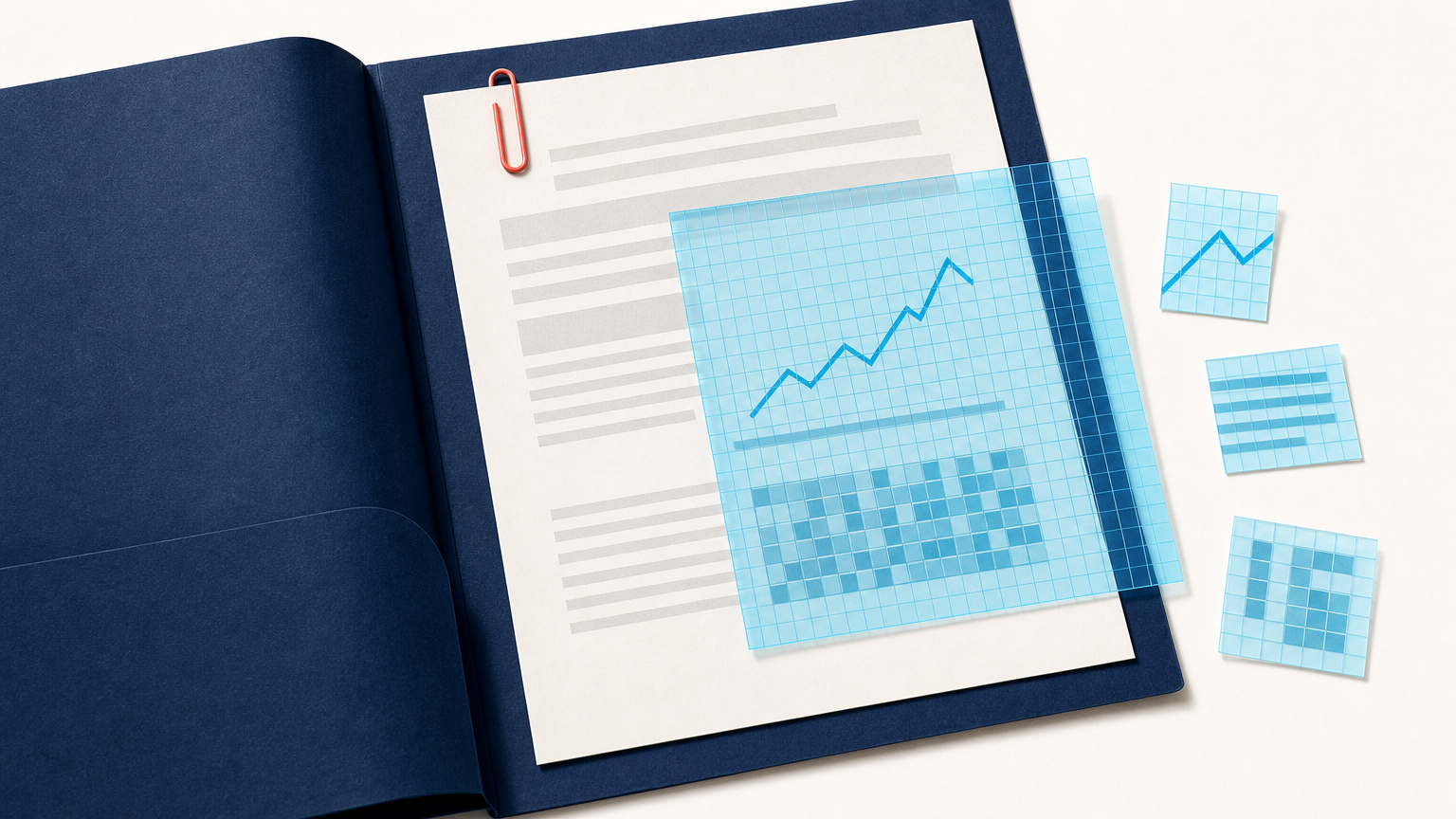
A multimodal RAG pipeline does not begin with a prompt. It begins with the evidence a model can retrieve and inspect. When that evidence is a low-resolution PDF, a scanned report, or a chart-heavy slide deck, the pipeline can lose meaning before a vision-language model (VLM) gets a chance to reason about it.
A document upscaling API can create a clearer working derivative before visual retrieval or VLM analysis. It does not replace the original file, repair missing facts, or prove that every generated detail is correct. Its job is narrower: make visible text, lines, labels, and layout easier to inspect while preserving a traceable path back to the source.
For AI developers, data engineers, and CTOs, this matters because multimodal RAG changes the document-processing boundary. Traditional OCR remains useful for clean, repeatable text extraction. But when retrieval or answering depends on a page's visual structure, tables, charts, figures, or label-to-value relationships, a text-only representation can be incomplete.
Why multimodal RAG changes the role of OCR
In a conventional RAG system, a document is often converted into text, split into chunks, embedded, and retrieved for a language model. That route works well when the document's meaning survives transcription. It becomes less reliable when reading order, table cells, chart marks, footnotes, spatial grouping, or an image caption carry part of the answer.
Multimodal RAG keeps visual information in the retrieval and answer path. A page image, image embedding, or page-level representation can be retrieved alongside extracted text. A VLM can then inspect the visual context instead of relying only on an OCR transcript.
This is not a reason to discard OCR. OCR is still a practical choice for searchable archives, stable forms, predictable invoices, and workflows where text plus coordinates are enough. The change is architectural: OCR becomes one evidence-producing stage, rather than the only way a document can enter retrieval.
Where low-resolution documents break a VLM workflow
VLMs can reason over text and images together, but they cannot recover reliable evidence from pixels that do not clearly distinguish a character, line, or chart label. A compressed PDF page may contain text that is technically present but too small to separate. A scan can include blur, uneven lighting, skew, and faint ink. A chart can retain its title while losing axis labels or small annotations.
These failures can affect both retrieval and generation:
- Weak visual retrieval: A page embedding may represent the general topic while missing the small visual detail that distinguishes one result from another.
- Incomplete context: OCR may return words but lose their relationship to a nearby table column, legend, or form field.
- Unsupported answers: A VLM may produce a plausible interpretation when the source is unclear. That answer still needs to be treated as unverified.
The practical response is not to ask the model to be more confident. It is to improve the input condition where possible, retain the source, and give the pipeline a clear uncertainty path.
What a document upscaling API adds before visual retrieval
Upscaling increases pixel dimensions and can create a more legible derivative for downstream processing. In a multimodal RAG workflow, the derivative can help make small printed text, table boundaries, diagram labels, and chart annotations more available to the visual encoder or VLM.
The safe objective is visibility, not reconstruction. A document upscaling API should be treated as a controlled preprocessing service with a defined profile, input record, output record, and validation step. The original PDF page or scan remains available for comparison and review.
Deep-Image.ai's API documentation is the right place to confirm supported requests and integration behavior before implementation. For manual inspection of representative document samples, teams can also use Document Upscaler to assess whether a working derivative makes the relevant visual evidence clearer.
A reference multimodal RAG pipeline for visual documents
A production design should separate source preservation, preprocessing, retrieval, answer generation, and validation. One reference flow looks like this:
- Store the immutable source. Assign each document and page a stable identifier. Preserve the original PDF, scan, or rendered page for audit and review.
- Classify pages before heavy processing. Detect basic properties such as page size, visible text density, tables, charts, handwriting, or image-heavy layout. Use this information to select an appropriate route, not to make a final business decision.
- Create a working derivative when input quality justifies it. Submit a copy to a reviewed document upscaling profile. Record the source version, profile version, processing job reference, and derivative location.
- Produce complementary representations. Generate OCR text where text search is useful, and retain page images or visual embeddings for page-level retrieval. Neither representation should silently replace the other.
- Retrieve evidence at the right granularity. Retrieve the relevant page, region, text chunk, or combination of these. A question about a chart may require the full page image and nearby text, while a factual lookup may only need a transcript segment.
- Ask a bounded question. Give the VLM a task with an expected format, such as identifying a table heading, returning a named value, or explaining what a selected chart shows.
- Validate and cite the source internally. Link the answer to page identifiers, retrieved evidence, model version, and validation result. Route ambiguous, low-quality, or high-impact outputs to review.
This pattern avoids a common mistake: treating a successful enhancement request or VLM response as proof that the answer is ready to use.
How to decide when to upscale a document page
Do not upscale every input by default. It adds compute, storage, and another transformation to monitor. Instead, define observable triggers based on the documents and tasks your system handles.
| Input condition | Potential preprocessing decision | Validation focus |
|---|---|---|
| Small printed text or low-resolution rendered pages | Create a document-focused upscaled derivative before OCR and visual embedding. | Check punctuation, narrow characters, and line separation against the source. |
| Tables with dense cells or fine rules | Use a derivative for page-level visual inspection and table extraction experiments. | Confirm row, column, and label-value relationships on representative samples. |
| Charts with small labels or legends | Process a derivative for the visual route, while retaining the full original page. | Verify that labels and data relationships remain readable rather than inferred. |
| Clean, text-first documents | Use OCR-first processing and escalate only if extraction or retrieval fails a defined check. | Measure text fidelity and retrieval quality against a baseline. |
The correct threshold is empirical. Build a fixed evaluation set that includes clean pages, difficult scans, tables, chart-heavy reports, and examples that previously caused incorrect retrieval or extraction. Compare baseline processing, OCR-only processing, and the upscaled multimodal route on the same inputs.
Preventing hallucinations means preserving evidence, not sharpening confidence
Multimodal RAG can reduce the gap between an answer and its visual source, but it does not eliminate hallucination risk. A VLM may still misread a label, merge values from separate rows, or answer beyond what the page supports. Upscaling can make evidence easier to inspect, yet it cannot turn an ambiguous source into verified data.
Build controls around the answer rather than relying on a model's phrasing:
- Keep source pages and enhanced derivatives linked by immutable identifiers.
- Use task-specific output schemas instead of open-ended requests.
- Validate expected formats, types, ranges, and cross-field rules.
- Store the retrieved page or region that supports an answer.
- Require a review route for unclear characters, contested values, and high-impact decisions.
For document workflows where one digit or date matters, this discipline is essential. A clearer derivative is useful operational evidence, but the original source remains the record to inspect when certainty matters.
Why APIs matter for enterprise document processing
Manual image enhancement can help a team understand the problem, but a RAG pipeline needs repeatable behavior. An API-based preprocessing stage lets an application apply a reviewed profile, track job state, preserve processing lineage, and send only validated derivatives to the next step.
The surrounding application should own document identity, access control, page rendering, routing rules, retrieval indexes, and review queues. The image-processing provider should remain a bounded component that creates a documented derivative from an approved input. This separation makes it easier to test a new profile, roll back a problematic change, and explain how a given VLM input was produced.
When your team is ready to prototype, start with a narrow document class. Use the Deep-Image.ai API documentation as the implementation reference, and compare results with and without a preprocessing stage before expanding the route.
FAQ
Does multimodal RAG replace OCR?
No. OCR remains useful for clean text extraction, indexing, and stable document templates. Multimodal RAG is most helpful when the answer depends on visual layout, charts, tables, images, or relationships that a text transcript does not preserve well.
Should every document be upscaled before a VLM processes it?
No. Upscale when a measured input-quality problem makes relevant visual evidence difficult to read. For clean pages, an OCR-first or direct visual route may be sufficient.
Can document upscaling eliminate VLM hallucinations?
No. It can improve the clarity of a working derivative, but it cannot verify missing or ambiguous information. Use retrieval records, output validation, and human review for uncertain or high-impact results.
What should a multimodal RAG system retain for audit?
Retain the source document or page, derivative identifiers, processing profile, OCR output where used, retrieved evidence, model version, structured output, validation outcome, and any reviewer decision.
Build a clearer evidence path for multimodal RAG
Multimodal RAG does not make traditional OCR obsolete. It makes text extraction one part of a broader evidence strategy. When documents contain visually meaningful structure, a document upscaling API can prepare a clearer derivative for retrieval and VLM inspection without displacing the original source.
If your RAG system is struggling with low-resolution pages, tables, or chart labels, begin with a representative benchmark. Test a controlled derivative using Document Upscaler, implement only documented API behavior, and promote the workflow when the measured retrieval quality, validation, and review process support it.
