Integrating Vision APIs with RPA: Automating Legacy Enterprise Workflows
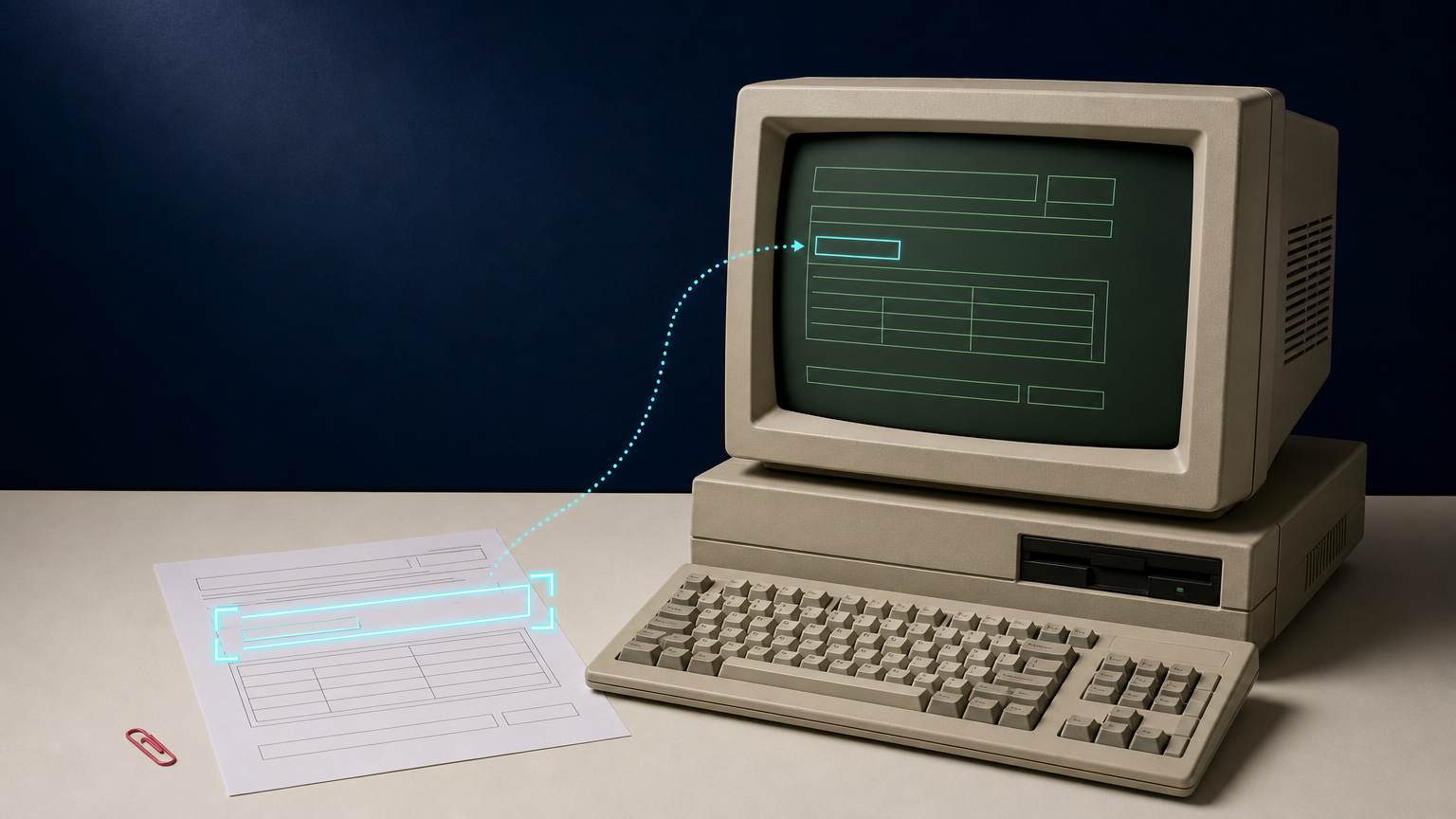
Many enterprise workflows still depend on software that was built before modern integration patterns became common. A team may receive scanned forms, supplier images, inspection photos, or screenshots, extract a few facts, and then enter those facts into a desktop application, terminal emulator, or internal web portal. The information is visible, but not reliably structured.
RPA vision API integration connects two useful capabilities. Robotic process automation (RPA) handles the repeatable interaction with a legacy user interface. A vision API prepares or interprets an image before the bot acts. Used together, they can reduce manual visual data entry and make image-based inspection workflows more consistent without pretending that every image or screen can be handled without review.
This guide is for enterprise IT and automation engineers. It explains where the boundary between RPA and a vision API should sit, how to build a traceable workflow, and how to keep exceptions visible when legacy systems remain part of the process.
What RPA vision API integration means
RPA is well suited to deterministic steps in an existing application: opening a known screen, locating a stable field, entering approved data, downloading a report, or moving a completed case to the next queue. A vision API adds a separate image-processing or image-understanding stage. It can create a cleaner working image, prepare a derivative for review, or support a visual rule that your application can evaluate.
The two systems should not be confused. The vision service does not need to operate the legacy interface. The RPA bot does not need to guess what an unclear image means. A reliable design gives each component one job:
- Vision API: creates or returns a defined image-processing result from an approved source.
- Orchestration layer: records the job, validates inputs and outputs, applies routing rules, and holds exceptions.
- RPA bot: performs the limited legacy-system actions that cannot yet be replaced by a supported integration.
- Human reviewer: resolves ambiguous images, conflicting data, and business decisions the automation is not allowed to make.
This pattern aligns with the broader idea of hyperautomation: combining technologies such as RPA, AI, process tools, and integrations around a business process rather than treating one bot as the entire solution.
Start with a narrow visual task
The first project should not be “automate the legacy system.” Choose one image-dependent decision with a clear input, output, and review rule. Good candidates are repetitive tasks where a person currently opens an image, performs a limited check, and then enters or routes a result in the same legacy application.
Examples include:
- Preparing low-quality scan derivatives before an existing OCR or indexing step.
- Creating a standardized image derivative for a claims, archive, or document-review queue.
- Checking that an intake image meets basic operational requirements before an RPA bot opens a legacy form.
- Isolating an approved product image before a bot uploads it to an older catalog system.
- Routing images with missing, unreadable, or inconsistent visual evidence to a manual-review workbasket.
Define the task in business terms. “Prepare a readable document image for the records workflow” is a clear objective. “Use AI to understand all our incoming documents” is not. The first objective has an owner, a bounded source class, and a way to measure whether the output is useful.
Map the current workflow before adding a vision API
Legacy automation becomes fragile when teams automate a process they have not fully described. Before building, map the current path from intake to completed record. Include the image source, every manual decision, the legacy screens touched, data handoffs, and the point at which a person approves or rejects the work.
Pay particular attention to the difference between visual evidence and a business decision. A document may be too blurred for a downstream OCR step. That is an image-quality observation. Whether the case can proceed, be rejected, or be escalated is a business rule. Keep those responsibilities separate.
A useful mapping exercise answers these questions:
- What stable identifier connects the input image to the business record?
- Which visual problem is being addressed, and how will the workflow detect success?
- Which legacy-system fields can the bot enter without interpretation?
- Which screens or controls are stable enough for RPA, and which require a different integration route?
- What conditions force the case into manual review?
- Where will the original image, processed derivative, bot action, and reviewer decision be recorded?
If the legacy system has a supported export, import, database interface, or service endpoint, evaluate that route before relying on screen automation. RPA is most defensible when it is the smallest practical bridge to a system action that cannot yet be accessed more directly.
Use the vision API as a controlled processing stage
A vision API should operate on an immutable source reference or a deliberate working copy. It should return a separate derivative or a job result that the orchestration layer can associate with the original image. Do not let an API result silently replace the source file, especially in workflows involving records, inspections, or business evidence.
Deep-Image.ai can serve as the image-processing provider in this architecture. Its documented API offers an asynchronous process method that returns a job reference, while process_result can return a result immediately when processing completes within the documented window or return a job reference for later retrieval. The integration can also use the documented webhook flow to receive a completion event. Confirm the exact request shape and supported processing options in the Deep-Image.ai API documentation before implementation.
The important architectural rule is that API acceptance is not business completion. A request may be submitted successfully while the derivative is still processing. The bot should act only after the orchestration layer has recorded a completed result, run the relevant validation, and confirmed that the result belongs to the expected source and case.
Build a durable job record between the API and the bot
Do not make the RPA bot wait at a screen while an image job completes. Create an internal job record before calling the vision API. This record is the bridge between the image, the automation run, and the legacy business transaction.
At minimum, store:
- an internal operation ID and correlation ID;
- the immutable source-image reference and source version;
- the requested processing profile and its version;
- the provider job reference once it exists;
- current state, timestamps, and bounded attempt count;
- the output reference and technical validation result;
- the RPA run identifier and legacy-record reference; and
- the final disposition: completed, needs review, cancelled, or failed.
This record protects the workflow when a network timeout makes it unclear whether a request was accepted. Instead of submitting the image again immediately, the orchestrator can look up the existing operation and reconcile its state. The same pattern prevents an RPA retry from entering the same result twice into a legacy system.
Use explicit states, not a chain of assumptions
A small state model makes the handoff between systems observable. The exact names can vary, but each transition should have one meaning:
- Received: the source image and case reference passed intake checks.
- Queued: the request is waiting for processing capacity.
- Submitted: the vision API accepted the processing request and its external job reference is recorded.
- Processing: the workflow is awaiting a result, webhook, or reconciliation check.
- Validating: a result exists and is being checked against the source, profile, and technical requirements.
- Ready for RPA: the output is approved for the defined legacy-system action.
- RPA complete: the bot completed the confirmed action and the outcome was recorded.
- Needs review: the evidence, output, or UI outcome requires a person.
Do not collapse submitted, complete, and approved into one status. They refer to different events. Separating them stops a successful HTTP response from becoming an unsupported claim that the legacy record is ready to update.
Design the RPA handoff for idempotency
Legacy interfaces often give weak feedback. A bot may submit a form, lose its session, and be unable to tell whether the update was saved. Treat that as an ambiguous state, not proof of failure.
Before the bot writes data, record which legacy record is expected to change and which operation is authorized to change it. If the system exposes a transaction number, confirmation page, or status field, capture it after the action. On a retry, the bot should first search for evidence that the prior action succeeded. It should not blindly enter the same values a second time.
Use a narrow write boundary. The bot should receive validated values and an approved target record from the orchestrator. It should not receive a free-form model response and decide independently which fields to populate. If a value does not meet the expected format, source association, or confidence rule, send the case to review before the bot touches the legacy screen.
Make visual validation proportional to the risk
Not every image result needs the same level of control. A low-risk internal preview may need basic checks that the file exists, opens, and belongs to the correct case. A document used to support a financial, legal, or compliance decision needs stricter source-versus-derivative review and explicit human ownership.
Start with validation that software can explain:
- Does the result exist and decode correctly?
- Does it belong to the requested source version and processing profile?
- Does it meet the expected file format, dimensions, and destination rule?
- Is the output accessible to the next authorized system without exposing a public source unnecessarily?
- Has the case been classified as suitable for automatic RPA action?
Then add a review path for visual uncertainty. An enhanced scan can be easier to read without becoming authoritative evidence. If a character, identifier, label, or inspection detail remains unclear, the correct automated outcome is needs_review, not a plausible guess.
A reference workflow for legacy visual data entry
Consider a back-office team that receives scanned forms and must enter selected values into a legacy records application. A controlled RPA vision API integration could follow this sequence:
- A new file enters restricted storage and receives an internal case ID.
- The intake service validates file type, basic dimensions, ownership context, and the target business process.
- The orchestrator creates a job record and submits a working copy to the approved image-processing profile.
- The vision API returns a job reference. The workflow waits for the documented result or completion webhook rather than holding an RPA session open.
- When the result arrives, the orchestrator verifies source association and applies technical checks.
- An OCR or extraction component, where approved, returns structured candidate values. Format rules and source checks validate those values.
- Clear cases move to
ready_for_rpa. Ambiguous or conflicting cases move to a human workbasket with the original and derivative available side by side. - The RPA bot opens the legacy record, enters only the validated fields, captures the resulting transaction evidence, and updates the internal job state.
- The workflow stores the audit trail and sends downstream notifications only after the legacy action is confirmed.
This design does not claim that RPA or a vision API can eliminate every manual exception. It makes the repeatable route faster while ensuring unclear evidence does not quietly become a wrong record.
Common failure modes to plan for
Screen changes in the legacy application
UI selectors, window titles, and layouts can change after a release. Use stable business identifiers, small reusable bot components, and an exception alert when a required control is absent. Avoid mixing UI-repair logic with image-processing logic in the same bot run.
Duplicate submissions
Queue delivery, webhook retries, and bot restarts can all repeat work. Use the internal operation ID, source version, profile version, and target record as the identity of one logical operation. Check that identity before creating another API job or another legacy update.
Image quality that remains insufficient
Do not keep reprocessing an input that does not contain the required visual evidence. Request a better source, route the case to a specialist, or record that manual verification is required. More automation passes do not create verified facts.
Bot completion without a usable audit record
A green bot status is not enough. Capture the legacy transaction result, timestamp, case ID, and the value set that was authorized. This allows operations teams to reconcile a failure without opening every screen manually.
Where Deep-Image.ai fits in the architecture
Deep-Image.ai belongs behind an application-owned orchestration layer. Your organization should own the case identifiers, source records, approval rules, retry budget, RPA permissions, legacy-system write controls, and exception handling. The provider adapter should map an approved processing profile to the documented Deep-Image.ai request and completion flow.
For an initial proof of concept, test representative images manually in Document Upscaler or AI Enhancer Studio to define what an acceptable working derivative looks like. Then use the API documentation to implement the supported integration path. Keep the source image available throughout the workflow, and promote only validated derivatives into automated processing.
FAQ
What is RPA vision API integration?
It is an automation pattern that combines an image-processing or vision API with RPA. The API prepares or evaluates image-based input, while the bot performs bounded actions in a legacy system that lacks a practical direct integration.
Should an RPA bot call a vision API directly?
Usually, an orchestration layer is safer. It can store job state, handle asynchronous completion, validate results, apply routing rules, and give the bot only the approved values and target record it needs.
Can a vision API replace human review in a legacy workflow?
Not for every case. It can reduce repetitive preparation and routing work, but ambiguous visual evidence, high-impact decisions, and conflicting records need a visible review path.
How do you prevent duplicate entries in a legacy system?
Create a durable operation identity before processing, store the target legacy record and intended action, and check for evidence of a prior successful update before retrying a bot action.
What is the best first use case for RPA and vision APIs?
Choose one repetitive image-dependent task with clear inputs, a narrow legacy-system action, measurable acceptance criteria, and an established human exception path. Expand only after that workflow is traceable and reliable.
Modernize the workflow around the legacy system
RPA vision API integration is most useful when it does not hide a brittle process behind a new label. Use vision processing for a specific visual task, keep business decisions in governed rules and review queues, and limit RPA to the legacy actions it is uniquely positioned to perform.
If you are planning a pilot, start with one image class, one processing profile, one RPA write action, and one measurable exception rule. Use the Deep-Image.ai API documentation to ground the provider integration, then expand only after source-to-result traceability and human review work in practice.
