Beyond Text Extraction: How Small Vision-Language Models (VLMs) are Revolutionizing OCR
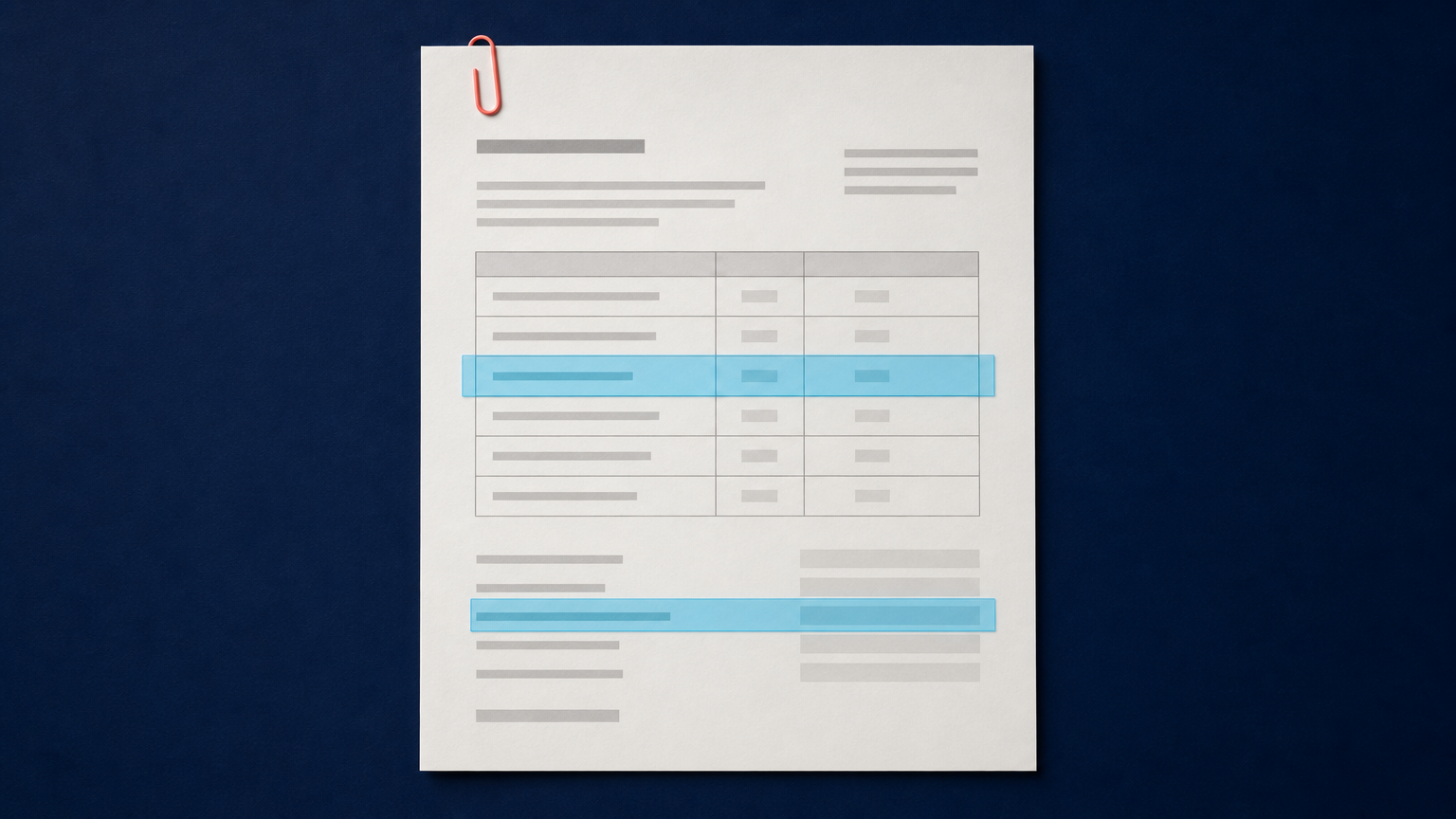
Traditional optical character recognition, or OCR, has a clear job: turn visible characters into machine-readable text. That remains valuable, especially for clean, predictable pages. But data engineers increasingly receive documents that are not predictable: invoices with tables, reports with multi-column reading order, forms with labels and values, scans with stamps, and PDFs where the meaning depends on both text and layout.
Vision-Language Models OCR describes a newer approach in which a model reads document pixels and language together. Instead of stopping at a text transcript, a compact vision-language model, or VLM, can be asked to identify a table, extract a field with its label, preserve a formula, or answer a question about a page. That does not make legacy OCR obsolete. It changes where OCR is sufficient and where document understanding needs another layer.
This comparison is for data engineers and developers building automated document-processing pipelines. It explains the operational difference between OCR and small VLMs, why compact models are receiving attention, and how image preprocessing can make either path more dependable.
Traditional OCR vs. vision-language models for OCR
OCR systems are usually optimized around text detection, text recognition, and sometimes layout analysis. Given a clear page, they can return a transcript quickly and support familiar downstream operations such as search indexing, validation rules, and regular-expression extraction.
A VLM combines visual input with language modeling. For document work, that means it can use the visual relationship between a label and a nearby value, the structure of a table, or the position of a note in the margin while producing an answer or structured output. The model is not simply reading more characters. It is reasoning over a document representation that includes text, geometry, and visual context.
| Question | Traditional OCR | Compact VLM approach |
|---|---|---|
| Primary output | Recognized text, often with coordinates or confidence values. | Text plus task-directed answers or structured extraction from a page. |
| Best fit | Clean, repeatable documents with stable templates or well-defined text rules. | Mixed layouts, visually complex pages, and extraction tasks that depend on context. |
| Layout role | Often a separate stage or a set of coordinates for later logic. | Can be part of the model input used to interpret the request. |
| Output control | Deterministic rules can be straightforward after transcription. | Requires schemas, validation, and evaluation because generated responses can be incomplete or incorrect. |
| Operational tradeoff | Usually simpler to scale and audit for text-only tasks. | Can reduce custom parsing logic for some tasks, but adds model selection, prompt design, and stronger quality gates. |
The right comparison is not “old versus new.” It is whether your pipeline needs text recognition alone or needs the system to understand how text, regions, and document elements relate.
Where legacy OCR still works well
Traditional OCR is still the practical choice for many production jobs. A high-volume archive of clean typed pages, a stable receipt format, or a PDF that only needs searchable text does not automatically benefit from a multimodal model. OCR output is easy to index, easy to inspect, and well suited to deterministic validation.
It is also useful as an upstream signal. OCR can produce a transcript, page coordinates, language hints, and confidence values that help a later component decide whether a page needs deeper processing. For example, a pipeline may accept a clean, high-confidence page after OCR but send a page with a table, a low-confidence region, or an unexpected layout to a separate extraction route.
The limitation appears when the next task depends on interpretation rather than transcription. A string such as 03/04/2026 is not enough on its own. A system may need to know whether it is an invoice date, a due date, a handwritten annotation, or a date inside a footer. That requires context around the text.
What small VLMs add beyond text extraction
Small VLMs are designed to bring document context into the extraction step without always using a very large general-purpose model. Recent examples include H2OVL-Mississippi, which has 0.8B and 2B variants for visual-language tasks including OCR and document AI, and GLM-OCR, a compact multimodal OCR model built for text, formulas, tables, and information extraction.
Their practical value is not that every document can be read with a single prompt. It is that one model can address several related document tasks through a shared visual-language representation. Depending on the model and evaluation, a pipeline can ask for text transcription, table structure, a target field, a formula, or a page-level answer without stitching together a separate rule set for every visual relationship.
Layout can become part of the answer
Consider an invoice with a supplier block, a billing address, a line-item table, totals, and a remittance note. OCR may recognize most of the words correctly while still leaving the application to determine which number is the invoice total and which is the tax amount. A VLM can be directed toward the semantic task: extract the total amount, return the currency, and distinguish it from line-item values.
This does not remove the need for validation. A reliable pipeline should check expected data types, required fields, ranges, cross-field relationships, and the source region associated with the result. For high-consequence documents, a human reviewer may still need the original image and the extracted result side by side.
Fewer parameters does not mean fewer controls
A compact model can be easier to deploy than a much larger VLM, but parameter count is only one engineering decision. Teams still need to evaluate input resolution, page batching, model latency, memory use, output schemas, retry behavior, and error handling. A small model that performs well on a benchmark may not be the best fit for low-quality scans, handwritten material, or the languages and layouts in your own corpus.
Think of compact VLMs as a way to specialize the document-understanding stage, not as a reason to remove evaluation from the architecture.
Why preprocessing still matters for VLM document extraction
A VLM cannot reliably interpret visual evidence that is not present in the source. Low resolution, compression artifacts, skew, shadows, faded ink, and poor contrast can weaken both conventional OCR and multimodal extraction. Better language reasoning does not compensate for a page where letter boundaries or table lines are difficult to see.
This is where document upscaling can serve as a controlled preprocessing layer. The purpose is to create a clearer working derivative for recognition and extraction, not to overwrite the original scan or claim that missing text has been recovered. Preserve the source file, apply only the processing that addresses an observed problem, and keep the derivative linked to its source.
The Document Upscaler can help create a larger, more legible working image for review before it enters a specialized document model. For a browser-based workflow focused on image dimensions, AI Image Upscale is another starting point. Developers should confirm request details and supported options in the Deep-Image.ai API documentation before integrating a preprocessing stage.
A useful rule is simple: preprocessing should improve the visibility of the source, while extraction should remain accountable to the source. If a transformed image makes a date, total, signature, or identifier appear more certain than the original supports, route it for review instead of treating the output as verified.
A practical hybrid pipeline: OCR first, VLM when context is needed
For many teams, the best production design is a hybrid. Use the lowest-complexity component that can handle a document class, then escalate only when the page or task requires semantic understanding. This keeps straightforward jobs fast while reserving VLM inference for documents where it adds real value.
- Keep the original document immutable. Store the source image or PDF with a stable identifier and retain it for review.
- Classify the input. Identify the document type, language, page quality, and presence of elements such as tables, forms, handwriting, or multiple columns.
- Create a controlled derivative when needed. Correct orientation, crop distracting borders, and apply document-oriented upscaling only after testing it on representative samples.
- Run OCR for text and basic signals. Capture the transcript, coordinates where available, and quality indicators that your pipeline can use for routing.
- Route complex tasks to a compact VLM. Use a defined request such as extracting a named field, returning a table in a required schema, or answering a bounded question about the page.
- Validate every structured result. Check schema conformance, expected types, business rules, source association, and the model version used.
- Escalate uncertainty. Send low-confidence, conflicting, or high-impact outputs to a review queue with the original and working derivative available.
This approach is more resilient than assuming that one model family will solve every document problem. It also gives you a clear experiment design: compare OCR-only, VLM-only, and hybrid routes on the same fixed sample set.
How to evaluate a compact VLM before production use
Do not decide from a visually impressive demo. Create a benchmark that reflects the documents your system actually receives. Include clean and degraded scans, expected and unexpected templates, dense tables, multiple languages where relevant, and examples that caused production failures in the past.
For each task, define what a correct result means before testing. A correct invoice number is not the same as a correct line-item table. A correct transcription is not the same as correct reading order. A valid result should be traceable to the input page and, where possible, to the evidence region used by the extraction workflow.
| Evaluation area | What to measure |
|---|---|
| Text fidelity | Character and word errors against verified samples, especially for identifiers, dates, and numeric values. |
| Field extraction | Precision and recall for required fields, plus type and format validation failures. |
| Layout handling | Reading order, table structure, label-value associations, and handling of headers, footers, and notes. |
| Operational behavior | Latency, throughput, failure modes, memory use, retry outcomes, and cost in your own environment. |
| Review burden | How often results require a human check and why they were routed there. |
| Traceability | Whether each output can be tied to its source, derivative, model version, request, and validation record. |
Keep the tasks bounded. Asking a VLM to “understand this document” produces an ambiguous evaluation. Asking it to return a JSON object with a document number, date, currency, total, and page reference gives you a result that can be validated and compared.
Where VLMs can fail
VLMs can produce an answer that reads plausibly but does not match the source. They can misinterpret a dense layout, lose a small table cell, confuse a label, or supply a value that is structurally valid but wrong. This is particularly risky for financial records, identity documents, legal files, scientific material, and archival sources.
Use explicit output schemas, restrictive task prompts, validation rules, and an exception path. Preserve the original document and do not make downstream systems treat a generated explanation as evidence. The same caution applies to preprocessing: a more readable derivative is helpful, but it is not a replacement for the source record.
For a related discussion of source fidelity in document workflows, see preventing AI hallucinations in financial document upscaling. If your current bottleneck is input quality rather than semantic extraction, our guide to AI upscaling as OCR preprocessing covers a careful baseline-and-derivative workflow.
FAQ
Will VLMs replace traditional OCR?
Not across every workflow. Traditional OCR remains efficient for clean, repeatable text-recognition tasks. VLMs are useful when the extraction task depends on layout, labels, tables, formulas, images, or page-level context. Many production systems will use both.
What is the difference between OCR and a vision-language model?
OCR primarily recognizes text in an image. A vision-language model processes visual and language information together, so it can support tasks such as contextual field extraction, table interpretation, and question answering about a document.
Are small VLMs accurate enough for business documents?
They may be suitable for specific document classes and tasks, but accuracy must be measured against verified examples from your own corpus. Use schema checks, business-rule validation, and human review for high-impact outputs.
Should documents be upscaled before a VLM processes them?
Upscaling can help when small or degraded scans make text and layout difficult to distinguish. Test it as a separate preprocessing step, preserve the original, and evaluate whether the derivative improves the task without introducing misleading detail.
What is a good first VLM document-processing project?
Choose one bounded task with clear ground truth, such as extracting a small set of invoice fields from a defined supplier group. Compare OCR-only and hybrid results, record every failure mode, and expand only after the review process is reliable.
Build for extraction, validation, and review
Small VLMs expand the document-processing toolbox beyond raw text extraction. They can help when a pipeline must connect words to their visual context, especially in complex layouts where fixed rules become difficult to maintain. The strongest design is not a blind replacement of OCR. It is a measured architecture that uses OCR for what it does well, brings a compact VLM into tasks that need semantic context, and validates every output against the source.
If low-quality scans are limiting recognition before either stage begins, test a controlled preprocessing derivative in Document Upscaler. Start with a representative sample, retain the original files, and promote the workflow only when your measured extraction quality and review process justify it.
