Building a Real-Time Image Optimization Pipeline
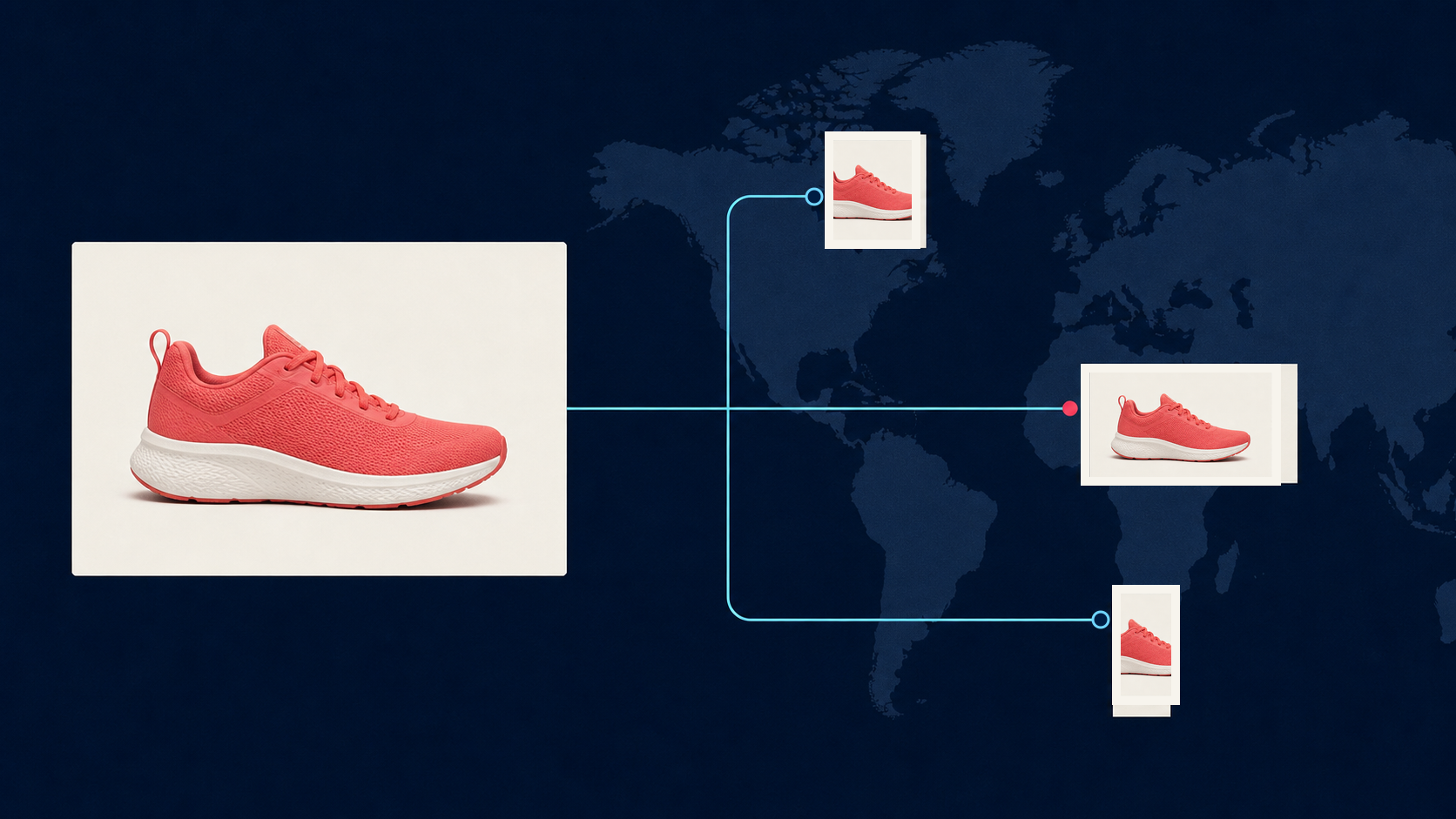
A real-time image pipeline has two jobs that are easy to confuse. It must accept or discover a new source image, and it must deliver an appropriate derivative quickly when an application requests one. Trying to perform every expensive operation inside the user's request path creates slow uploads, duplicate work, and unpredictable failures.
A better design separates ingestion, transformation, and delivery. The original remains the source of truth. Derivatives are addressed by stable transformation parameters, and a CDN serves repeated requests without asking the processing service to do the same work again.
Define “real time” for the product
Real time does not always mean completing every transformation before an upload response returns. For a profile picture, the application may need a small preview within a second. For a marketplace listing, it may be acceptable to confirm the upload immediately and publish the full derivative set a few seconds later.
Write a latency budget for each stage: upload, validation, transformation, storage, and first delivery. Separate the user-visible target from background completion. This prevents a slow high-resolution export from blocking a fast thumbnail that the interface needs first.
Store the original once
Accept the upload into object storage using a unique asset ID. Validate file type, declared and actual dimensions, size, orientation, and any limits before the file enters the processing queue. Do not trust the filename or client-supplied MIME type by itself.
The original should be immutable. If a user replaces it, create a new version rather than silently changing the bytes behind the same identity. That makes cache invalidation, audit history, and rollback manageable.
Keep transformation instructions separate from the source. A request such as “width 800, WebP, quality 80” is a derivative specification, not a new original. The article on payload optimization and rate limits explains why sending asset references is usually safer than moving large binaries through every service.
Choose eager, on-demand, or hybrid transformation
An eager pipeline generates known variants immediately after ingestion. It works well when every asset needs the same thumbnail, card, and detail sizes. Delivery is predictable, but unused variants still consume processing and storage.
An on-demand pipeline transforms an image when a specific URL is requested. The first request pays the processing cost; later requests are served from cache. Cloudflare's image transformation documentation describes this pattern directly: on a cache miss the service fetches the original, applies parameters, caches the result, and serves it. On a cache hit it returns the stored derivative.
A hybrid model usually fits high-traffic applications. Generate critical variants eagerly, then allow bounded on-demand transforms for less common sizes. Restrict the allowed parameter combinations so attackers or buggy clients cannot create an unlimited cache-key space.
Make the derivative key deterministic
Every transformed asset needs an identity derived from the source version and normalized parameters. Width 800 and format WebP should map to one canonical key regardless of parameter order or irrelevant defaults. Include every setting that changes pixels, including crop mode, focal point, quality, background, and model version.
Do not let arbitrary URLs become transformation instructions without validation. Use named presets or sign transformation requests. Enforce maximum dimensions, pixel area, file size, and permitted source origins.
A deterministic key makes retries idempotent. Two workers may receive the same job, but both target the same object. Conditional writes or a short lock prevent duplicate processing from producing conflicting results.
Move slow operations off the request path
Resizing and format conversion may be fast enough at the edge. Background removal, restoration, generative fill, and large upscales can take longer and have different failure modes. Submit those operations as asynchronous jobs and return an asset or job ID.
The worker records state such as queued, running, succeeded, failed, or rejected. When processing completes, it writes the derivative and emits an event. The application can consume a callback or poll a status endpoint. The webhooks guide covers signature verification, duplicate callbacks, and durable job state.
Use separate queues for latency-sensitive previews and expensive exports. A burst of large jobs should not prevent small application thumbnails from completing. Apply concurrency limits per operation and tenant so one customer cannot consume all workers.
Put the CDN in front of delivery
The CDN should cache immutable derivative URLs aggressively. If the source or transformation changes, produce a new versioned URL instead of purging a shared path on every edit. Long cache lifetimes then become safe.
Negotiate output formats deliberately. The browser's Accept header may influence AVIF, WebP, or JPEG delivery, but the chosen representation must be reflected in the cache key. Otherwise one client can receive a format selected for another.
Return useful cache headers and preserve a consistent fallback. If an on-demand transform fails, the system may serve a safe original or placeholder only when the product experience allows it. Never cache an error response as if it were a valid derivative.
Design for backpressure and failure
Queues absorb bursts, but they do not create capacity. Track queue depth, oldest-job age, processing duration, retry count, and failure category. When backlog grows, reduce optional work, reject oversized inputs early, or scale workers within a defined limit.
Retry temporary network and service errors with exponential backoff and jitter. Do not retry invalid files or unsupported transformations. Send permanent failures to a review or dead-letter queue with the asset ID, normalized request, and final error.
For larger systems, the high-volume image pipeline guide explains worker pools, admission control, and quality gates in more depth.
Observe quality as well as latency
Operational dashboards should measure cache-hit ratio, origin fetches, p50 and p95 transformation latency, queue age, error rate, output byte size, and cost per derivative. Those metrics reveal whether the pipeline is genuinely fast or merely hiding work in a growing queue.
Add media-specific checks too. Verify dimensions, decodability, orientation, alpha bounds, and expected format after processing. For high-value operations, inspect sampled outputs for crop errors, halos, invented detail, or color shifts.
A dependable real-time pipeline does not process everything synchronously. It gives each operation the right execution path, makes every derivative reproducible, and lets the cache perform the repetitive delivery work. Users see fast previews while the system retains control over expensive transformations.
