Batch AI Background Removal: Automating TikTok Shop and Amazon Catalogs
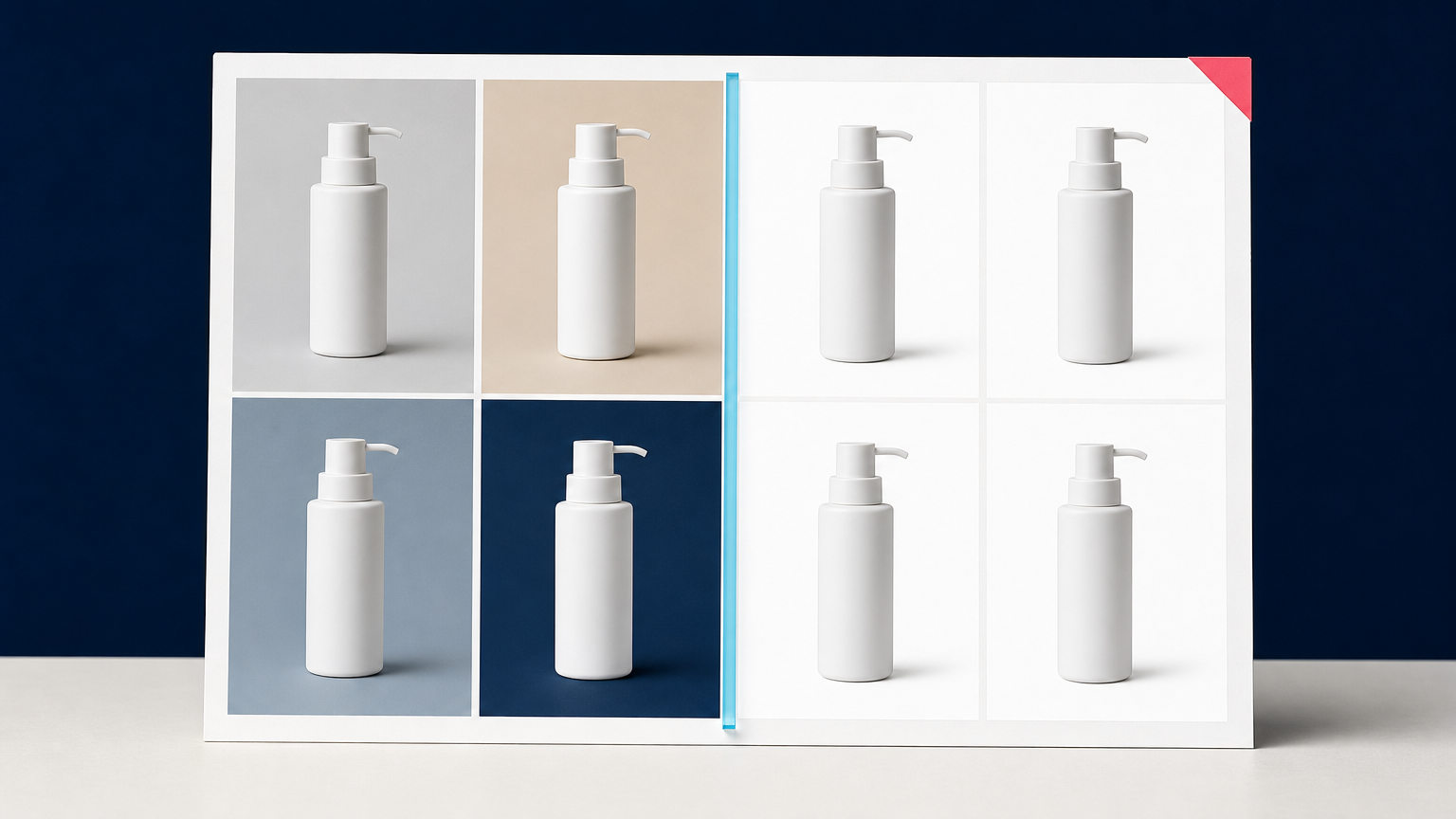
Marketplace image rules turn a simple editing task into a catalog operations problem. One product photo may need a clean white-background main image, a square crop, and a set of accurate detail shots. Multiply that by hundreds of SKUs, variants, and supplier updates, and manual cutouts become a bottleneck.
Batch AI background removal helps catalog teams process approved product images through a repeatable queue instead of editing them one by one. The goal is not to treat every output as automatically ready. It is to create consistent, reviewable image variants that fit the requirements of channels such as TikTok Shop and Amazon while keeping the physical product accurately represented.
Why marketplaces make background removal a batch problem
Both TikTok Shop and Amazon place special importance on the main listing image. TikTok Shop's product-listing policy requires a main image with a pure white background that objectively represents the item for sale. It also requires images to be at least 600 by 600 pixels and prohibits added text, borders, watermarks, and graphics. Amazon's main-image guidance likewise calls for a pure white background, the actual product, and no overlays or distracting props.
That does not mean every catalog image should look identical. Secondary images can show angles, details, included accessories, scale, or use cases when the marketplace allows them. But the primary listing asset needs a dependable production path. Teams need to know which source photo was used, which version is approved, and whether the final image still shows the exact product that a customer will receive.
The work becomes especially repetitive when a catalog includes:
- new SKU launches from suppliers with mixed photo quality;
- seasonal replenishment and variant updates;
- the same product published across more than one marketplace;
- catalog migrations that require standardized image sets; and
- large batches of products that need a white-background main image before listing.
Start with a channel-ready image specification
Batch processing works best when the team decides what a valid output looks like before uploading files. Without that definition, an automated cutout queue simply produces a large number of inconsistent assets faster.
For each destination, document the requirements your team will enforce. For a main marketplace image, this commonly includes the intended canvas shape, minimum dimensions, background color, allowed file format, product framing, and rules for text or additional objects. Keep this specification separate from a creative brief for secondary images. A product in a lifestyle scene may be useful for a later gallery position, but it is not a substitute for a compliant, isolated main image.
Also define the source of truth for each SKU. A stable product ID, variant ID, source-image reference, and destination channel make it possible to trace each derivative back to the approved original. This matters when a supplier replaces an image or when a reviewer needs to check whether a label, cap, color, or included component changed during processing.
How batch AI background removal fits into the workflow
In a batch workflow, background removal is one stage in a controlled pipeline. The source image enters with catalog metadata, receives an allowed transformation, and then moves through validation before delivery. It is not a black box that replaces product photography or catalog review.
1. Prepare a clean input queue
Start with original or approved source files, not screenshots, prior cutouts, or marketplace downloads. Reprocessing an already edited image can compound halos, missing edge detail, and color contamination. Group the files by product family or risk level so reviewers can focus attention where it is needed.
Simple opaque products on a contrasting background may be good candidates for automated processing. Glass, clear packaging, jewelry, fine straps, loose fibers, reflective surfaces, and products with small printed details deserve a closer review path.
2. Attach product and destination metadata
Each queued image should carry enough context to make the output useful. At minimum, associate it with a SKU or variant, the intended channel, the image role, and the approved source reference. If the image will be used as a main listing image, mark it as such. That makes it less likely that a creative secondary image is accidentally delivered as the primary asset.
A practical naming pattern can include the SKU, variant, channel, image role, and revision number. The exact naming convention is less important than keeping it consistent and avoiding a folder of files named only “final” or “final-2.”
3. Create the initial cutout and white-background variant
Deep-Image.ai's documented image-processing API supports background-removal settings and can composite the resulting alpha channel onto a specified color, including #FFFFFF. For catalog teams, that means one approved source can be routed to a transparent master or a white-background derivative, depending on the destination rule.
Use the initial output as a production candidate, not as proof of compliance. The product must retain its correct outline, visible label, material, color, and included parts. A technically successful job can still be unsuitable if an edge is clipped, a transparent component disappears, or a soft gray halo appears against white.
4. Run automated checks before human review
Automation can identify straightforward delivery problems before a reviewer opens the file. For example, a system can check whether the result has the expected dimensions, output format, background treatment, SKU mapping, and completed processing state. It can also flag files that are missing their source reference or do not match the expected image role.
These checks do not replace visual quality assurance. They make it easier to reserve human attention for the questions code cannot reliably settle: Does the product still look like the source? Are thin edges intact? Does the item look grounded and believable on its required background?
5. Review exceptions, then publish approved variants
Review by risk, not only by random sampling. A simple product may need a fast thumbnail check, while a reflective bottle or a pair of earrings may need inspection at full size. Compare the output with the source before approving it for a marketplace feed.
Keep the transparent master, the channel-specific derivative, and the original source as separate assets. This prevents a white-background Amazon or TikTok Shop image from becoming the only file available for a later campaign, product page, or new marketplace requirement.
Use different QA rules for TikTok Shop and Amazon main images
The operational principle is similar across both channels: the main image should be clear, accurate, and uncluttered. The exact rules can change by marketplace, category, and region, so teams should check the current guidance for the selling account before publishing a batch.
For TikTok Shop, the main image should show the front physical view of the product on a pure white background. TikTok Shop also requires accurate color images without added logos, text, borders, watermarks, or graphics. Its Seller Center supports bulk product uploads, which makes a consistent image-preparation process especially important when teams are handling large catalog updates.
For Amazon, protect the main image from common batch mistakes: a slightly gray background, an unwanted prop, text added outside the product, an excluded accessory, or product framing that does not clearly show the item for sale. Keep lifestyle assets and infographics in a separate output group so they cannot be confused with the clean main image.
Common batch-processing failures to catch early
White is not actually white. A cutout may look acceptable in a design tool but export with a gray, cream, or contaminated background. Check the final rendered file, not only the transparent mask.
Product details disappear at the edge. Thin handles, straps, cords, transparent lids, and fine jewelry elements can be partly removed. Compare those regions with the original source at normal review size.
The wrong variant receives the right image. Image fidelity is not only a visual question. A blue variant mapped to a black SKU, or a bundle image mapped to a single-item listing, can misrepresent the product even when the cutout itself is perfect.
One output is used for every channel. A clean white-background file may be the right main image, but a product page, campaign, or social placement may need a different crop or context. Preserve the master and create destination-specific derivatives.
Completed is mistaken for approved. An asynchronous processing job can finish successfully while its output still needs QA. Separate job completion from editorial or catalog approval in the workflow.
Build a practical review queue
A review queue does not have to slow the operation down. It gives the team a clear decision point between processing and publication. Use three outcomes:
- Approve: the derivative matches the source product and the destination specification.
- Correct: the product is usable, but the edge, framing, background, or file setting needs a targeted fix.
- Reshoot or replace: the source does not contain enough clean information for a truthful listing image.
This last outcome is important. Background removal cannot recover a logo hidden by glare, a side of the product outside the frame, or a missing accessory. Asking for a better source image can be faster and safer than repeatedly processing an unsuitable file.
Where Deep-Image.ai fits in a catalog pipeline
Deep-Image.ai can be used as the image-processing stage for a controlled catalog workflow. The Remove Background tool can help create an initial isolated product asset for individual files. For an integrated pipeline, the Remove Background API documents how to send an image through background removal, while the API documentation describes scheduling processing jobs and retrieving results.
For catalog teams, the useful pattern is to connect that processing step to internal controls: approved source references, SKU metadata, channel rules, visual review, and a separate publishing action. That keeps batch AI background removal focused on reducing repetitive image preparation without making unsupported assumptions about product compliance.
If you are building this process, start with one product category and a small approved set of source images. Define the main-image specification, process the batch, review every exception, and only then expand the queue to more SKUs and destinations.
FAQ
Can batch AI background removal prepare images for TikTok Shop?
It can help create consistent candidate images for TikTok Shop, including white-background product assets. Before publishing, verify the current TikTok Shop requirements for the relevant account and confirm that each result accurately represents the physical product.
Can the same white-background image be used for Amazon and TikTok Shop?
Often, a clean and accurate white-background product image can be a useful starting point for both channels. Still, review each marketplace's current rules, category guidance, image dimensions, and product-framing expectations before using one derivative everywhere.
Should catalog teams keep transparent files after creating a white background?
Yes. A transparent master gives the team a reusable approved cutout for other channels and future background treatments. Keep it separate from the final white-background marketplace derivative.
What should be checked after automated background removal?
Check the final background color, dimensions, product framing, labels, geometry, materials, included components, fine edges, and any halo or color contamination. Compare the result with the approved source image.
When should an image be reshot instead of processed again?
Reshoot or replace the source when essential product details are missing, cropped, hidden by reflections, blurred, or too close to the original background to isolate truthfully. More processing cannot restore evidence that is not present in the source.
To test a repeatable catalog workflow, begin with Remove Background in Deep-Image.ai for a small set of approved product photos, then create a reviewable white-background variant before sending any asset to a marketplace feed.
