Google Lens SEO: How Vision Models Change Image Optimization
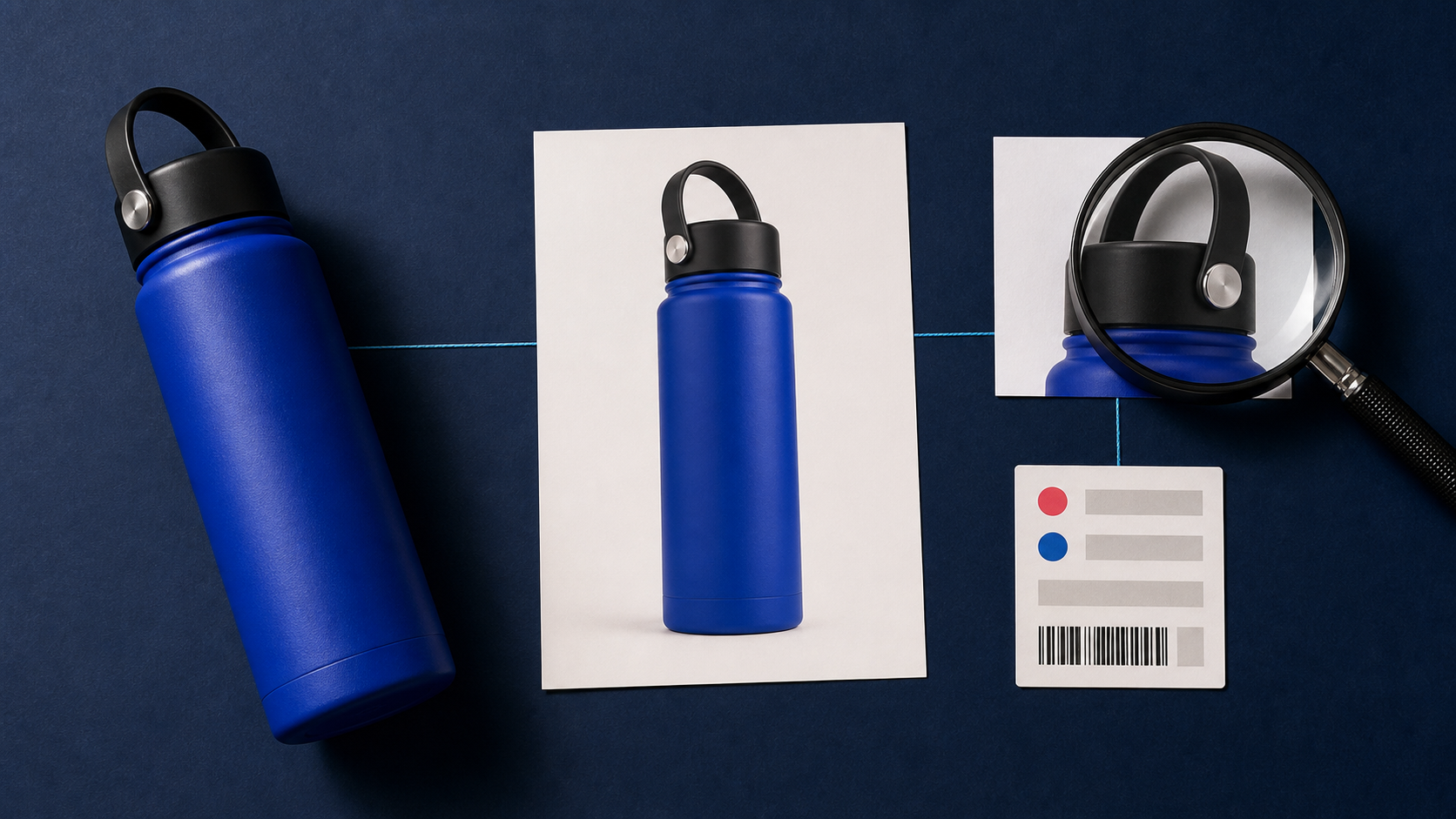
A shopper sees a product in a store, on social media, or in a video, then points a phone camera at it. That moment is part of search now. Google Lens SEO is the work of making your images, product pages, and product data easier for visual search systems to understand and connect to a useful result.
That does not replace traditional image SEO. It expands it. Alt text, descriptive filenames, accessible pages, and relevant surrounding copy still matter. The difference is that the image itself has become a stronger entry point into discovery, especially for retail.
Why Google Lens SEO matters for product discovery
In October 2024, Google reported that Lens handled nearly 20 billion visual searches each month and that 20 percent were shopping-related. For e-commerce teams, this means a product image is no longer only a conversion asset on a product page. It can be the starting point for someone trying to identify an item, compare similar products, or find where to buy it.
Visual discovery works differently from a text query. A person may not know a product name, model number, material, or even the right category. They can still search with what they see. Your job is to give search systems a clear image, a crawlable page, and accurate product information that work together.
Vision models change the role of the image
Text-based optimization often starts with the words around an image. Those signals remain useful, but camera-first search also depends on what is visibly present: the product shape, color, logo, label, pattern, and the separation between the item and its background.
This is not a reason to chase a secret visual-search formula. Google does not publish a requirement that every product must be photographed on white. A clean product-on-white image can be a sensible catalog asset because it makes the item easier for a shopper to inspect and keeps a catalog consistent. It should sit alongside contextual lifestyle images that show scale, use, and material.
Think in image roles. A packshot answers “what is it?” A lifestyle image helps answer “how does it look in use?” A detail crop can answer “what makes this version different?” Each image should earn its place on the page.
Build a visual-search-ready product image set
Start with the assets you already publish. The goal is not to make every image look identical. It is to remove avoidable ambiguity while preserving truthful product details.
- Use a clear primary product image. Show the complete item at a useful size. Avoid heavy overlays, collage layouts, and visual effects that obscure its edges or color.
- Keep variants distinct. If color, size, pattern, or bundle contents differ, use images that make the difference visible. Do not reuse the same photo for materially different variants.
- Show important identifiers when appropriate. Labels, packaging, distinctive seams, and other real product details can help shoppers recognize what they are looking at. Do not add marks that are not present on the item.
- Pair isolated and contextual views. An uncluttered catalog image supports quick inspection. Contextual images can show dimensions, fit, or intended use.
- Preserve accuracy. Editing should not change the product’s color, material, included accessories, or condition in a misleading way.
For catalogs with inconsistent source photography, Remove Background can help create a cleaner isolated starting image. For product visuals that need a new studio-style scene, Packshot PRO is designed for creating product-focused images. Review every result before publishing so the final image still represents the item accurately.
Do not treat alt text as obsolete
Claims that alt text is “dead” confuse a change in emphasis with a disappearance of best practice. Alt text remains important for accessibility, and Google’s image guidance still recommends descriptive filenames, relevant page context, captions where useful, and informative alt text.
Write alt text for the person who cannot see the image, not as a list of search terms. “Matte black insulated water bottle with a loop cap” is more useful than “best black water bottle Google Lens SEO product.” The first describes the subject. The second adds no real clarity.
Good supporting signals also include:
- a descriptive filename instead of a camera default name;
- product copy placed near the image, with accurate details;
- one canonical product page that search engines can crawl;
- appropriate
Productstructured data for pages that sell products; and - image sitemaps when they are useful for large or complex sites.
Use product structured data to connect the image to commerce details
A vision system may recognize a product category or a close visual match, but the page still needs to communicate what is actually for sale. Product structured data can help Google understand details such as price, availability, shipping information, and reviews when the page qualifies for relevant Search features.
For retailers, this is where visual and semantic information meet. The image shows the item. The product page names it and explains it. Structured data expresses the product facts in a machine-readable form. Keep those layers consistent. If the product photo shows a green variant, the selected variant, title, price, and availability should match what the shopper can buy.
AVIF is a format option, not a visual-search shortcut
Google Search supports AVIF, including in Google Images. AVIF can be worth testing when it reduces image weight without creating visible quality problems. Faster pages can improve the browsing experience, but switching formats alone will not make an image more recognizable or guarantee stronger visibility.
Evaluate the full delivery setup: image dimensions, responsive variants, compression quality, CDN behavior, and browser support for your audience. Keep stable URLs or implement redirects if a format migration changes filenames or extensions. The useful question is not “Should every image be AVIF?” It is “Can we deliver the image our customers need with less unnecessary weight?”
A practical Google Lens SEO workflow for catalog teams
Use this workflow when you are preparing a new collection or cleaning up an existing catalog:
- Choose a clear primary image for each SKU and verify that the visible product matches the purchasable variant.
- Create supporting images that show use, scale, or distinctive details without hiding the product.
- Standardize distracting backgrounds where an isolated catalog image is appropriate. Use AI product photo tools to refine source images, then perform a human accuracy check.
- Write descriptive alt text and filenames based on the actual item.
- Confirm that product pages are crawlable and that product structured data matches the page and selected variant.
- Test AVIF or other supported formats on a representative group of pages before a sitewide migration.
- Monitor Google Search Console and merchant data for indexing, crawl, and product-data issues.
This approach is deliberately unglamorous. It is also repeatable. Clean inputs, accurate product information, and consistent publishing practices give visual search systems more dependable signals than a collection of isolated SEO tricks.
Where Deep-Image.ai fits into image preparation
Visual-search readiness often starts with image operations that are difficult to keep consistent at catalog scale. A team may need to remove inconsistent backgrounds, improve a low-resolution source image, or prepare a more uniform collection without rebuilding every shoot.
You can use AI Image Upscale when a source image needs more usable resolution, and AI Background Generator when a product needs a different, controlled scene. These steps support an image-production workflow. They do not replace accurate page content, structured data, accessibility, or product operations.
If you want to test a cleaner catalog workflow, try the relevant Deep-Image.ai tools on a small group of real product images first. Compare the result against the original product and publish only images that remain faithful to what customers will receive.
FAQ
Does Google Lens use alt text?
Alt text is one of several signals that can help Google understand an image and is important for accessibility. It should be accurate and descriptive, but it is not the only part of image optimization.
Do product images need a white background for Google Lens?
No public Google requirement says every product image must have a white background. A clean isolated image is often useful for catalog clarity, while contextual images can help customers understand use and scale.
Does AVIF improve Google Lens rankings?
Google supports AVIF, and it may reduce image file size in some cases. It is not a direct shortcut to visual-search visibility. Test it for image quality, page performance, and your delivery setup.
What is the first step in Google Lens SEO?
Start with accurate, clear product photos that match the product page. Then add useful alt text, descriptive filenames, crawlable pages, and valid product structured data where appropriate.
The next version of image SEO is more connected
Google Lens SEO is not about abandoning text for images. It is about making the visual asset, product page, and product data tell the same truthful story. Teams that treat product photography as searchable information, not just decoration, will be better prepared for camera-first discovery.
