Hybrid AI Product Photography for E-commerce
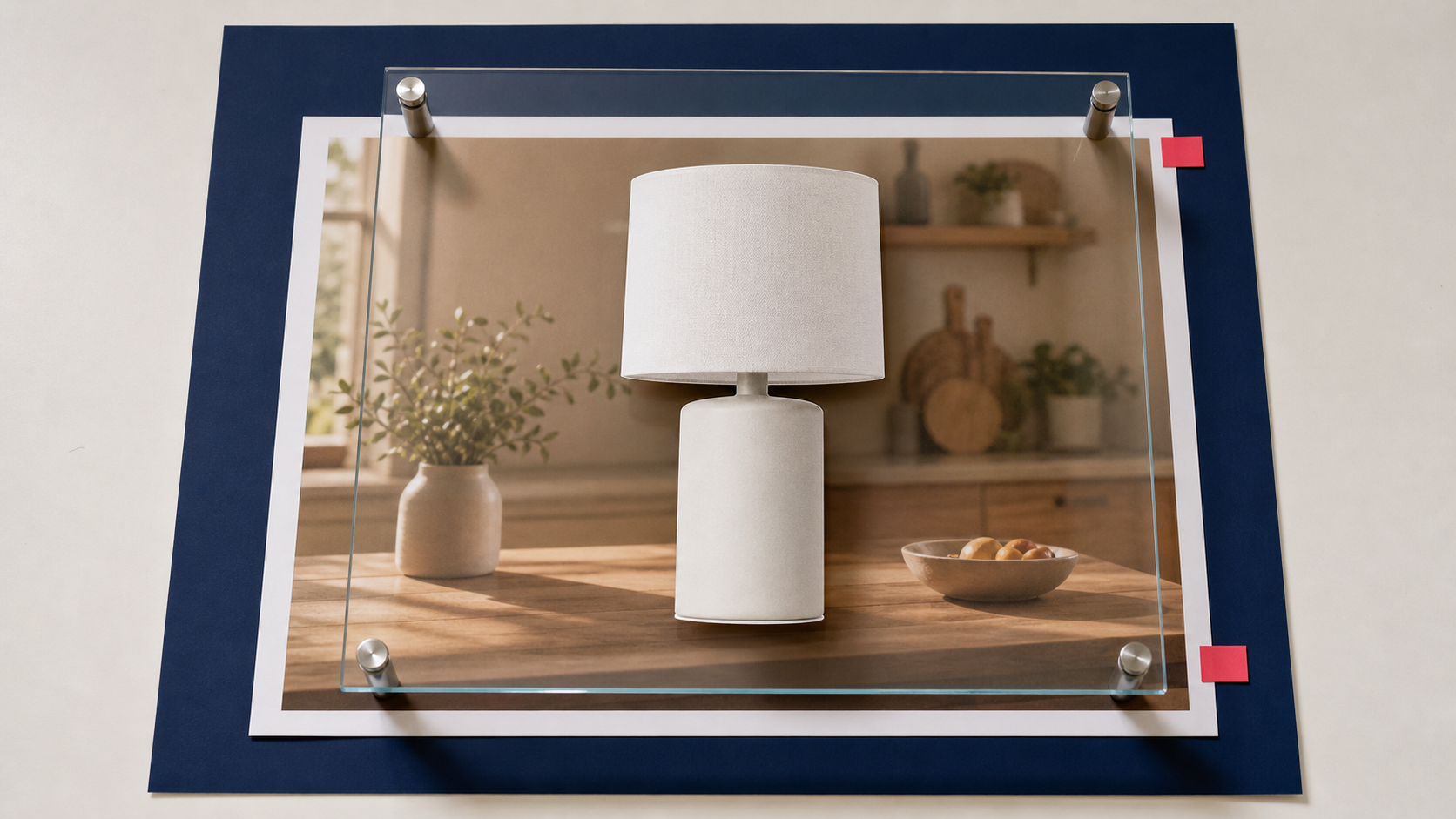
Hybrid AI product photography combines a real product capture with generated or digitally constructed surroundings. It can reduce the number of physical sets a retailer needs, but the workflow is safe only when the item remains accurate and the final scene is reviewed as advertising, not merely as an attractive image.
The practical objective is not to preserve every source pixel. Removing a background, matching color, adding contact shadows, and integrating a product into a new scene all change pixels around the object and sometimes at its edge. The objective is to preserve the product's material facts: shape, proportions, color, finish, label, included parts, and variant.
What makes the workflow hybrid
A hybrid workflow begins with photography of the actual SKU. Software isolates the product, prepares a mask, and places the verified product layer into a new environment. The background may be generated, photographed separately, rendered in 3D, or assembled from stock assets.
Deep-Image.ai documents two background-generation modes in its Product Photo API guide:
- blended: the original product is placed over a generated background, which makes product preservation more predictable but limits natural interaction with the scene;
- fully generative: the scene can integrate the product more freely, but the product may change and requires stricter comparison.
That distinction should drive review. A scene in which a hand covers a product, fabric wraps around it, or reflections cross its surface may require generative changes to the item itself. It cannot carry the same preservation claim as a clean composite.
Start with a verifiable product master
Good hybrid output depends on a controlled source. Photograph the exact variant being sold with enough resolution to inspect edges, labels, seams, texture, and included components. Use neutral lighting, avoid clipped highlights, and include a color reference when color is commercially important.
For reflective, transparent, furry, or finely perforated products, capture additional angles and mask references. A single white-background JPEG may not contain enough information to build believable transparency or reflections in a different environment.
Keep one approved packshot as the product master. Every lifestyle derivative should be compared against it, not against another generated image.
Main images and lifestyle images have different jobs
A clean main image helps shoppers verify what is included. A lifestyle image provides scale, setting, or use context. Do not force one asset to do both jobs.
Google Merchant Center's current product image guidance requires the main image to accurately display the product and recommends minimal staging. It also allows staged or lifestyle images that clearly show the product. Additional images are the right place for other views and contextual scenes.
For a hybrid catalog, keep the verified packshot as the main image unless the channel rules and product category support another treatment. Use generated lifestyle scenes as additional assets, then validate the feed, landing page, and selected variant together.
A production workflow that preserves product truth
- Define immutable attributes. Record the SKU's dimensions, geometry, color, materials, label, pattern, openings, controls, and included components.
- Approve the source capture. Confirm that the photographed unit matches the product data and landing page.
- Create and inspect the mask. Check fine edges at full resolution. Look for clipped straps, missing handles, filled holes, halos, and transparent areas rendered as opaque.
- Select the integration mode. Use a blended composite when preservation matters most. Choose a fully generative scene only when the required interaction justifies the additional risk.
- Match perspective and grounding. Horizon, camera height, scale, contact point, shadow direction, and reflection should agree with the new environment.
- Compare against the master. Use an overlay, edge difference, or synchronized side-by-side view. Do not approve from a small gallery thumbnail.
- Review channel compliance. Confirm image dimensions, crop, overlays, product prominence, and the relationship between main and additional images.
- Record provenance. Store the source asset, mask, generation settings, selected background, editor, and approval state.
The details AI most often gets wrong
Product drift is often subtle enough to survive a quick review. Inspect:
- the number and position of buttons, ports, pockets, or fasteners;
- logos, labels, typography, and regulatory marks;
- variant color, pattern repeat, stitching, grain, and surface gloss;
- package count and accessories;
- size relative to hands, furniture, food, or other familiar objects;
- reflections that imply a different material or shape;
- contact shadows that make the product float or sink into the surface.
Generated people introduce additional risk. A hand may hide the exact feature a customer needs to see, or hold the product in a physically impossible way. Treat interaction scenes as a separate, higher-risk class.
Catalog consistency without false uniformity
Automation can standardize crop, canvas size, background family, and shadow softness. It should not make different products look physically identical. Glossy metal, matte paper, clear glass, and woven fabric need different edge and lighting behavior.
Create presets by material and product category instead of one universal prompt. Lock camera height and visual margins where consistency helps, but preserve the lighting response that makes each material truthful.
Testing hybrid product photography
Start with a small group of representative SKUs. Include simple opaque products and difficult examples such as glass, metallic finishes, pale objects, fine straps, or reflective packaging. Produce both a blended and fully generative variant when possible.
Score each result for product accuracy, edge quality, scene realism, channel compliance, and time to approve. Track rejection reasons. A workflow that generates quickly but requires extensive manual repair is not automated in practice.
For a controlled composite, test the Deep-Image.ai Packshot generator. For batch work, use Packshot PRO with category-specific review rules. Teams integrating the process into internal tooling can use the Product Photo API and store the generation parameters alongside the asset record.
What authenticity means here
A generated kitchen, studio, or outdoor setting does not make a product image inherently deceptive. The risk arises when the scene changes what a reasonable shopper understands about the item, its dimensions, finish, performance, contents, or context of use.
Hybrid photography works best as a controlled compositing system. Photograph the real SKU, choose the least generative mode that can produce the required scene, compare every derivative against an approved master, and keep the main product image factual. Automation then scales presentation without silently redesigning the thing being sold.
