Building a Serverless AI Image Processing Pipeline
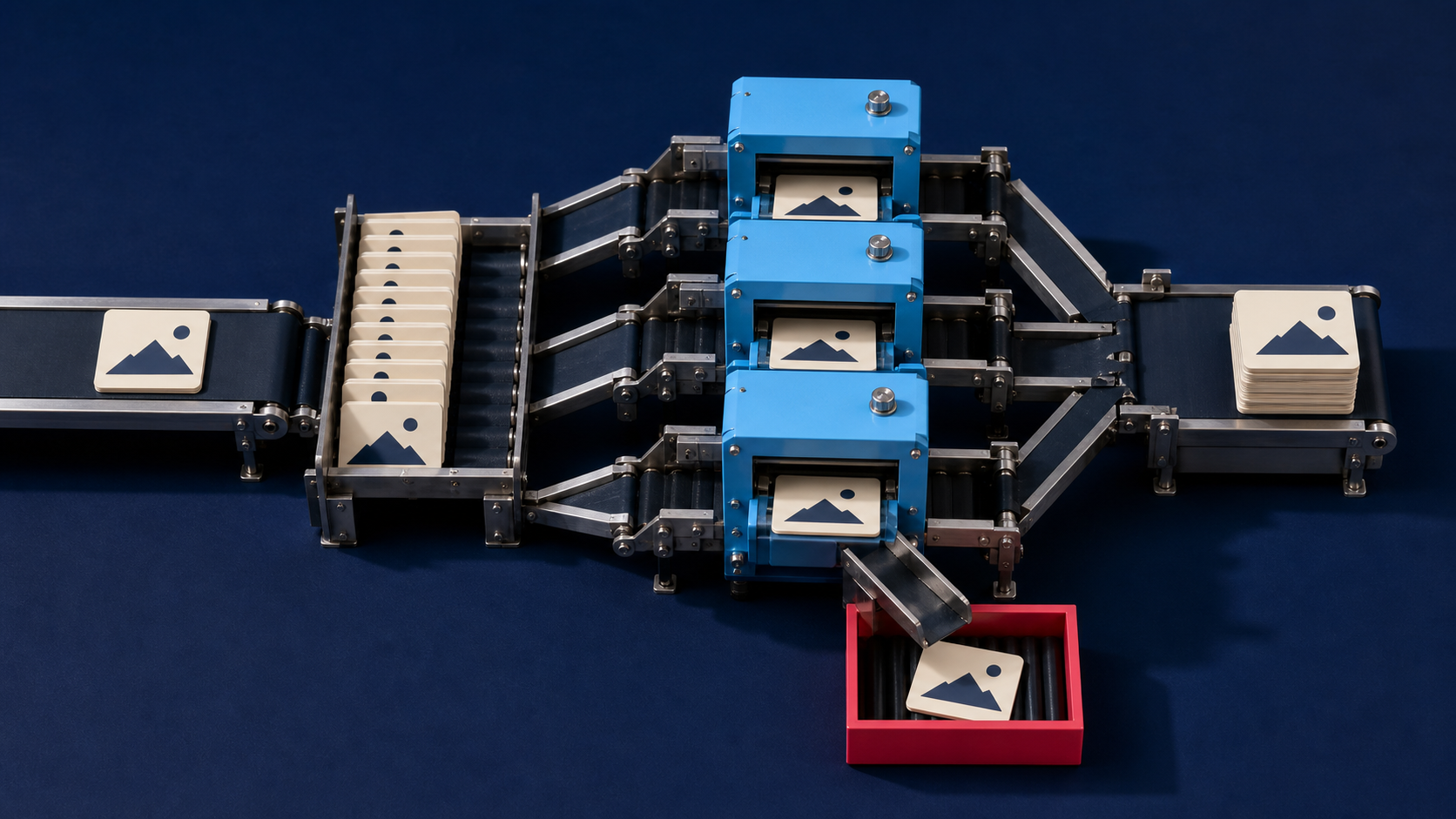
A production image workflow rarely stops at one API request. A marketplace may receive uploads throughout the day, a print service may need large files processed in the background, and an e-commerce team may need to remove backgrounds before publishing a catalog. The challenge is not only choosing an image API. It is building a system that can accept jobs, recover from failures, and deliver results without keeping web requests open for too long.
A serverless AI image processing pipeline uses managed storage, event-driven compute, queues, and image services to process jobs as they arrive. It can work well for variable workloads, but it still needs deliberate choices around retries, timeouts, idempotency, and result storage.
What Makes an Image Pipeline Serverless?
In this context, serverless does not mean that no servers exist. It means the team uses managed services rather than operating a fixed fleet of application servers for each processing step. A new upload triggers an event, a function validates the job, a worker submits it to an image service, and another event records the result.
This approach is useful when traffic is uneven. You may process a few images on a quiet day and a large batch during a catalog import without permanently reserving the same amount of compute capacity. It is not automatically cheaper or simpler, though. Poor retry rules or oversized payloads can still create unnecessary cost and duplicate work.
The Core Components of a Serverless Image Pipeline
The exact services differ by cloud provider, but a dependable design usually has five layers.
- Private upload storage. Store the original image in a restricted location first. Do not make an unvalidated upload publicly accessible by default.
- An event or queue. Put a small job message on a queue instead of passing a large image through several function invocations. The message should contain a job ID, source location, requested operation, and any approved processing settings.
- A worker or orchestration function. This component validates the request, submits it to the selected image API, and records the job state. Keep it short-lived whenever the image service processes work asynchronously.
- A result handler. When processing finishes, a callback, polling worker, or completion event validates the output and moves it to final storage.
- Observability and recovery. Logs, metrics, retry limits, and a dead-letter queue make failed jobs visible instead of letting them disappear inside a generic error response.
Why Queues Matter for Image Processing
Image processing has variable duration. A small JPEG and a high-resolution product image with a complex background do not create the same workload. If every upload calls an image API directly from the customer-facing request, slow processing can turn into timeouts, duplicate submissions, and a poor user experience.
A queue separates the upload from processing. The application can acknowledge that it accepted the job, while workers consume tasks at a controlled rate. Queue-based systems also give the team a defined place to apply backpressure when an external API is rate-limited or temporarily unavailable.
Queue delivery is commonly at least once, not exactly once. That means a worker must be idempotent: processing the same job message twice should not create two chargeable jobs, duplicate database records, or overwrite a completed asset with an older result. Use a stable job ID and persist job state before making an external request.
A Practical Workflow From Upload to Final Asset
1. Accept and validate the upload
Generate a job ID at upload time. Check the file type, file size, dimensions, ownership, and destination policy before enqueueing the work. Store the original image separately from any derived files so the workflow can be rerun without accumulating quality loss from repeated edits.
2. Enqueue a small job message
Send a reference to the stored image rather than embedding a large base64 payload in every event. The worker needs the source location, operation, output requirements, and job ID. Keep credentials and signed asset URLs out of logs and job messages wherever possible.
3. Submit work to the image service
Choose the operation based on the business task, not on a generic "enhance everything" rule. A marketplace may need a clean cutout. A print workflow may need a final resolution check. A catalog workflow may need both, in a defined order.
For example, the Remove Background API can be part of a product-image workflow after the source image has been validated. Use the Deep-Image.ai API documentation to confirm the supported request and result flow before implementing the integration.
4. Record the processing state
Move the job through explicit states such as uploaded, queued, submitted, processing, completed, and failed. This makes support and recovery much easier. A customer support team should be able to identify whether a job failed before submission, at the external provider, or during result delivery.
5. Validate and store the result
Do not treat a returned URL as the end of the workflow. Check that the result exists, matches the expected file type and dimensions, and is stored in the right location. Save the relationship between the original image, the processing job, and the final asset.
Retry and Timeout Design
Retries are necessary for temporary network failures, but retrying every error makes outages worse. Classify failures before choosing a response.
- Retryable failures: network interruptions, temporary server errors, and documented rate-limit responses. Use bounded retries with backoff and jitter.
- Non-retryable failures: invalid file formats, missing inputs, unsupported settings, and failed authorization. Mark the job as failed and return a useful error to the calling system.
- Unknown failures: preserve the error context, stop after a limited number of attempts, and move the job to a dead-letter queue for inspection.
Respect a provider's retry guidance. An HTTP 429 Too Many Requests response can include a Retry-After value, which should take precedence over a generic retry schedule. Avoid assuming that every API publishes the same proprietary rate-limit headers.
Timeouts need the same care. Set the worker timeout long enough to submit and record a job, but do not keep it alive waiting for a long-running remote operation when the provider offers an asynchronous completion path. For queue-triggered workers, align the queue visibility timeout with the worker timeout and retry model so another worker does not pick up a still-running job prematurely.
Common Failure Modes to Design Around
Duplicate processing. A queue can deliver a message more than once. Use idempotency keys and job-state checks before creating another external request.
Poison messages. A corrupted file or invalid configuration can fail forever. Use a dead-letter queue after a limited number of attempts, then inspect or repair the job outside the main processing path.
Large payloads. Passing original image bytes through multiple services can increase latency and make debugging harder. Keep the source in controlled storage and pass references where the selected API supports them.
Untracked results. A successful processing response is not useful if the application never records the final asset. Treat result persistence as a separate, observable step.
Silent quality changes. If a workflow chains background removal, generative editing, and upscaling, record the operation order and settings. This is essential when a team needs to reproduce a result or investigate an unwanted change.
When to Use a Serverless Pipeline
A serverless design is a good fit when image volume is unpredictable, jobs can run asynchronously, and the application benefits from event-driven scaling. It is less suitable when processing requires persistent GPU workloads, a long-running session, or very strict low-latency guarantees that a managed function and queue cannot meet.
Start with one operation and one clear success path. For instance: upload a product image, validate it, remove its background, validate the output, and store the final asset. Add retries, monitoring, and additional transformations only after that narrow workflow is reliable.
Frequently Asked Questions
Should I send base64 images through a queue?
Usually no. Store the original file in controlled object storage and send a compact job message with a reference to it. This keeps events smaller and makes retries easier to manage.
Why does an image worker need idempotency?
Queue and network systems can deliver the same work more than once. Idempotency prevents duplicate external jobs, duplicate charges, and conflicting result records.
When should I use a dead-letter queue?
Use one when jobs can fail repeatedly and need human inspection or a separate repair process. It prevents a permanently failing message from blocking normal processing.
Where does upscaling belong in the workflow?
Upscaling usually belongs after major composition, background, and crop decisions. That avoids enlarging pixels that a later step will replace.
Final Thoughts
A serverless AI image processing pipeline is not a single integration. It is a set of operational choices: how jobs enter the system, how they retry, how results are stored, and how failures become visible. The architecture becomes more reliable when each stage has one responsibility and every job has a traceable state.
If you are adding image enhancement or background processing to an existing workflow, begin with the relevant Deep-Image.ai API documentation, then build the smallest queue-backed flow that can be monitored and recovered safely.
