Can AI-Driven Test Automation Reduce QA Effort by 25% for Visual APIs?
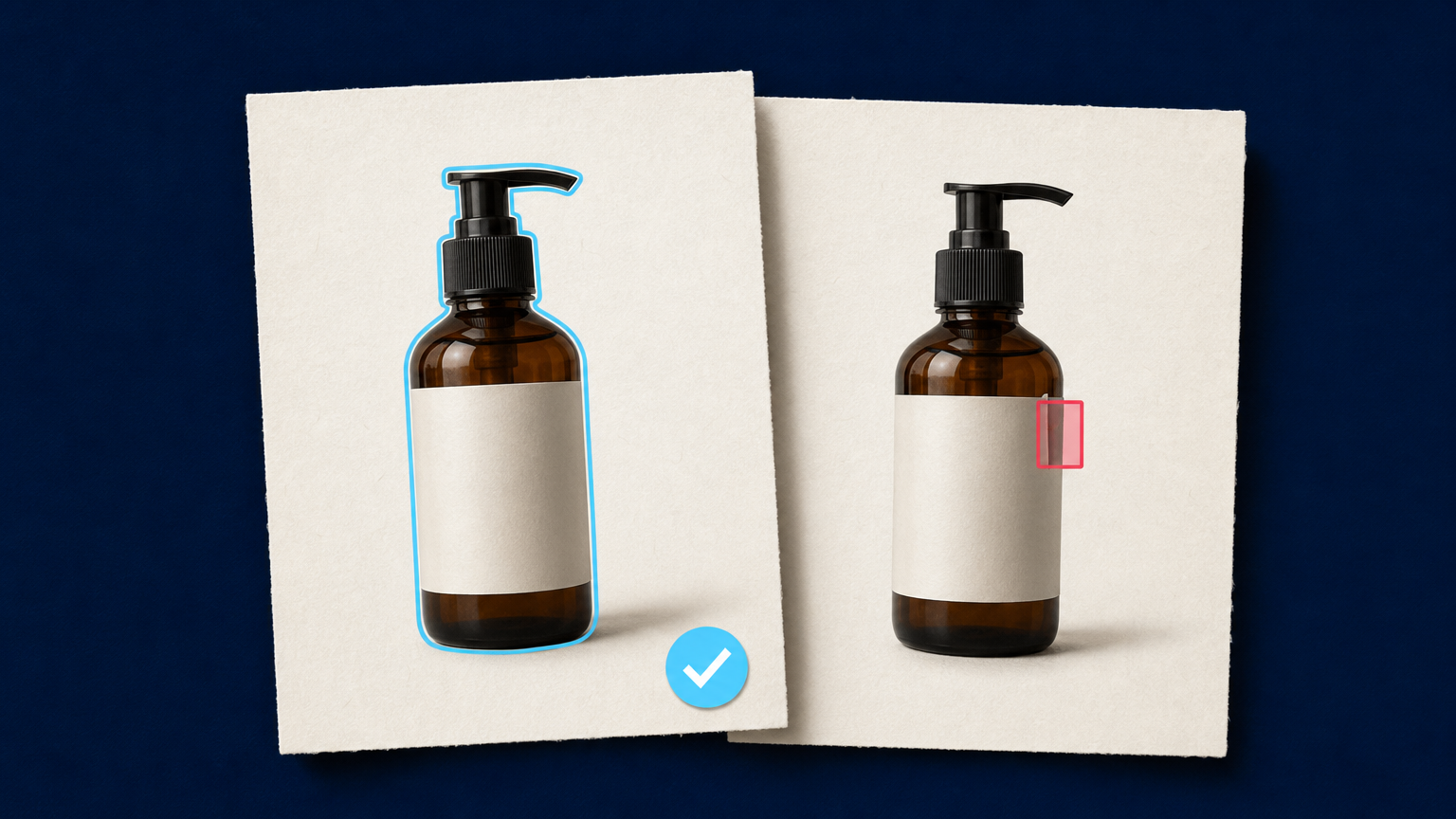
Visual APIs create a QA problem that ordinary response checks do not solve. An image-processing request can return a successful status, save a valid file, and still produce an unusable result: a cropped product label, a damaged transparent edge, a wrong aspect ratio, or an output linked to the wrong source asset.
AI API testing can help teams move faster by turning API descriptions, historical defects, and known image rules into candidate test cases. It can also point to operations, input classes, and workflow transitions that the current suite does not exercise. But a claim such as “25% less QA effort” should be treated as a target to measure in a specific workflow, not as a universal result. The real value comes from reducing repetitive test-design work while keeping quality decisions traceable.
This article is for QA engineers and API developers who test image enhancement, background removal, generation, cropping, or other visual-processing pipelines. It explains where AI-assisted automation is useful, what it cannot verify on its own, and how to introduce it without replacing the evidence your release process needs.
Why visual APIs need more than status-code tests
A conventional API suite can confirm that authentication works, a request is accepted, a job completes, and a result URL is returned. Those checks remain essential. They do not prove that the returned image is appropriate for its purpose.
Visual pipelines have two connected layers of correctness. The operational layer covers request validation, job state, retries, result delivery, and source-to-output association. The visual layer covers requirements such as subject preservation, expected dimensions, transparency, crop safety, readable details, and the absence of visible artifacts. A dependable test strategy needs both.
For example, a background-removal regression test might need to verify that the system accepts a supplied source image, reaches a terminal job state, returns a decodable derivative, preserves the requested canvas, and does not clip a fine product edge. The first four checks may be automated with structured assertions. The last one may require a defined visual comparison or a review queue, depending on the product risk.
What AI API testing can do well
AI-assisted testing is most useful when it works from evidence your team already controls: an API contract, accepted request examples, known workflow states, test fixtures, defect reports, and explicit acceptance criteria. With that context, it can propose work that is otherwise repetitive to author by hand.
Generate candidate tests from a bounded contract
An OpenAPI definition or internal API specification provides a practical starting point. An AI assistant can turn defined endpoints, inputs, error responses, and state transitions into candidate tests for valid requests, missing fields, unsupported formats, malformed references, repeated submissions, and expected failure handling.
The important word is candidate. Generated tests should enter the same code review as any other change. A model can misread an ambiguous description, repeat a weak assertion, or invent a behavior that the API never promised. Keep the contract and the test fixture as the authority, not the generated script.
Suggest boundary cases and coverage gaps
Coverage analysis should start with an inventory of what the pipeline must handle. For a visual API, that may include orientation, extreme aspect ratios, small and large inputs, alpha transparency, reflective materials, fine edges, text-heavy images, asynchronous completion, duplicate events, and expired output retrieval.
AI can compare that inventory with existing test names, request fixtures, route coverage, and prior incidents to suggest missing cases. Tools in this category often present endpoint-level coverage and propose edge cases from an API specification. For example, Total Shift Left describes AI-generated test suites from OpenAPI specifications and coverage-gap detection. Use that kind of output as a prioritization signal, then confirm that the proposed test maps to a real business or technical requirement.
Summarize failures without deciding the release
When a large suite fails, AI can cluster similar errors, summarize logs, and connect a failure to the relevant request, source fixture, or recent change. This can reduce time spent triaging repeated symptoms. It should not become the system that approves a release. The release decision still needs clear test evidence, known ownership, and human judgment for ambiguous visual outcomes.
Build the test suite around a visual API contract
Before introducing an AI assistant, define the contract it is allowed to reason about. This keeps test generation grounded and makes review easier.
- Name the operation. Describe the business purpose, such as
catalog-cutout-v1ordocument-preview-v2, instead of relying on an informal collection of provider parameters. - Freeze the fixture. Store a known source file or controlled source reference with its version and expected purpose. Do not allow a test to drift onto an unknown input.
- Define operational assertions. Specify the accepted request shape, expected state transitions, idempotency behavior, result retrieval rules, and failure categories.
- Define visual assertions. State what can be checked automatically, such as dimensions, file format, alpha presence, safe margins, or similarity thresholds, and which cases require review.
- Record the oracle. Link each assertion to the requirement, acceptance decision, or defect it protects against.
This is the difference between asking AI to “test our image API” and asking it to extend a defined quality system. Research on AI-driven test generation continues to identify grounding, traceability, and reproducibility as open challenges. The practical response is to provide specific inputs and preserve the link between every generated assertion and its source requirement.
Use a layered approach for visual processing pipelines
AI can assist at several layers, but each layer needs a different kind of test and acceptance rule.
Contract and request validation
Test required fields, allowed inputs, authorization behavior, validation messages, and documented response types. These tests are fast, deterministic, and a good place to use AI-generated candidates after review.
Workflow and resilience testing
Test the lifecycle around asynchronous work: a request is submitted once, an internal job record is created, duplicate retries do not create competing operations, callbacks map to the right job, and stale events cannot overwrite a newer source version. Our guide to idempotent image processing APIs explains why this stateful layer matters whenever a timeout leaves the caller unsure whether work was accepted.
Technical output validation
Once a result arrives, assert the properties that software can verify reliably: the file can be decoded, the expected dimensions and format are present, the result belongs to the requested source version, and the output can be stored or delivered through the intended path. For integrations that connect asset systems, the same controls support source-to-derivative lineage in PIM and DAM workflows.
Visual regression and risk-based review
A pixel-level diff is useful only when the expected output is stable enough for one. For a visual transformation that may vary slightly, use carefully chosen thresholds, structural checks, or human review rather than accepting a broad difference score without context.
Build the fixture library around real risks. A simple opaque product may be appropriate for automated regression checks. Glass, jewelry, loose fibers, printed labels, fine text, transparent packaging, and brand-critical objects deserve stricter thresholds or review. The test should compare the output with the same source asset, not with an unrelated “good-looking” example.
Where the 25% QA-effort target can be measured
Do not measure AI test automation by the number of scripts it produces. Measure the work it changes. A team can define a baseline for a fixed release type, then compare it with an AI-assisted workflow over several iterations.
| Measure | Why it matters |
|---|---|
| Time to create or update tests | Shows whether candidate generation reduces repetitive authoring work. |
| Review time per generated test | Prevents apparent savings from being offset by cleanup and debugging. |
| Defects found before release | Shows whether added coverage finds meaningful issues rather than noise. |
| False-positive and flaky-test rate | Reveals whether the suite remains trusted by the people using it. |
| Visual-review exception rate | Shows which input classes still need stronger rules or human inspection. |
If a team aims for a 25% reduction, define the denominator first. It could be manual test-authoring hours for a fixed API release, time spent preparing a regression suite, or the total QA cycle time for a controlled product area. Do not combine them into one headline number. A lower authoring time is useful only if review quality, defect detection, and release confidence remain intact.
Keep AI-generated tests under change control
The safest operating model treats AI as a contributor to the test backlog, not an autonomous authority. Generated tests need reproducible inputs, version control, code review, and a clear owner.
- Provide the approved API contract, fixture references, and acceptance criteria as context.
- Require every generated test to name the behavior it is checking and the expected result.
- Reject assertions based on undocumented implementation details or invented error messages.
- Run generated tests against controlled environments before they reach a release gate.
- Tag tests that originated from AI assistance so the team can monitor maintenance cost and value over time.
- Keep test data free of production secrets, customer images, or sensitive identifiers unless the environment and policy explicitly allow it.
This control is especially important for image workflows because “looks plausible” is not a test oracle. A generated assertion that merely checks for a non-empty file can pass while the actual visual requirement fails.
How Deep-Image.ai fits into a testable image workflow
For a Deep-Image.ai integration, start with the documented API behavior for the processing path you plan to test. The Deep-Image.ai API documentation is the source for supported request patterns and integration details. Keep those provider-specific details behind a small adapter or test helper, then expose your application-level image profiles to the rest of the suite.
For a product-cutout workflow, test the full path from source fixture to accepted derivative: request creation, job handling, result retrieval, metadata checks, storage, and any review handoff. The Remove Background API use case can help teams identify the documented integration pattern, while the browser-based Remove Background tool is useful for manually inspecting a representative image before automating a new acceptance rule.
Keep automated testing and content approval distinct. A completed API job or a passing technical test can promote a candidate to the next workflow state. It should not silently declare a high-risk visual asset approved.
FAQ
Can AI generate API tests from an OpenAPI specification?
It can generate candidate tests from documented endpoints, schemas, examples, and error cases. Review the result against the actual contract and business rules before adding it to a release gate.
Can AI identify coverage gaps for a visual API?
It can compare the available contract, fixtures, test inventory, and defect history to suggest untested inputs or states. It cannot know that a gap matters unless the system's quality requirements are defined clearly.
Can visual QA be fully automated?
Some checks can be automated reliably, including file integrity, dimensions, format, alpha presence, and certain stable regressions. Complex visual requirements often need risk-based thresholds, source comparisons, or human review.
What is a useful first AI API testing project?
Choose one stable API operation with a clear contract and a small fixture set. Measure test-authoring time, review effort, flakiness, and defects found before expanding to more complex visual transformations.
Does more test coverage always mean better QA?
No. Coverage is a signal, not proof. A valuable suite checks important behavior with meaningful assertions and remains maintainable enough that engineers trust its results.
Use AI to expand evidence, not to replace it
AI-driven test automation can reduce repetitive QA work when it turns known requirements into reviewable test candidates and highlights gaps in a visible pipeline. The strongest implementations remain disciplined: a clear contract, versioned fixtures, layered checks, explicit visual acceptance rules, and measurement that separates real savings from hidden cleanup work.
Start with one operation and one quality risk that your team already understands. Use the Deep-Image.ai API documentation to ground the integration details, establish a baseline for test effort and release defects, and expand only when the new tests add evidence your existing suite did not provide.
