ChatGPT Images 2.5 Explained: What Better Reference-Photo Editing Means for Everyday Creators
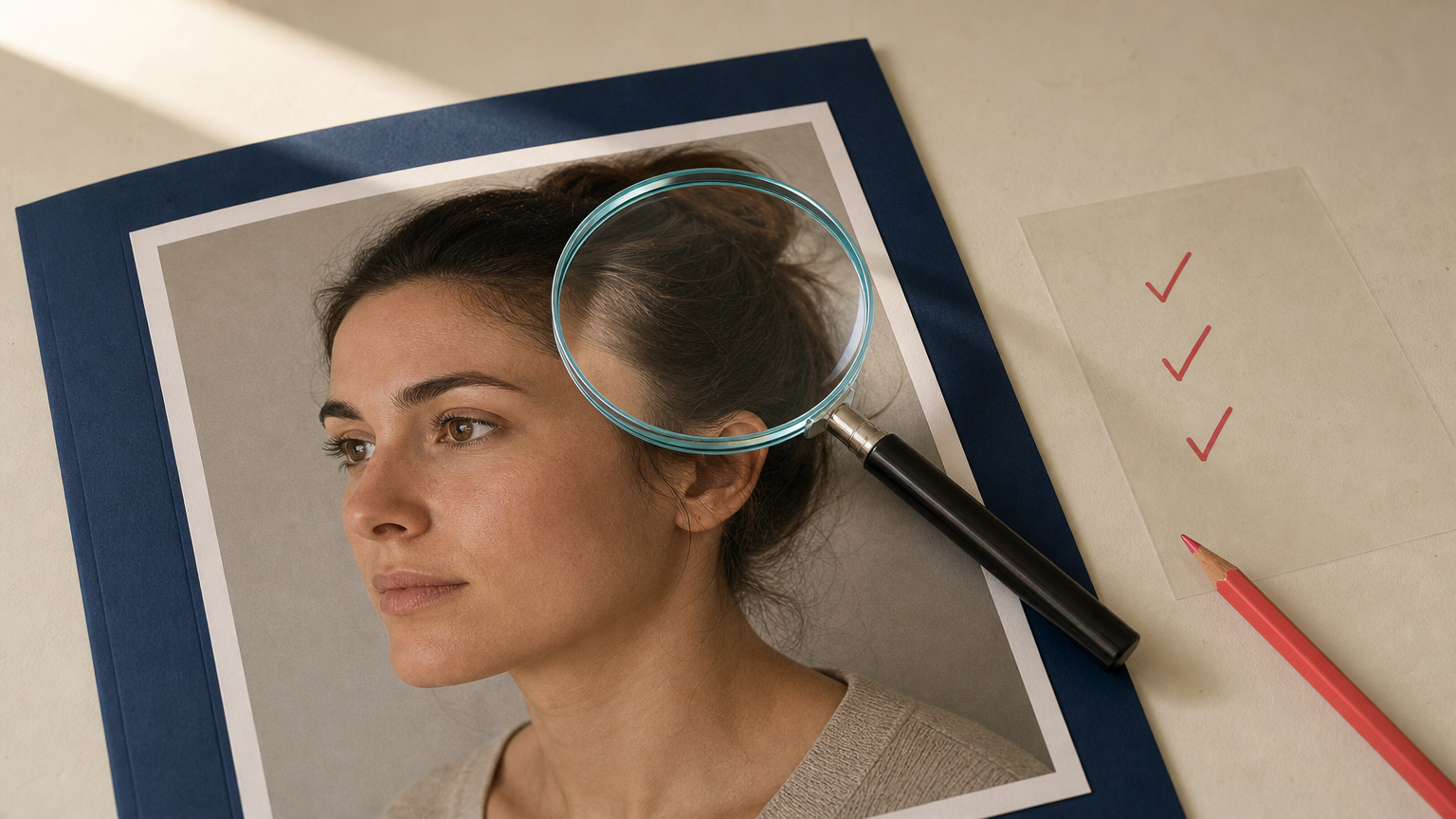
You have a product photo, a favorite portrait, or a brand image that already feels right. You want to change one thing, such as the background, outfit color, or lighting, without losing the details that made the original useful. That is the promise behind ChatGPT Images 2.5 reference photo editing: OpenAI says its September 8, 2026 release is better at keeping subjects recognizable from reference photos, making focused changes, and maintaining earlier edits across a longer conversation.
For everyday creators, the important word is not “better.” It is checkable. A convincing variation can still change a logo, facial feature, product edge, or factual detail. Use reference-led editing to explore and create, then review the result as a new image, not as automatic proof that every detail stayed accurate.
What ChatGPT Images 2.5 says it improves
In its announcement, OpenAI says Images 2.5 improves reference-photo fidelity, more precise editing, and consistency across multiple turns. In simple terms, this can make a workflow like “use this portrait, change the jacket, then adjust the setting” feel less like starting over at every step.
That can be useful when the reference contains something you want to carry forward:
- A portrait: recognizable facial features, hairstyle, pose, and overall mood.
- A product: the silhouette, material, color, label, and included parts.
- A brand visual: composition, palette, styling, and the hierarchy of important elements.
It does not turn a generated variation into an unedited photograph. A model can preserve the overall identity of a subject while still changing small details that matter in a sales page, a headshot, or an editorial image.
Use one focused change at a time
Reference-photo editing is easiest to review when each request has a narrow job. Do not ask for a new room, a new outfit, a different camera angle, and a new expression all at once if the original likeness or product details matter. A smaller request makes it easier to spot what changed outside the intended area.
Start with a prompt that states what must remain, names one change, and rules out the most harmful drift.
A prompt for a portrait background change
Use this portrait as the reference. Preserve the person's identity, facial proportions, hairstyle, expression, pose, clothing, and camera angle. Replace only the background with a softly lit indoor studio in warm neutral colors. Do not add accessories, change skin texture, alter facial features, or add text.This is a suggested prompt, not evidence of a tested result. Review the final image closely, especially around the eyes, teeth, hairline, jewelry, and garment edges.
A prompt for a product scene variation
Use this product photo as the reference. Preserve the product's exact shape, proportions, color, material, label, logo, controls, and all included parts. Place it on a pale stone surface with soft window light. Change only the environment. Do not alter the product, add accessories, or create readable text.For commerce, a polished result is not enough. If a reflection, seam, label, or included accessory differs from the source, treat the variation as a creative mockup until it has been checked against the real product.
How to review a reference-based AI edit before publishing
OpenAI says Images 2.5 is better at focused edits and multi-turn consistency. That can reduce obvious drift, but it does not remove the need for a human decision. Compare the result with the original reference at normal size and close up.
- Check the invariant first. Look at the thing that must remain true: identity for a portrait, product geometry for a packshot, or composition for a branded visual.
- Inspect the boundary of the requested edit. Look for altered hair, fingers, reflections, shadows, background spill, or an object that seems pasted into the scene.
- Read every visible word. Do not publish generated packaging, signage, labels, or poster text without checking it character by character.
- Compare against the original, not just the previous version. Small changes can accumulate after several edits. The original reference remains the reliable baseline.
- Decide what the image is for. A playful social post can tolerate more interpretation than a product listing, a news image, or a professional headshot.
For a broader workflow on keeping changes bounded, see our guide to iterative AI image workflows. Its central rule applies across tools: preserve a trusted source, make one controlled change, and compare every important version back to the original.
Multi-turn editing is useful, but version drift still matters
A multi-turn edit means you refine an image through a series of follow-up instructions. The appeal is obvious: you can improve a near-final image instead of restarting from a blank prompt. OpenAI says Images 2.5 is more reliable at retaining prior changes across these revisions.
Still, each new edit creates a new derivative. If you begin with a real product photo and then ask for several changes, the final result may look internally consistent while no longer matching the physical item. Keep a copy of the original and save useful checkpoints rather than treating the latest image as the only source of truth.
A practical stopping rule helps: once a result meets the brief, stop making cosmetic changes unless you can name the problem you are fixing. Extra iterations create more opportunities for a minor detail to drift.
What provenance signals can and cannot tell you
OpenAI says it continues to include C2PA metadata and invisible watermarking in images made with its tools. These are provenance signals that can help identify an image as AI-generated or connect it with information about its origin.
They are useful, but they are not a visual fact-checker. A provenance signal does not prove that every visible claim is true, that a product is accurately represented, or that an image has not been misunderstood in context. Metadata can also be affected by how an image is exported, edited, or distributed.
For a more detailed explanation, read our guide to C2PA Content Credentials. The practical takeaway is simple: use provenance information as one part of responsible publishing, alongside source comparison and clear labeling when the image is interpretive.
When reference-based editing is a good fit
Reference-led editing is most useful when you want a controlled variation, not a document of an event. It can be a good fit for a concept visual, a social asset, a mood exploration, an early campaign idea, or a personal creative project where viewers understand that the result is generated.
Be more cautious when the image must accurately describe a person, product, location, or real-world event. In those cases, a reference can guide the creation, but it should not replace a factual photo or a careful approval process.
If you want to apply the same reference-first mindset in another editing workflow, Prompt Based Edit lets you upload photos and describe an edit in plain language. Start from a copy of your source, make one change, and compare the output with the original before sharing it.
A better edit is still a new image
ChatGPT Images 2.5 is a meaningful update for creators who want reference-based AI edits to hold onto more of what makes an image recognizable. The practical benefit is not permission to trust an output blindly. It is a better starting point for a careful creative process.
Keep the reference file, write focused instructions, inspect the details that carry meaning, and describe the result honestly when it becomes more than a minor correction. That approach helps you get the creative value of AI editing without mistaking a plausible variation for a fully verified photograph.
FAQ
Does ChatGPT Images 2.5 preserve every detail from a reference photo?
No. OpenAI says the model is better at preserving subjects and making focused edits, but generated results still need review. Check the details that matter for the image's intended use.
Can I use a generated product variation in an online store?
Only after comparing it with the real product. Inspect shape, color, material, labels, included parts, and any visible claims. A generated lifestyle scene may be useful creatively, but it should not misrepresent what a customer receives.
What is the safest way to make several AI edits to one image?
Save the original, make one focused change at a time, preserve approved checkpoints, and compare later versions with the original reference rather than only the immediately previous output.
Do C2PA metadata and invisible watermarks prove an image is true?
No. They can support provenance and help identify AI-generated content, but they do not verify every visible claim or guarantee that an image accurately represents a real person, product, or event.
