Multimodal and Video Visual Search: A Practical SEO Guide
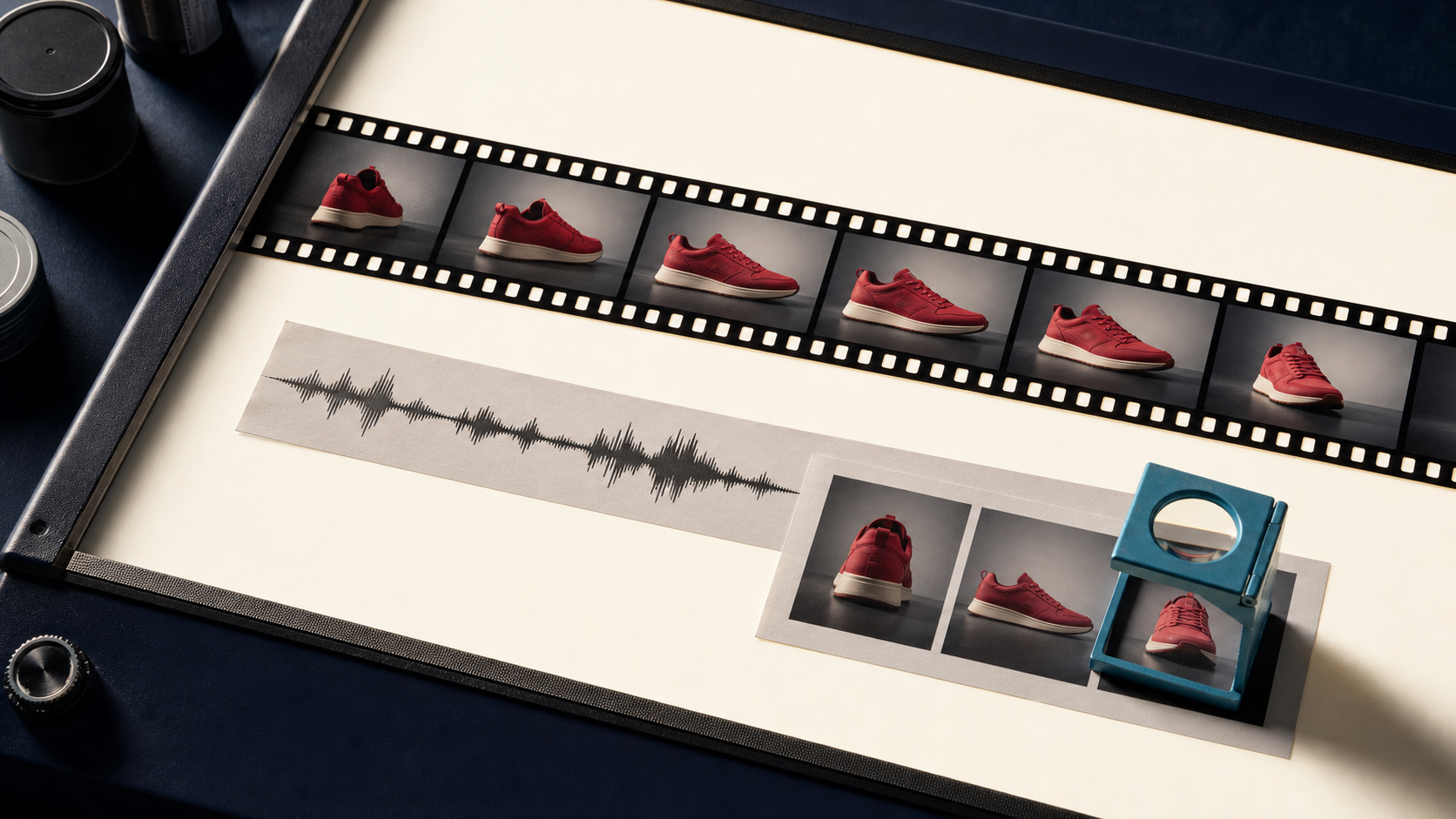
Visual discovery no longer stops at a single product photograph. Search systems can encounter a video watch page, its thumbnail, transcript, structured data, spoken words, and individual frames. For publishers and commerce teams, the practical SEO task is not to guess how a model interprets every signal. It is to make the video easy to find, fetch, understand, and evaluate.
That starts with the same fundamentals as image SEO: a clear subject, an accessible asset, useful surrounding text, and a page built around the media. Video adds timing, multiple frames, audio, and a separate set of technical discovery requirements.
What “multimodal” changes in practice
A still image offers one composition. A video offers a sequence in which the product may enter late, appear briefly, change scale, or disappear behind graphics. The soundtrack may name the model and feature while the visible frame shows only a detail. A transcript, caption file, title, and product data can make those relationships explicit.
This does not mean adding every possible keyword to every field. It means aligning the signals around a real topic. If the page is about restoring an old portrait, the thumbnail, opening frames, narration, title, description, and page copy should all support that subject. The representation principles discussed in Self-Supervised Learning for Image APIs explain why visual similarity and semantic usefulness are related but not identical.
Build a watch page that search engines can index
Google's video SEO guidance recommends a dedicated watch page whose main purpose is showing one video. The page should be indexable, and the embedded video should be prominent when the page loads. A product listing page with a tiny video far below the fold is a weak watch page even if the file itself is excellent.
Give each important video a stable page URL. Place a descriptive heading and concise supporting copy near the player. The copy should identify the subject, the task being demonstrated, and any important result that is visible in the video. Avoid publishing the same video across several near-identical pages unless each page serves a distinct intent.
Search engines also need access to the actual video bytes. Do not block the streaming URL in robots rules, and keep it stable. Google documents the file URL through the contentUrl property in VideoObject structured data or the corresponding entry in a video sitemap.
Treat the thumbnail as a retrieval asset
A valid thumbnail is required for video features, and it often determines whether a result is understood at a glance. Choose a frame with one dominant subject, clean contrast, and enough context to distinguish the task. A close crop of texture may be visually attractive but poor at explaining that the video demonstrates background removal or product enhancement.
Do not depend on a random auto-generated frame. Supply the preferred thumbnail with structured data, a video sitemap, or the player's poster attribute. Use a stable, crawlable image URL and avoid placing critical information only in small text. The same composition discipline used for product photography applies here: subject clarity beats decoration.
For tutorials, select a frame that shows the state viewers came to learn about. For a before-and-after process, the transformation must be legible at thumbnail size. For a product demonstration, use the actual product rather than a generic play button or abstract “AI” graphic.
Make key moments explicit
Long videos benefit from navigable moments. Google supports Clip structured data for manually defined segments and SeekToAction when the page can generate deep links from timestamps. Human-written chapters remain valuable because they identify the sections that actually answer user questions.
Use specific moment names such as “prepare the source image,” “inspect the edge mask,” and “export the transparent PNG.” Generic labels such as “step one” provide little context outside the player. Ensure each timestamp points to a URL that opens the video at the correct moment.
Coordinate frames, speech, and page copy
A transcript gives spoken information a crawlable form and improves accessibility. Captions should describe the actual dialogue, while surrounding copy can summarize the process and link to related resources. If an important product name is spoken but never shown or written, add it naturally to the page description. If a feature is visible but not discussed, explain it in nearby copy.
Do not burn large blocks of promotional text into the video and expect them to replace HTML. On-screen text can be missed, cropped, or unreadable on small devices. Keep essential facts in the page title, description, transcript, and structured data.
Visual consistency across product pages also helps users recognize related assets. The discussion of Pinterest's visual retrieval system in Pinterest Visual Search and Image SEO is a useful reminder that retrieval quality depends on both visual content and the systems that organize it.
Prepare the media files for crawling and playback
A video that buffers heavily or hides behind an interaction is harder for people and crawlers to use. Encode common web formats, provide responsive playback, and reserve space for the player to avoid layout shifts. Keep the thumbnail lightweight enough to load quickly without destroying detail.
For derived stills, generate from the source video or master frames rather than screenshots of the web player. Use predictable filenames and retain the relationship between the video, thumbnail, and extracted keyframes. A real-time image optimization pipeline can prepare those derivatives while preserving a stable canonical asset.
Measure discovery instead of chasing a label
Use Search Console's video indexing report to find watch pages where a video was not indexed. Validate VideoObject markup with the rich results tools, then monitor the Videos search appearance in the performance report. These checks reveal technical blockers that a visual redesign cannot solve.
Track thumbnail click-through rate, watch-page engagement, and completion alongside search impressions. A clear thumbnail may increase visits while an inaccurate one produces quick exits. The strongest result is not merely an indexed video. It is a page whose visual promise matches the content viewers receive.
Multimodal optimization is therefore an asset-coordination problem. A stable watch page, fetchable video, strong thumbnail, accurate transcript, useful chapters, and consistent product context give search systems concrete signals to work with. They also make the experience better for the person who finds it.
