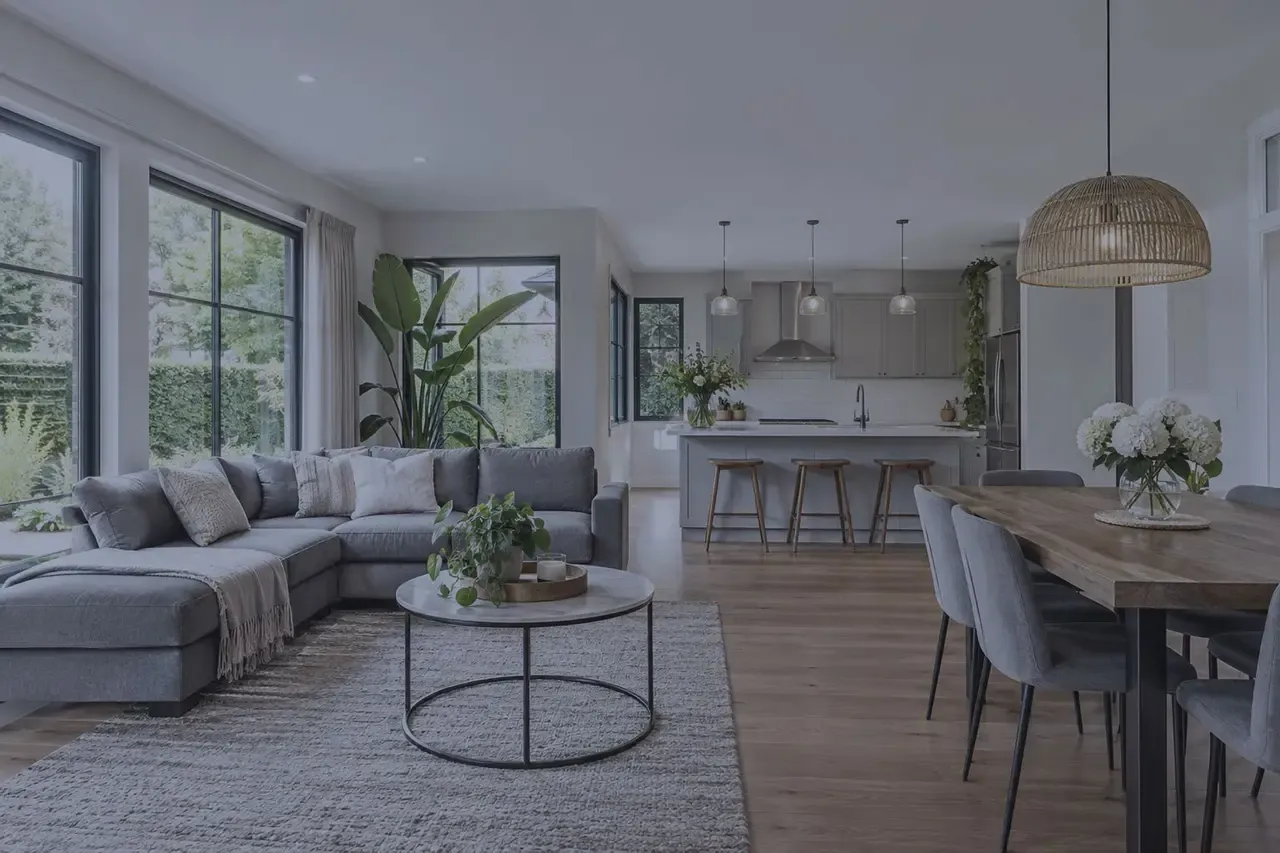
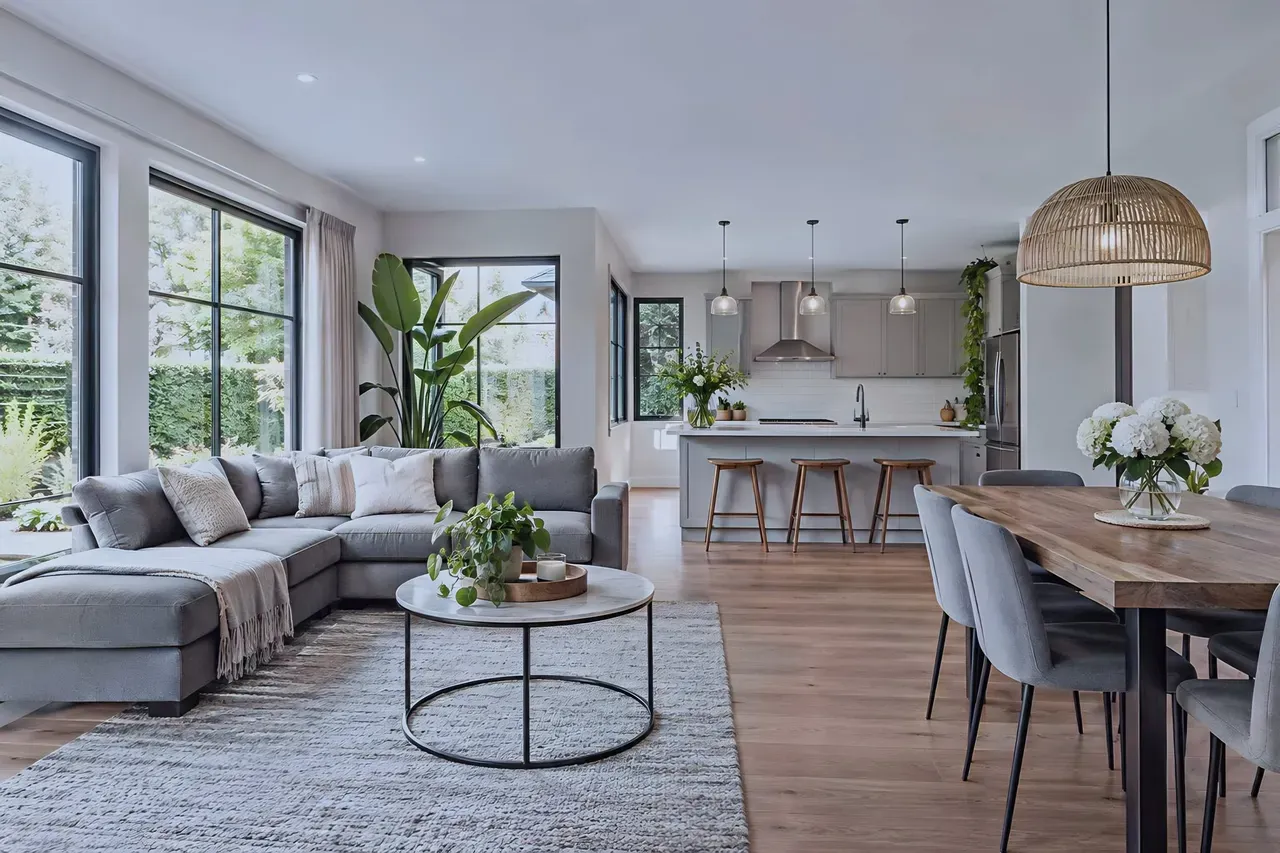
BeforeAfterDim, grey-blue photo of an open-plan living room with a dining table and a kitchen islandThe same living room with more light and contrast, cleaner and warmer after AI enhancement
Fixed automatically
  • Light
  • Color
  • White balance
  • Denoise
Real result · one request, nothing retouched by hand

For agents, photographers & property marketers

AI real estate photo editing and virtual staging

Interiors shot on a cloudy day look flat and grey, empty rooms look small. Fix light, color and noise across every listing photo automatically, stage empty rooms and show buyers what a renovation could look like.

  • Light, color, white balance and noise fixed in one step.
  • Virtual staging and interior redesign from one photo.
  • 10 free credits when you sign up.
Experience

since2019

Building image enhancement models.

Batch

50photos

A whole listing in one upload.

Staging

1photo

Is all virtual staging needs.

Your data

NoAI training

We don't use your images to train AI models.

Listing photos that sell the property

Professional-looking property photos without reshoots, retouchers or furniture rental.

Bright, natural interiors in one click

Correct exposure, color and white balance, remove noise from low-light shots and sharpen detail, so every room looks as bright and spacious as it does in person.

  • Exposure, contrast and white balance
  • Denoise for dim interiors
  • The same look across the whole listing
Open Auto Enhance
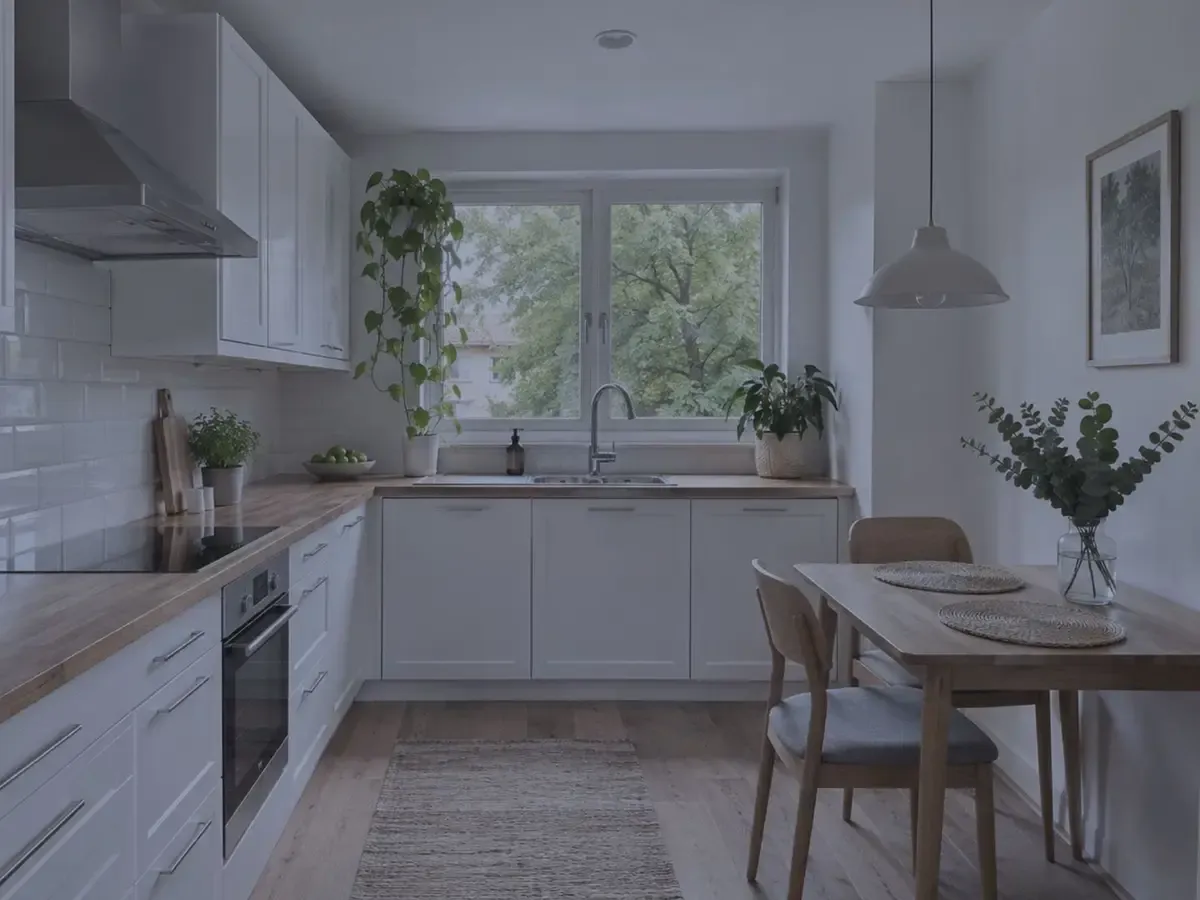
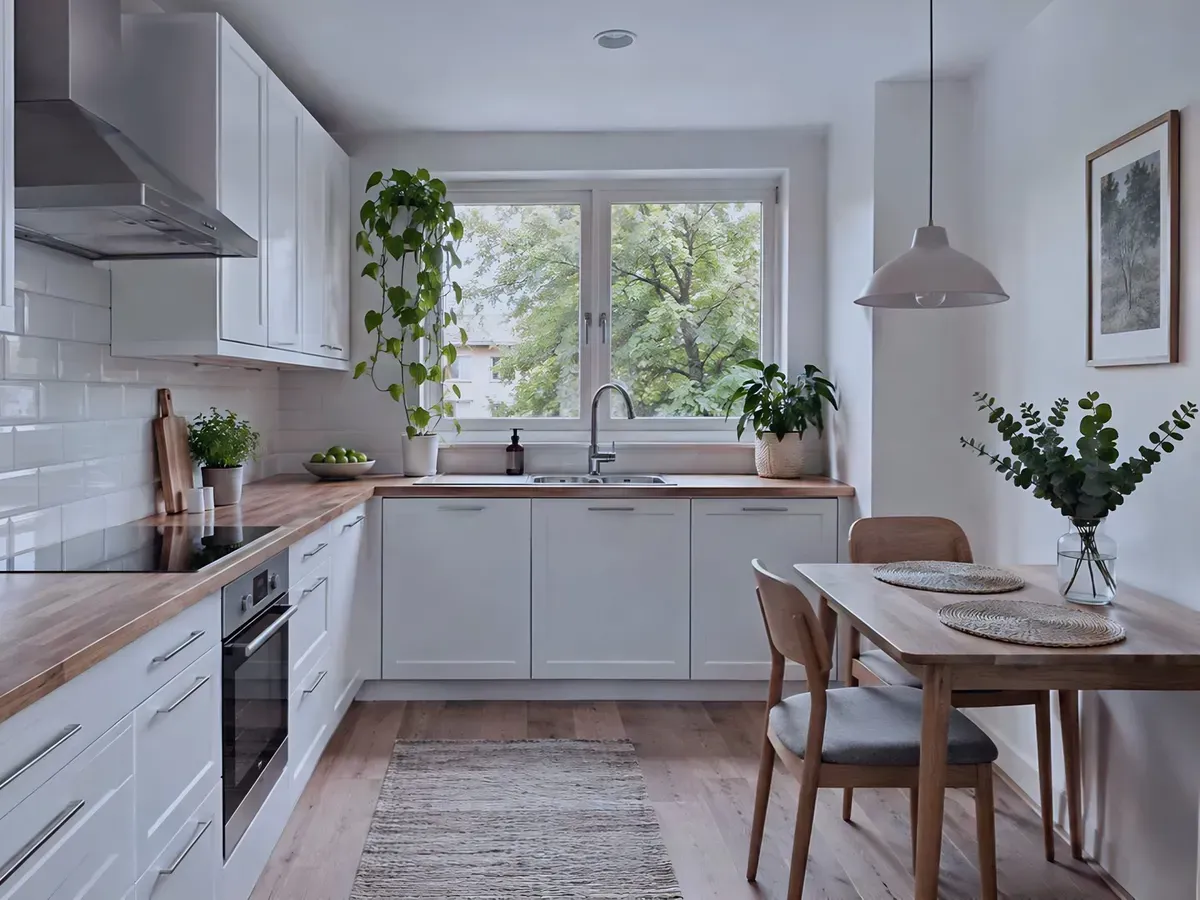
BeforeAfterDim, grey-blue phone photo of a small white kitchen on an overcast dayThe same kitchen, brighter with more contrast and warmer wood
Real result · light, color, white balance and denoise in one request

Virtual staging for empty rooms

Buyers struggle to judge an empty room. Draw an area on the photo, describe the furniture you want and show how the space can be used, without moving a single chair.

  • Add or remove furniture in the area you draw
  • Describe the style and pieces you want
  • Generate again for another variant
Try Virtual Staging AI

Redesign interiors and exteriors

Show a renovation before it happens: a new style, colors and furniture inside, a new look for the outside. Turn a room sketch into a realistic interior to present an idea.

  • Describe the style, colors and furniture
  • Interior and exterior photos
  • Sketch to realistic interior
Open Real Estate Designer

Remove clutter and widen the shot

Brush over a bin, a cable or a car and replace it with what should be there. Extend a tight photo to a wider frame or the aspect ratio a property portal asks for.

  • Remove objects with inpainting
  • Uncrop to a wider frame
  • Upscale for large screens and brochures
Remove objects

Ready listing photos in three steps

In the browser for one property, through the API for a whole portal or agency.

  1. Upload the property photos

    Phone or camera shots, JPG, PNG, HEIC and more, up to 50 at a time.

  2. Enhance, stage or redesign

    Fix light and color for every photo, then stage the empty rooms or show a renovation idea.

  3. Publish the listing

    Download the photos for your portal, brochure or social media.

Tools for real estate

Pay per image, start for free

From $0.04 / €0.04 per image

10 free credits when you sign up. Then credits from a subscription or a one-time package. We don't use your images to train AI models.

See full pricing

Large volumes or your own integration?

Automate the whole workflow with the REST API, or talk to us about volume pricing, a test on your own images and a workflow we set up for you.

Frequently asked questions

How does AI improve real estate photos?

It corrects exposure, contrast and white balance, removes noise from dim interiors and sharpens detail automatically. Rooms look brighter and more spacious, and every photo in the listing gets the same consistent look.

What is virtual staging?

Virtual staging adds furniture and decor to a photo of an empty room with AI. It helps buyers picture how the space can be used without renting and moving real furniture. Mark staged photos as such in your listing where the portal or local rules ask for it.

Can I edit a whole listing at once?

Yes. Upload up to 50 photos at once in AI Enhancer PRO and apply the same settings to all of them, or process photos automatically on your portal through the REST API.

Can AI remove objects from property photos?

Yes. With AI Inpainting you brush over the object, such as a bin, a cable or a parked car, and the area is filled with what should be behind it.

Can I show a renovation before it is done?

Yes. Real Estate Designer creates new interior styles and exterior concepts from one photo, and AI Drawing to Image turns a room sketch into a realistic interior. Present them as visualizations, not as the current state of the property.

How much does it cost?

New accounts get 10 free credits to test. After that you pay per processed image with credits from a subscription or a one-time package; agencies and portals can ask for volume pricing.

Do you use my property photos to train AI models?

No. We don't use your images to train AI models.

Ready to make your listings stand out?

Enhance your first property photos for free, or talk to us about automating photos for your agency or portal.